What Is a vCard (.vcf File), and What Are the Benefits?
Instead of laboriously typing out contact details, you transfer them in seconds with a vCard. How the vcf format works and why it pairs perfectly with the digital business card.
Udgivet den 18. november 2024 · 1 min. læsning
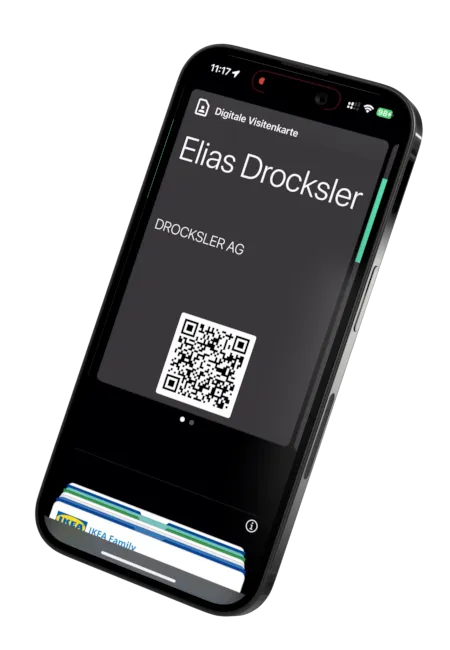
Instead of laboriously typing out the contents of a paper business card, there is an elegant digital alternative: the vCard. With this electronic business card, contact information is exchanged directly between devices and saved with a single click.
What Is a vCard?
A vCard (file extension .vcf) is a standardized file format for contact data. It holds name,
phone number, email, address, website and more, structured so that every smartphone and every
address book can read it instantly. The vCard is essentially the “language” in which contacts
are exchanged between devices.
The Benefits at a Glance
No More Typing
The recipient saves your complete contact details with a single tap, error-free and in seconds. No manual transcription, no typos.
Cross-Platform
The vcf format is universal: it works on iOS, Android and the desktop, and it can also be imported directly into CRM systems.
Always Up to Date Thanks to the Update Link
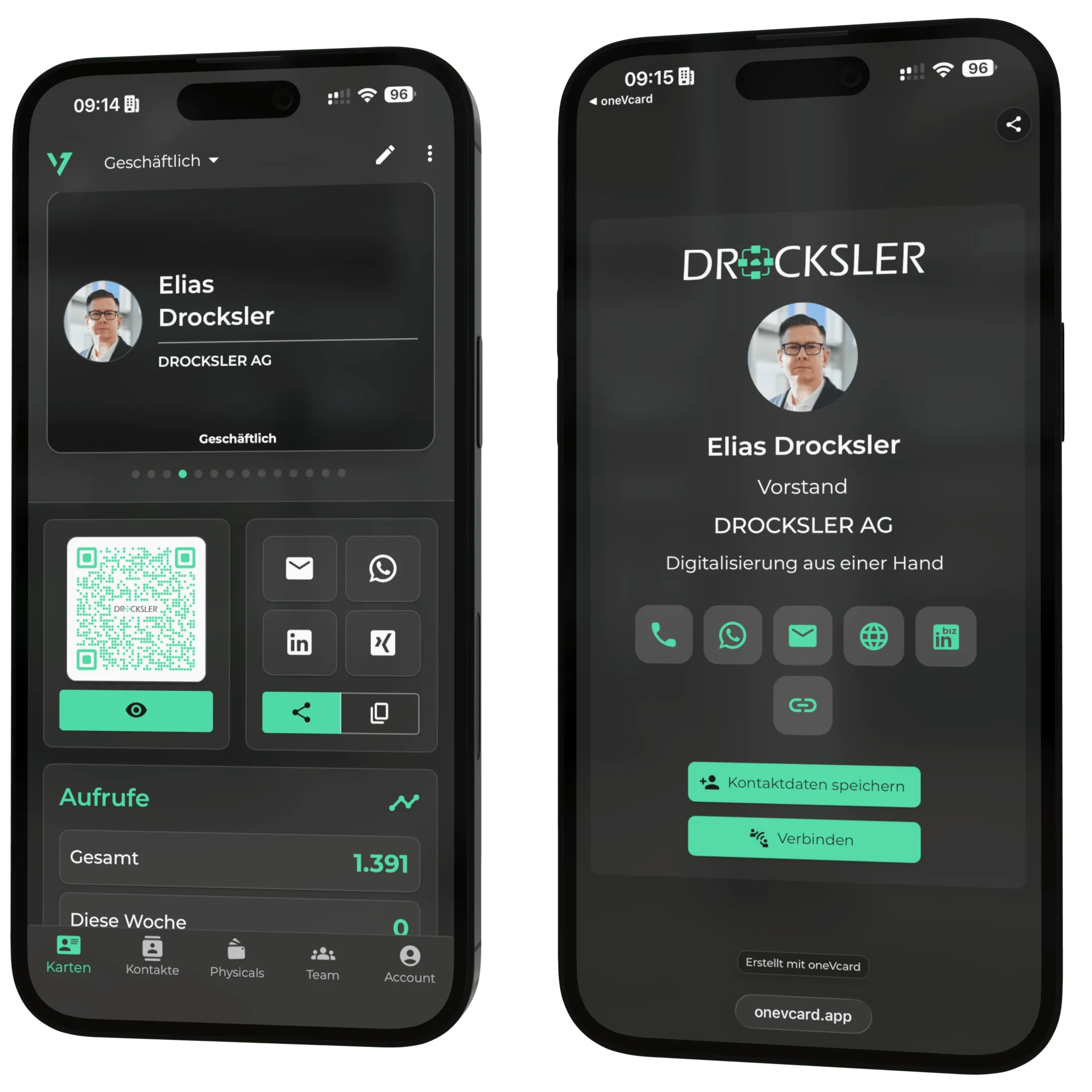
A static vCard goes out of date as soon as your details change. That is why oneVcard places an update link in the file: when your contact details change, the recipient loads the latest version straight from the server, a decisive advantage over a plain .vcf file.
vCard and Digital Business Card, the Perfect Combination
Your oneVcard business card can be downloaded and shared as a vCard at any time. You transfer the data via QR code, NFC or link, and the recipient saves it as a contact, with no app and no effort. This is how you combine the reach of the digital business card with the universal compatibility of the vCard standard.