Create a professional round profile picture for LinkedIn for free
Round profile pictures with a colored background are trending on LinkedIn and XING. Here is how to create your own for free for your digital business card and social media.
Publié le 5 décembre 2021 · 1 min de lecture

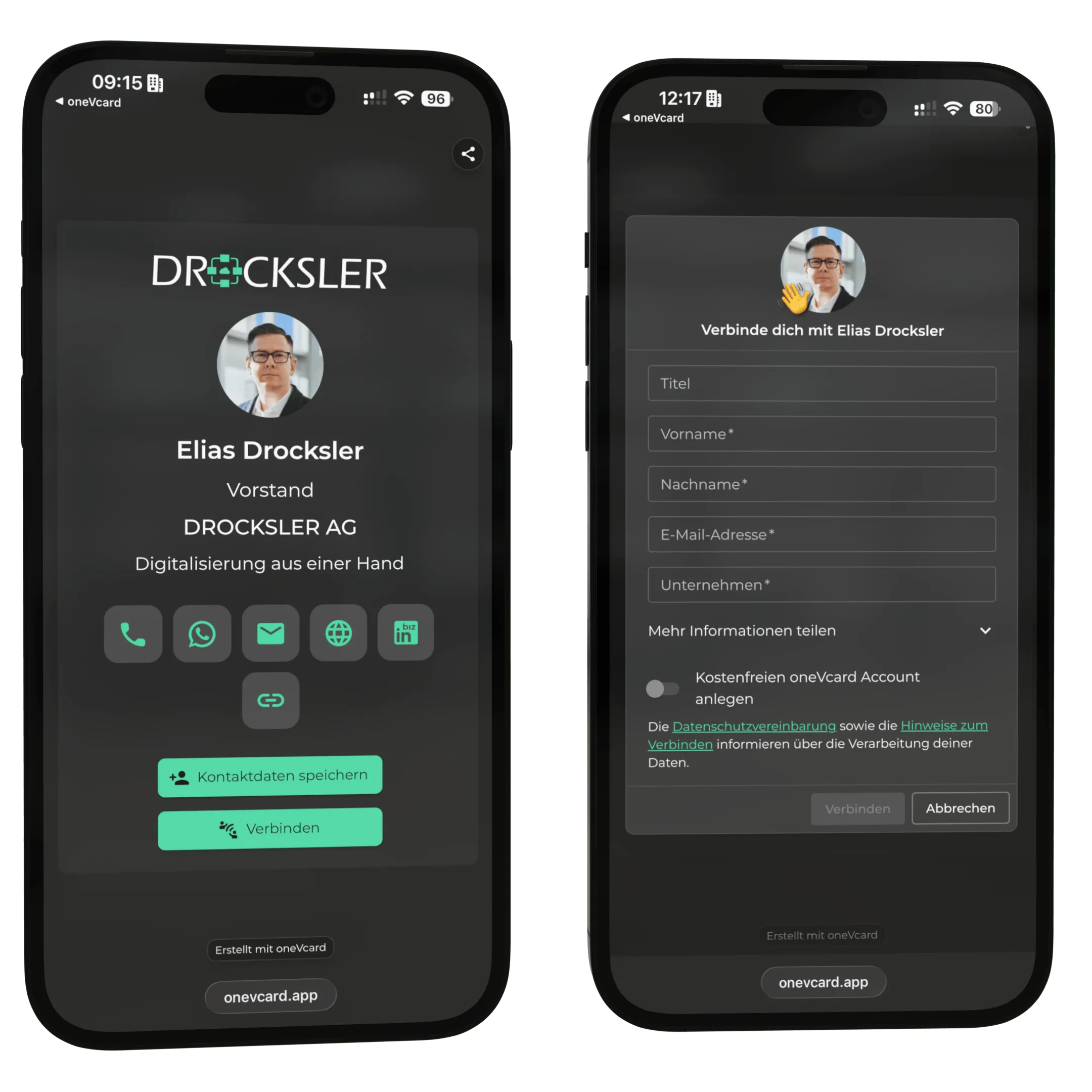
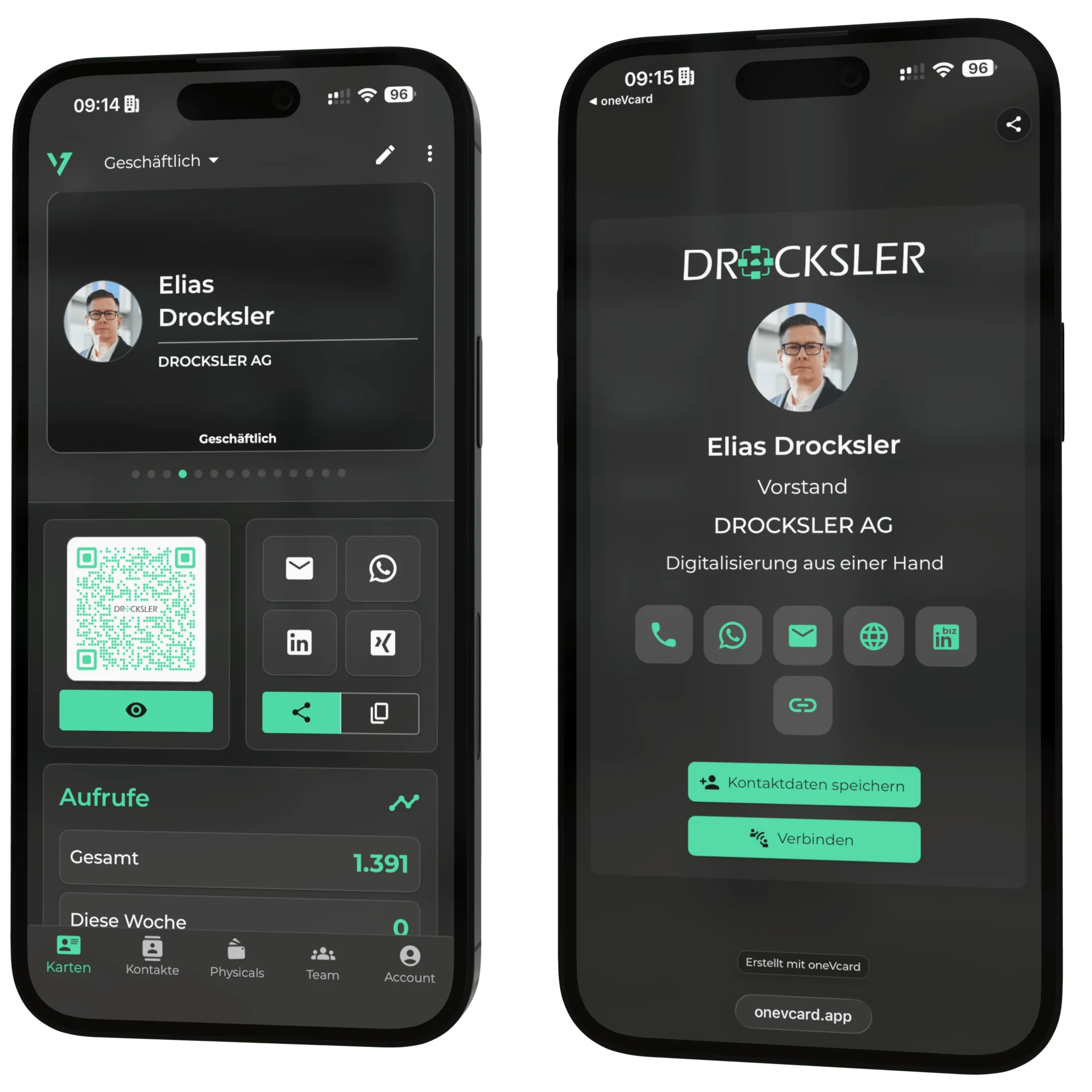
More and more often, you see round profile pictures with a colored background on LinkedIn and XING, usually in the matching colors of the company. But how does that work? In this post, we show you how to create such an image very easily for your digital business card and your social media profiles.
Step 1: Prepare your photo
Pick a suitable photo of yourself. Then go to remove.bg and upload your photo. There it is automatically cut out and the background is removed. The 500px download is usually enough. If you want the full resolution, simply set up an account.
Step 2: Create a design in Canva
Set up an account with Canva. There, click on “Custom size”, enter 500 x 500 px, and choose “Create new design”.
Step 3: Choose a background color
Click on the white area and then on the color picker in the top left. Enter your color code or choose a suitable color.
Step 4: Add a round frame
Switch to “Elements” on the left and select the round frame. Position it to fill the prepared area completely.
Step 5: Insert your photo and download
Switch to “Uploads” and upload the photo you prepared with remove.bg. Drag it onto the frame. Finally, click “Download” in the top right.
Done
Now you can use your new profile picture on your digital business card, on LinkedIn, XING, and everywhere else.
Do not have a digital business card yet? Create one for free now and try the Premium features for 14 days, with no obligation.