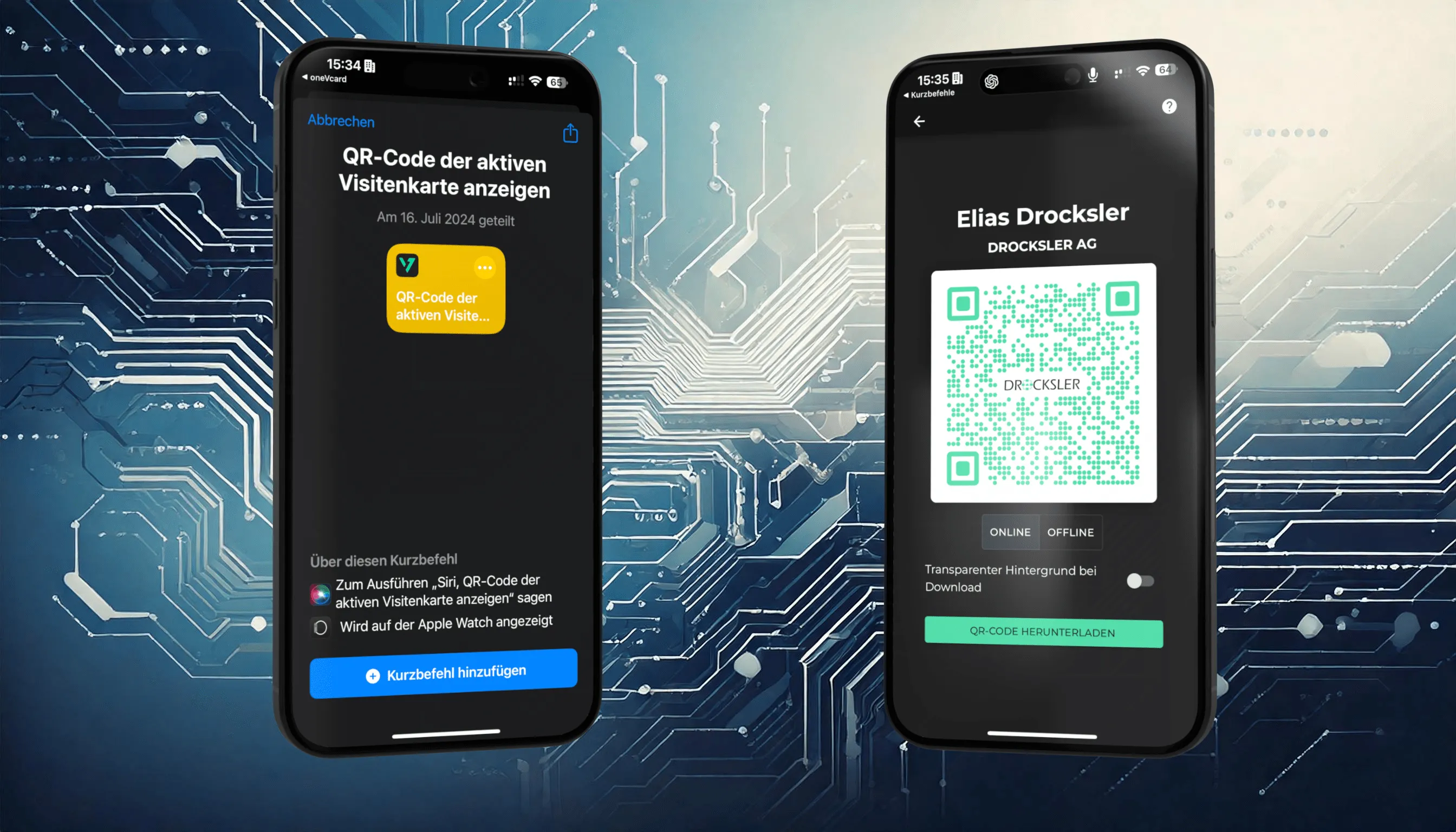
Customizable QR Codes with Colors and Logo for Your Digital Business Card
Style your QR code with colors, add your logo and choose between a classic and a rounded design. This way the QR code fits your corporate look perfectly.
Pubblicato il 3 dicembre 2024 · 3 min di lettura
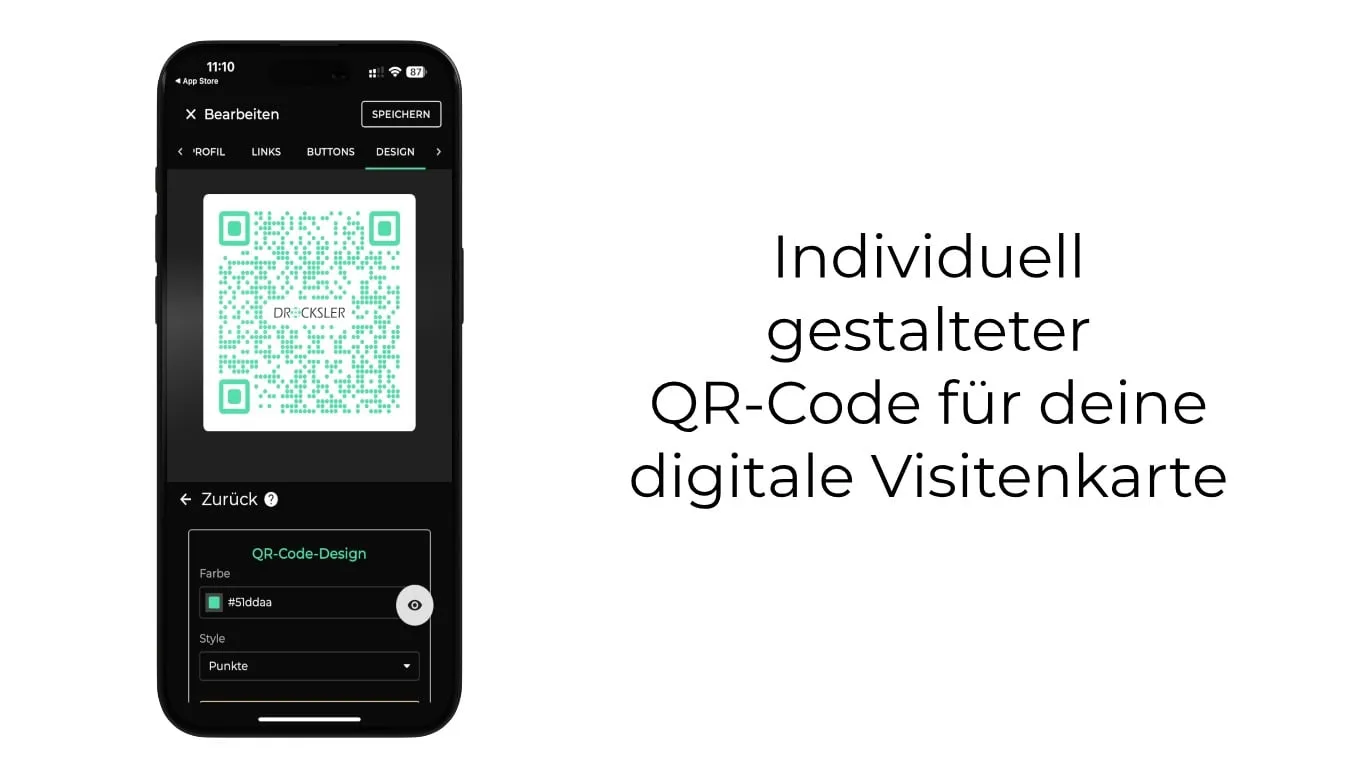
With our latest update, you can make your digital business card even more individual. From now on, you can customize the colors of QR codes, add your logo and choose between different designs such as classic and rounded. This way the QR code fits your corporate design perfectly and ensures a professional appearance.
What are digital business cards?
Digital business cards are the modern alternative to classic paper cards. They let you share contact details, social media profiles and other information digitally, easily and securely. Whether via QR code or NFC technology, your contacts can access the data without any additional app. With oneVcard, you have a flexible, sustainable solution that can be updated at any time.
The new feature: customizable QR codes
Now you can design your QR code exactly the way you want. Choose your corporate colors, add your logo and decide whether the background behind the logo should be removed to make it more visible.
You can also choose between two design options:
- Classic: with clean, square elements.
- Dots: for a modern, softer design.
More highlights of the new QR code feature
- Remove backgrounds: Make the background behind the logo transparent to highlight it.
- Various export formats: Download your QR code as a JPEG with a white background or as a transparent PNG, and use it flexibly in print materials or digital media.
Availability
The new customizable QR codes are available to all Premium users as well as Teams and Teams Enterprise. They are a major advantage especially for companies with a consistent appearance: through central management, you ensure that all team members use QR codes that are perfectly aligned with the corporate design. The new designs can also be integrated into Teams templates.
How to create customizable QR codes
- Log in to your dashboard and click the pencil icon at the top right to edit your business card.
- In the menu, switch to “Design” and then select “Layout”.
- Go to the “QR code” section. Here you make color, design and logo adjustments.
- Save your changes and download the QR code in your preferred format.
For Teams, the same steps apply, with the addition of central management:
- Go to “Templates” in the admin area.
- Select “Design” > “Layout” > “QR code”.
- Define the desired design. It is automatically synchronized with all users in the organization.
Benefits of the new customization options
- Individualization: Colors and logos create recognition.
- Ease of use: You apply changes in just a few clicks in the dashboard.
- Consistent branding: Centralized templates ensure a uniform design across the entire team.
- Flexibility: The JPEG and PNG export options are suitable for digital and printed materials.
- Sustainability: With a digital business card, you save paper.
Technological security and data protection
The data on your digital business card is stored securely in our ISO 27001 certified data center in Germany. Our data protection measures are monitored by an external data protection officer, so that all legal requirements are met. Through central management, sensitive information stays protected within your team.
Try it now
Test the new features and design your QR code exactly the way you want. Whether as a Premium user or with your entire team, the new options are available to you starting now.