Show your best side
With the oneVcard Classic you share your digital business card and all your social media profiles through a smart NFC card with QR code, fast, contactless and entirely without an app.
A card that suits you
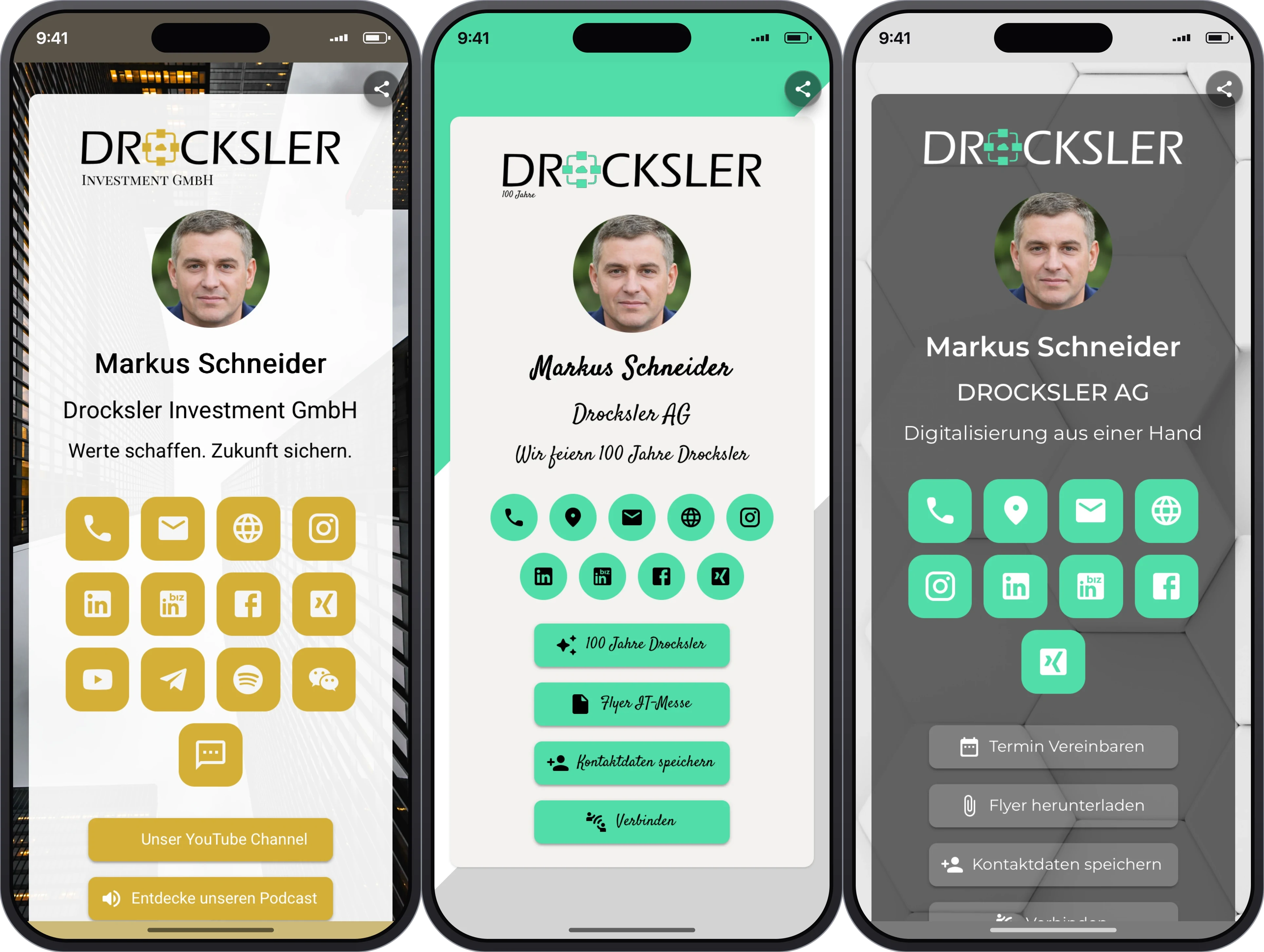
A range of designs
Choose from several templates that suit you and your brand.
Profile picture & logo
Add your profile picture and, if you like, your company logo.
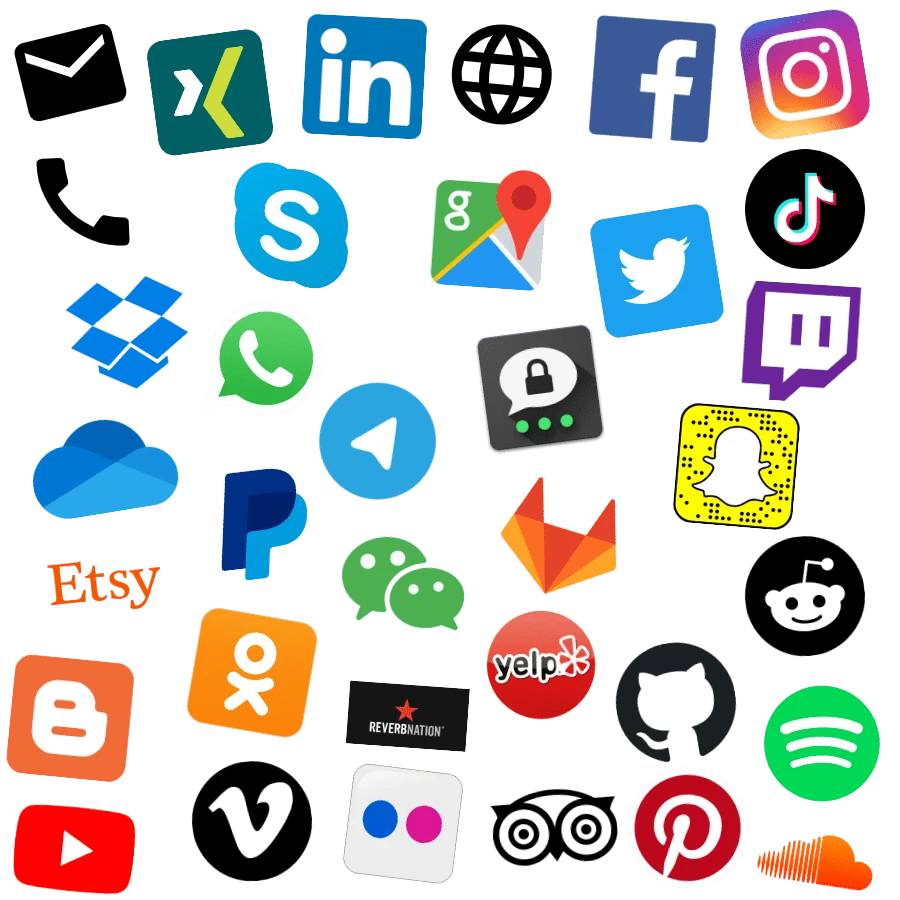
Social media profiles
Matching icons for all your channels, just one tap away.
Saved securely
Your contact details land in the address book with a single tap.
Share everything you want
Contact details, social media profiles and links to your website or shop, your oneVcard Classic bundles your entire presence onto a single card.
- Phone, email and address
- All your social media channels with one tap
- Links to your website, shop or portfolio
- Update in real time, anytime
Simple, fast and contactless
With your oneVcard Classic you share your contact details in record time.
- 1
Scan the Classic via NFC
Hold the card to the back of an NFC-enabled smartphone.
- 2
View the profile
Your digital business card opens automatically, with all your information.
- 3
Save
With a single tap, contact details are saved or a social media profile opens.
A design that suits you
Choose from several design templates and colour worlds, with your profile picture and, if you like, your logo. That's how your digital business card becomes unmistakable.
- Several templates and colour worlds
- Profile picture and company logo
- Matched to your brand
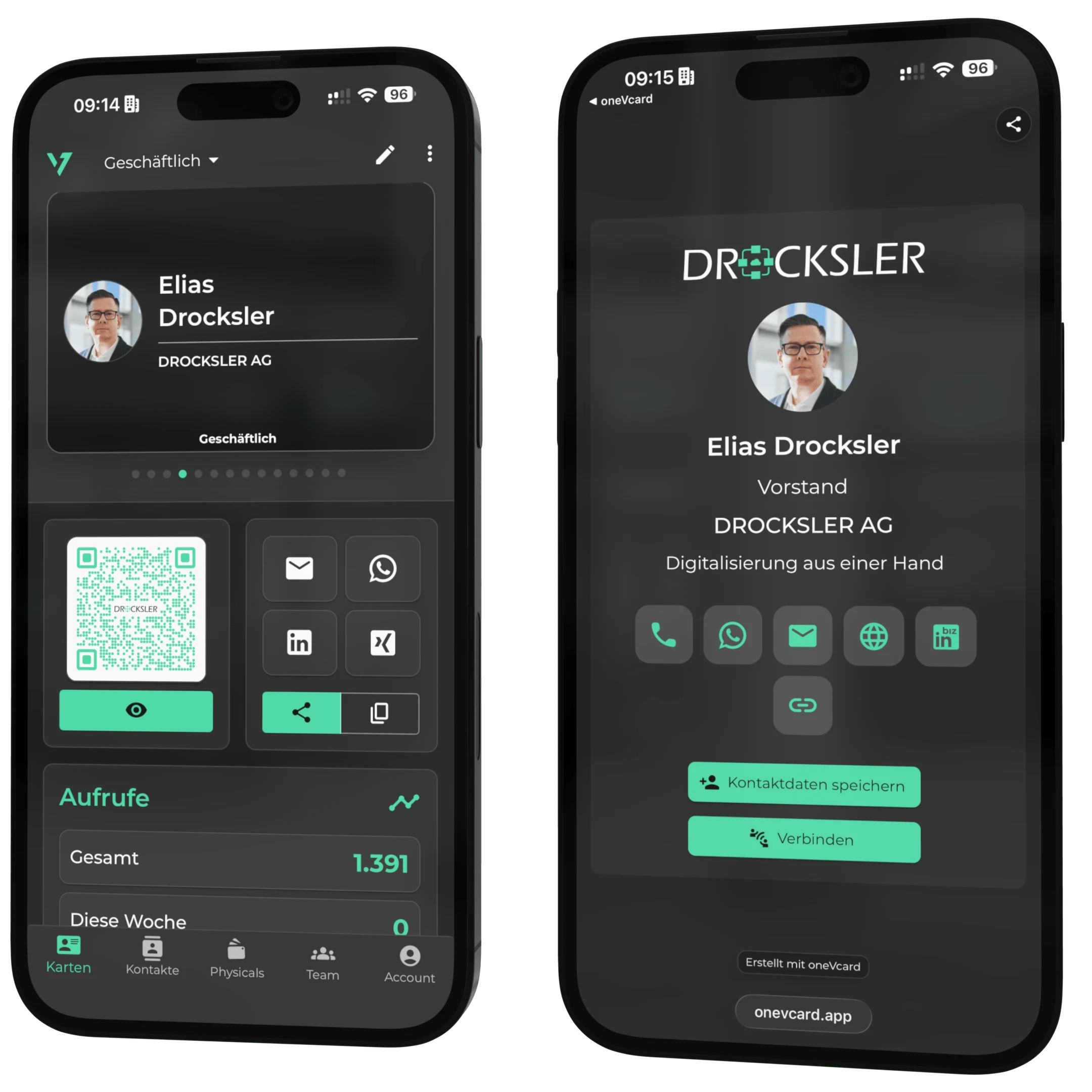
Ready to go in four steps
- 1
Scan the Classic
Hold your NFC-enabled smartphone to the card, the registration page opens.
- 2
Register
Create your account with an email address and password.
- 3
Enter your details
Add your contact details, social media profiles and a profile picture.
- 4
Share your business card
Done: share your details via NFC or QR code, adjustable anytime.
Works on every device, entirely without an app
The other person needs neither an app nor an account. The Classic works via NFC or QR code on Apple, Android and in the browser.
- No app download needed
- NFC and QR code combined
- Update your details in real time, anytime
- Several design templates to choose from
Data protection and security
Our ISO 27001-certified data centres store your data securely in Falkenstein and Nuremberg, Germany. We are happy to sign a data processing agreement (DPA) with your company.
In addition, oneVcard GmbH meets the requirements of the EU regulation DORA (Digital Operational Resilience Act), ensuring high standards in digital operational resilience and risk management. Our technical and organisational measures are reviewed, tested and improved on a regular basis.
Data protection is more than
a buzzword for us - promise

Prof. Dr. Eberhard Schott
External data protection officer
We are advised and represented externally on all data protection matters, so everything is handled in a legally compliant and correct way.
Frequently asked questions about the oneVcard Classic
What does NFC mean? ▼
NFC (Near Field Communication) transfers data contactlessly over a few centimetres. Hold the card to an NFC-enabled smartphone and your digital business card opens, entirely without an app.
Does the oneVcard Classic work with every smartphone? ▼
With every NFC-enabled smartphone, with no app to install. Some devices need to be unlocked. Smartphones without NFC simply use the QR code.
Can I share my details without NFC? ▼
Yes. Every Classic carries a QR code, so you can share your business card with devices that don't have NFC, too.
Can I change or delete my details? ▼
Anytime. You edit your profile online; changes take effect instantly. If you like, you can delete your details entirely.
Design your oneVcard Classic
Choose your design and get started in just a few minutes.