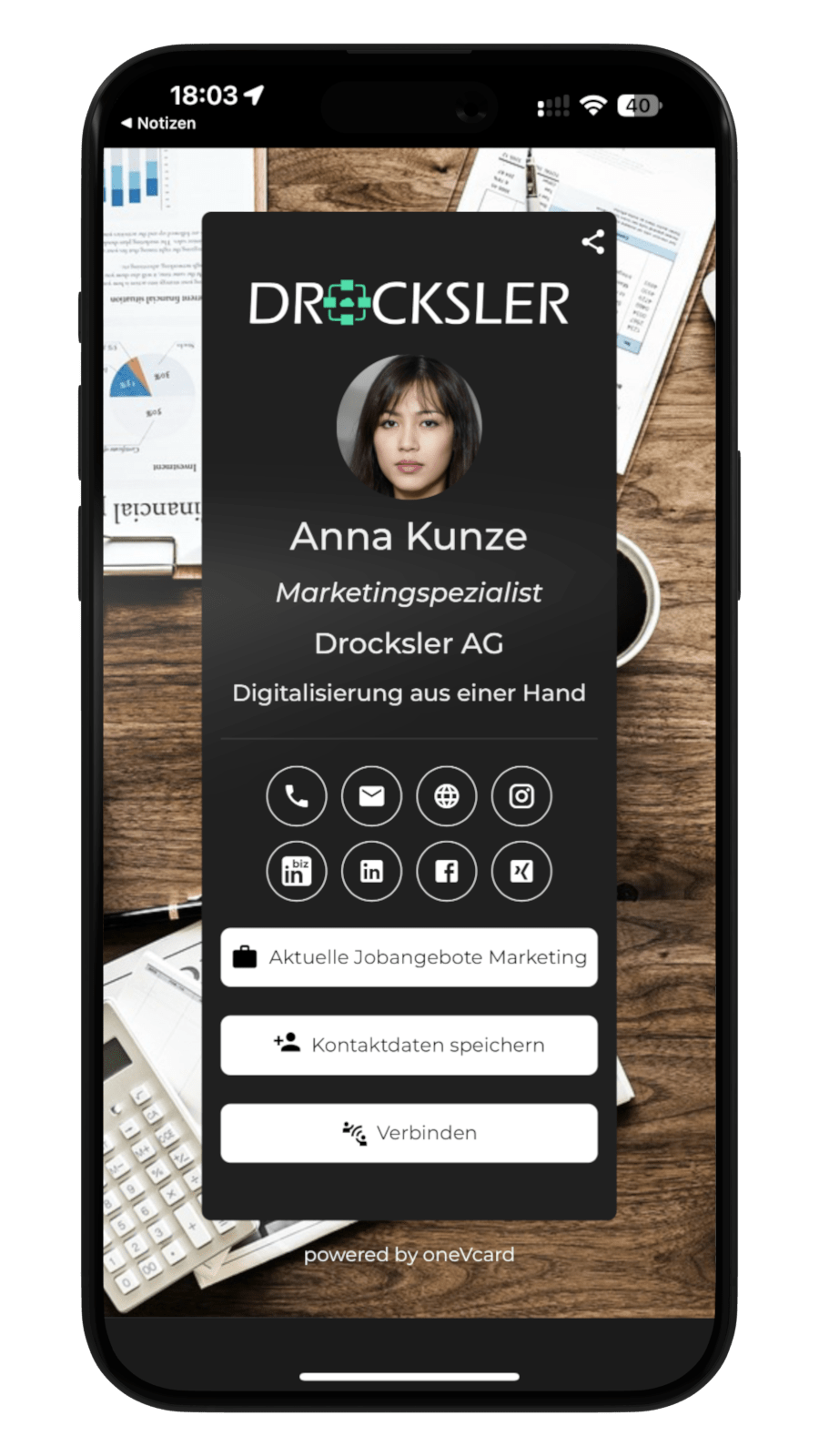
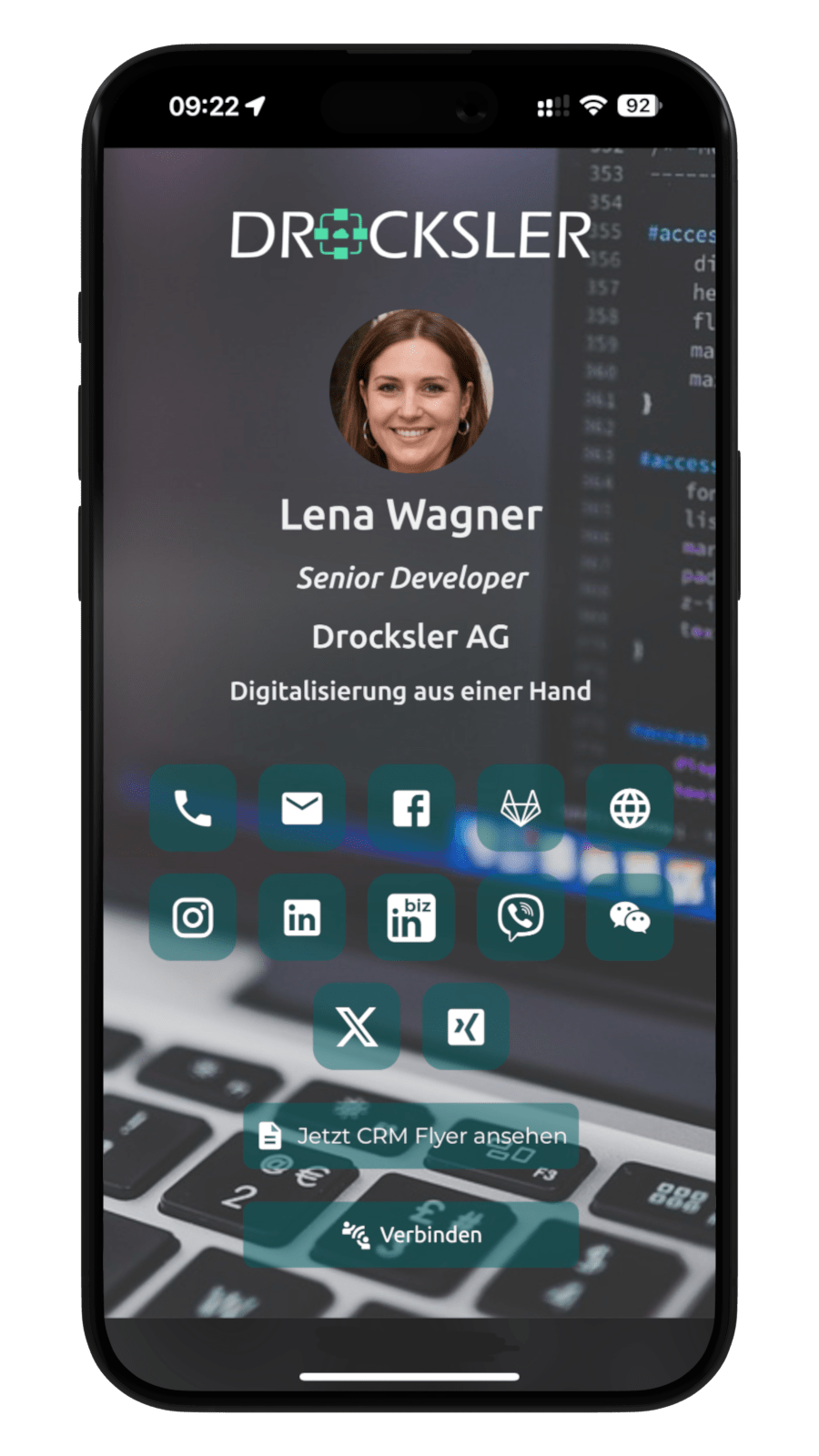
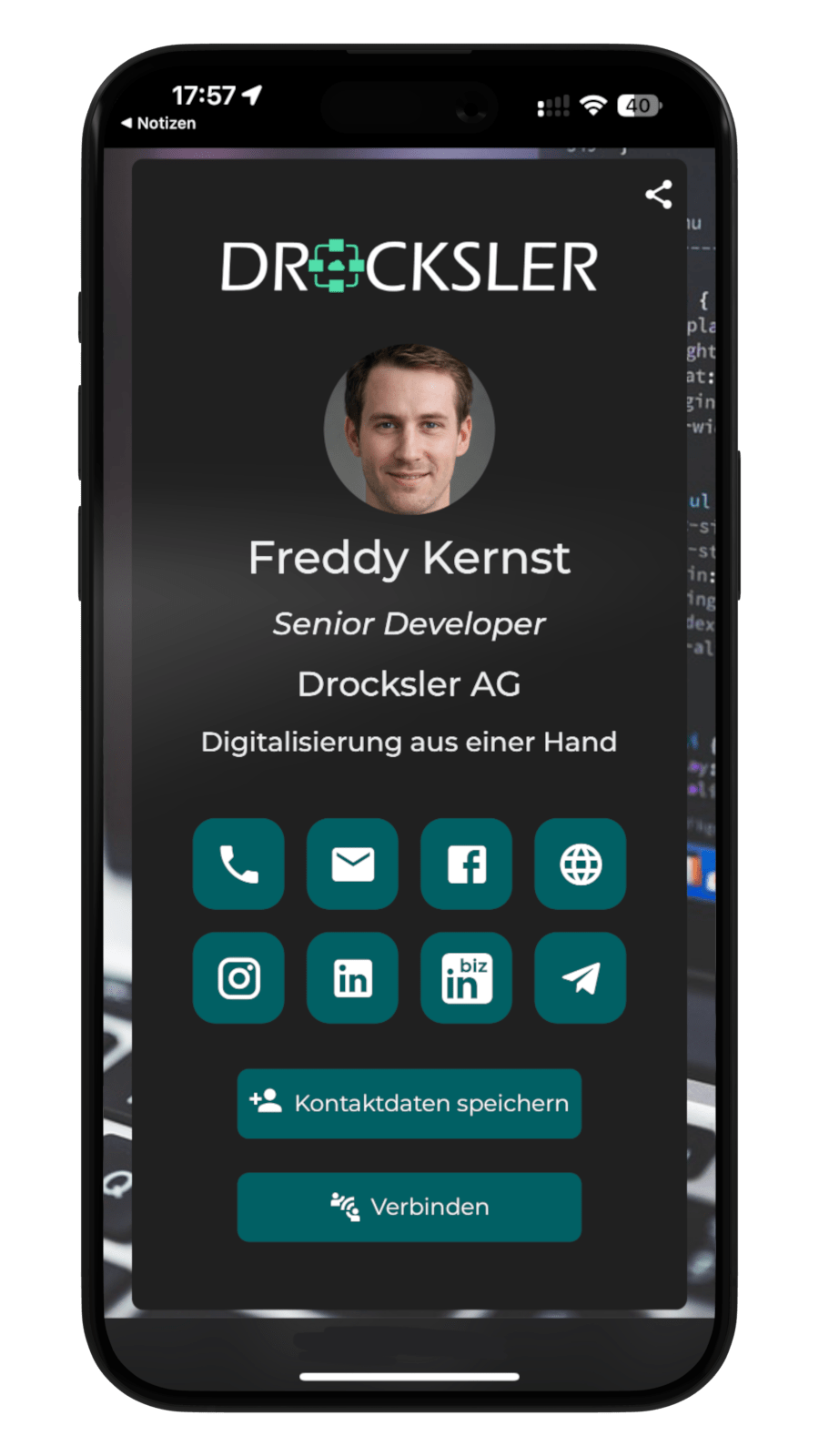
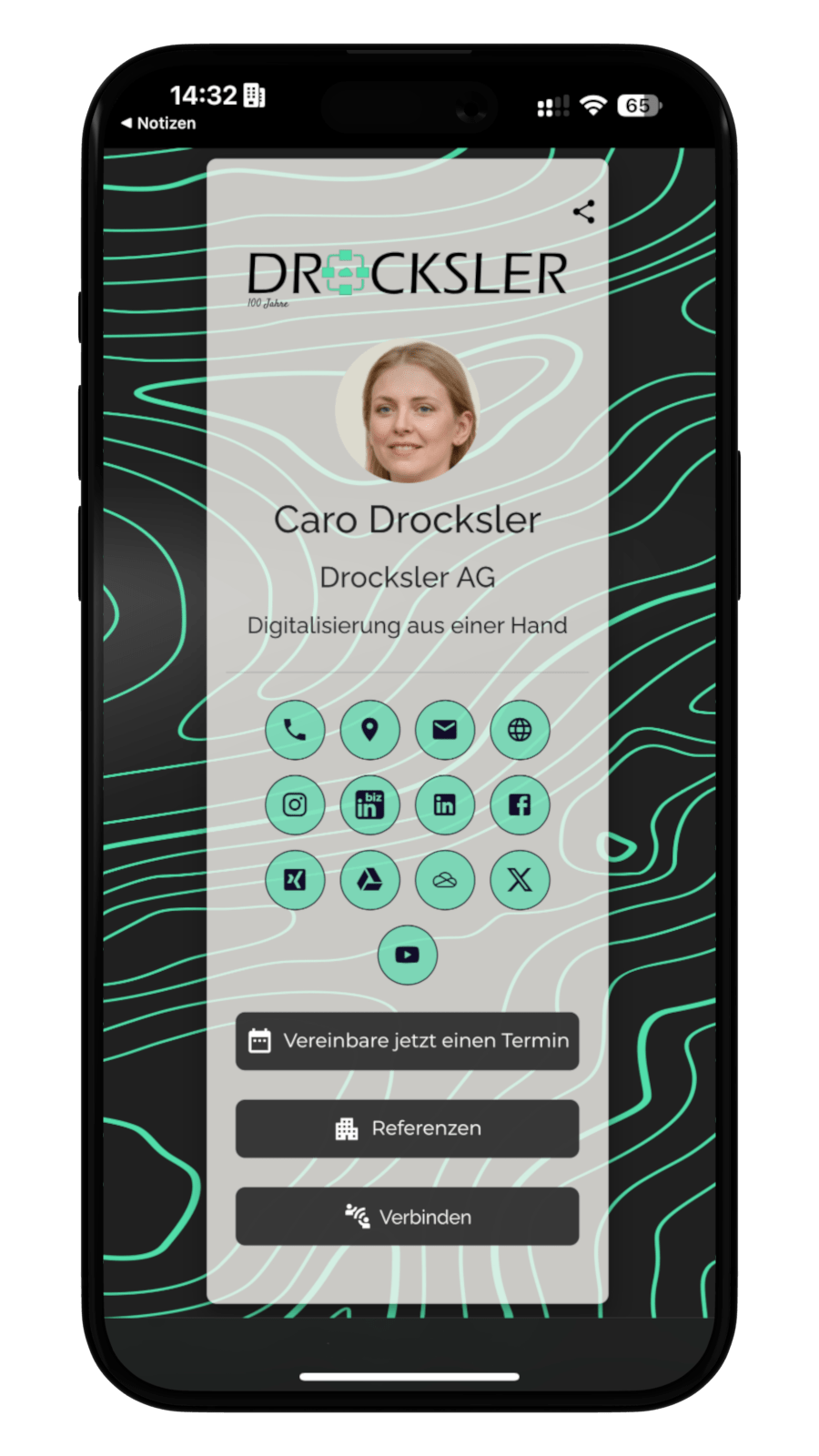
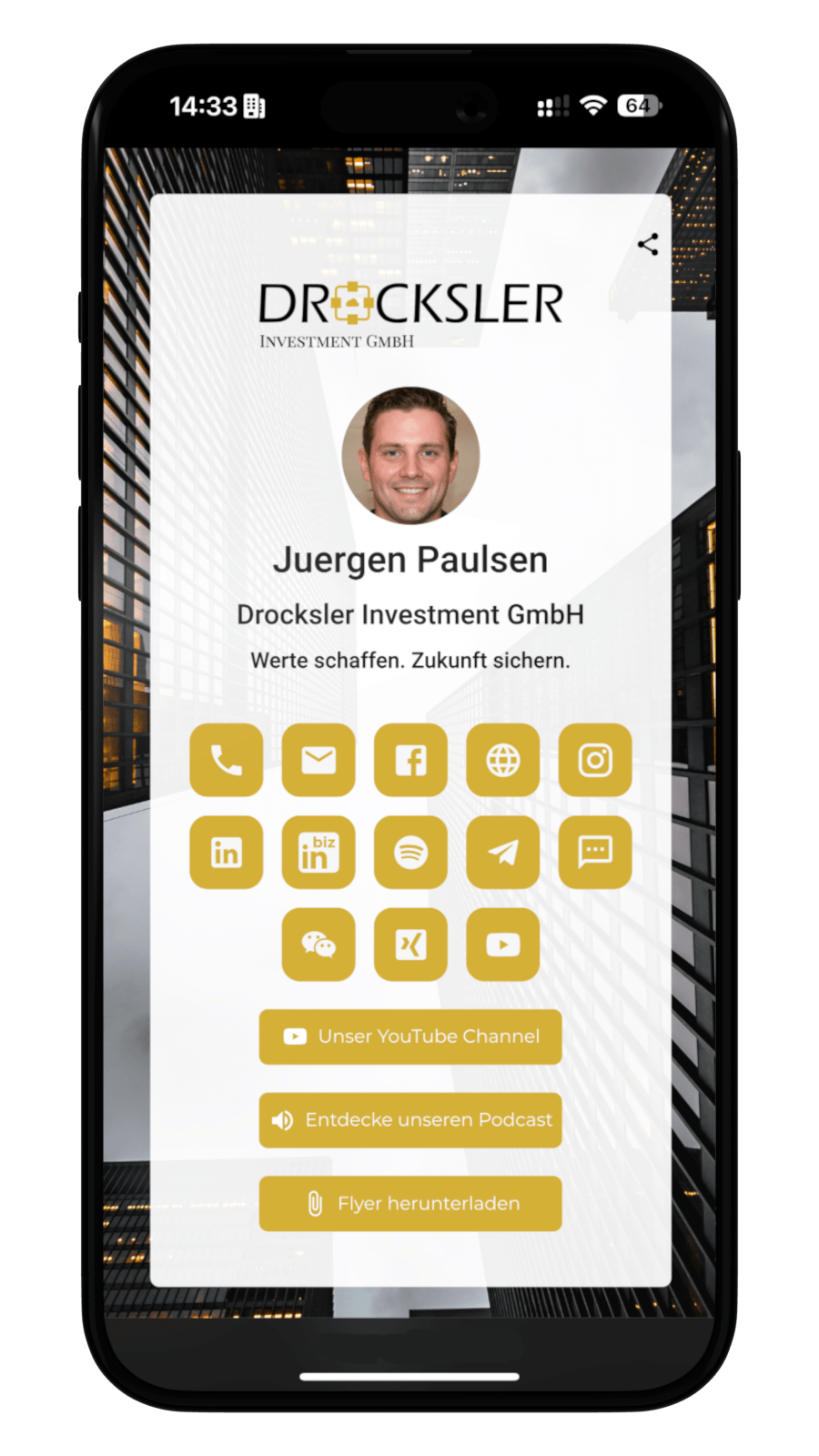
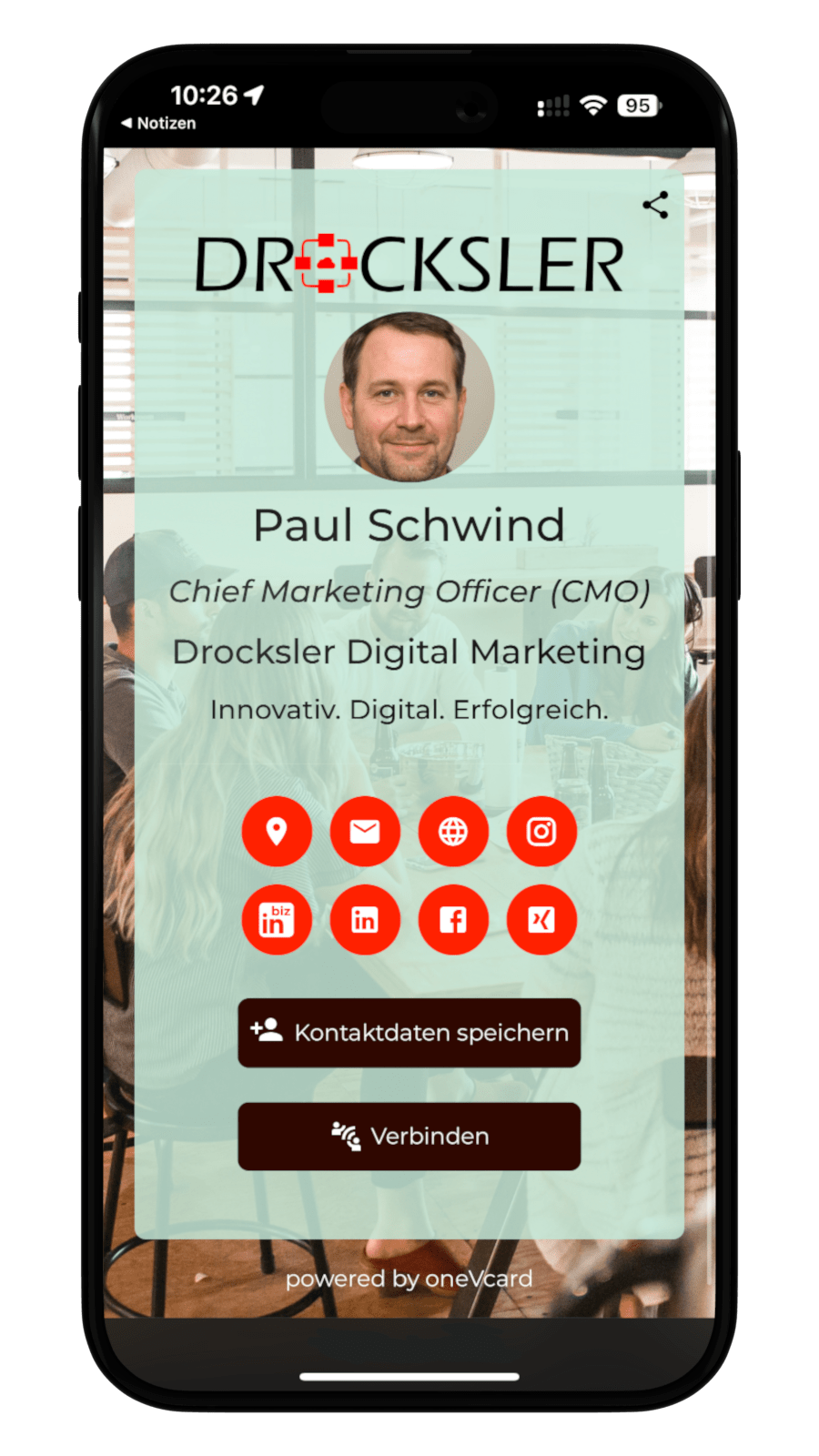
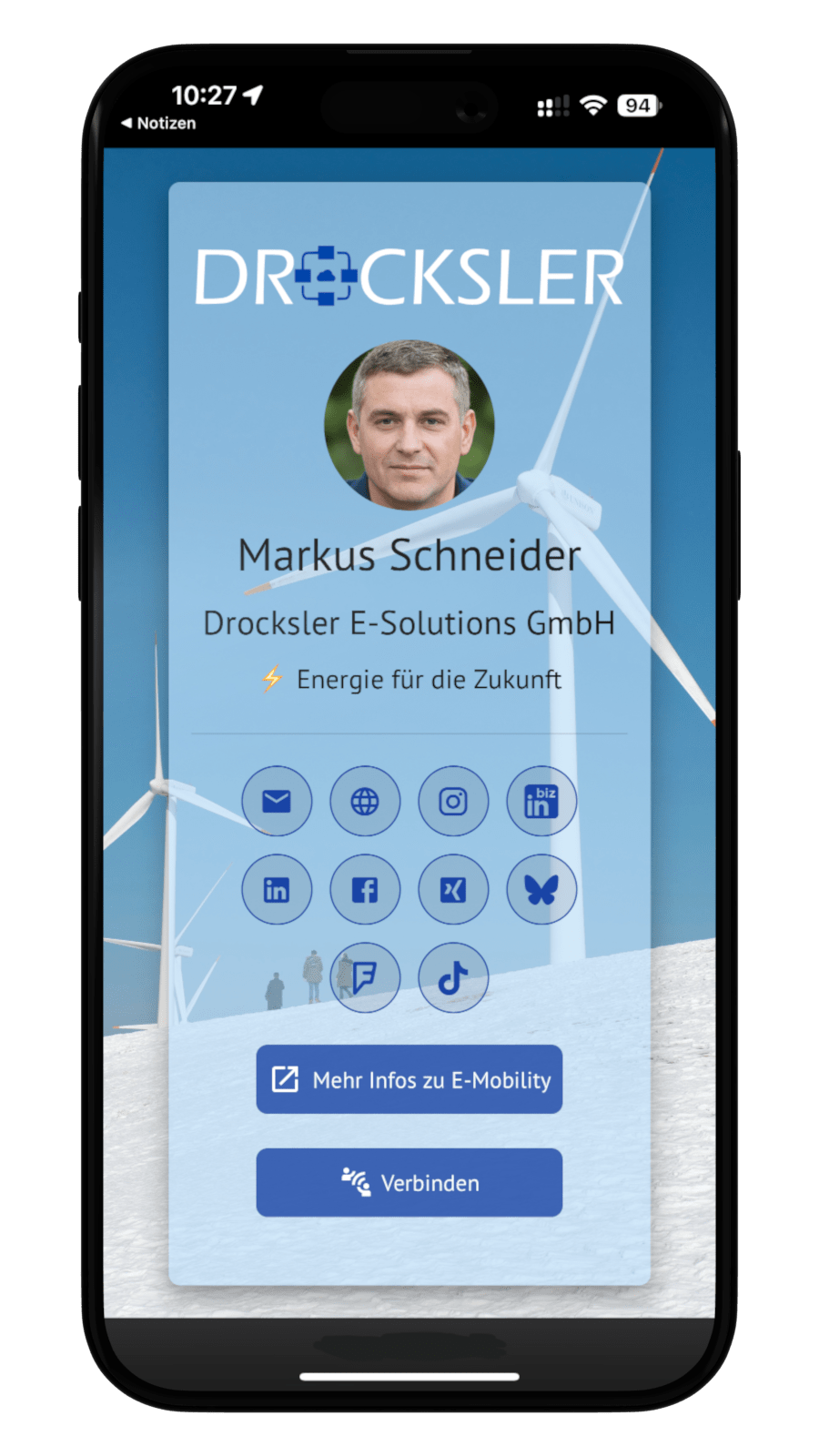
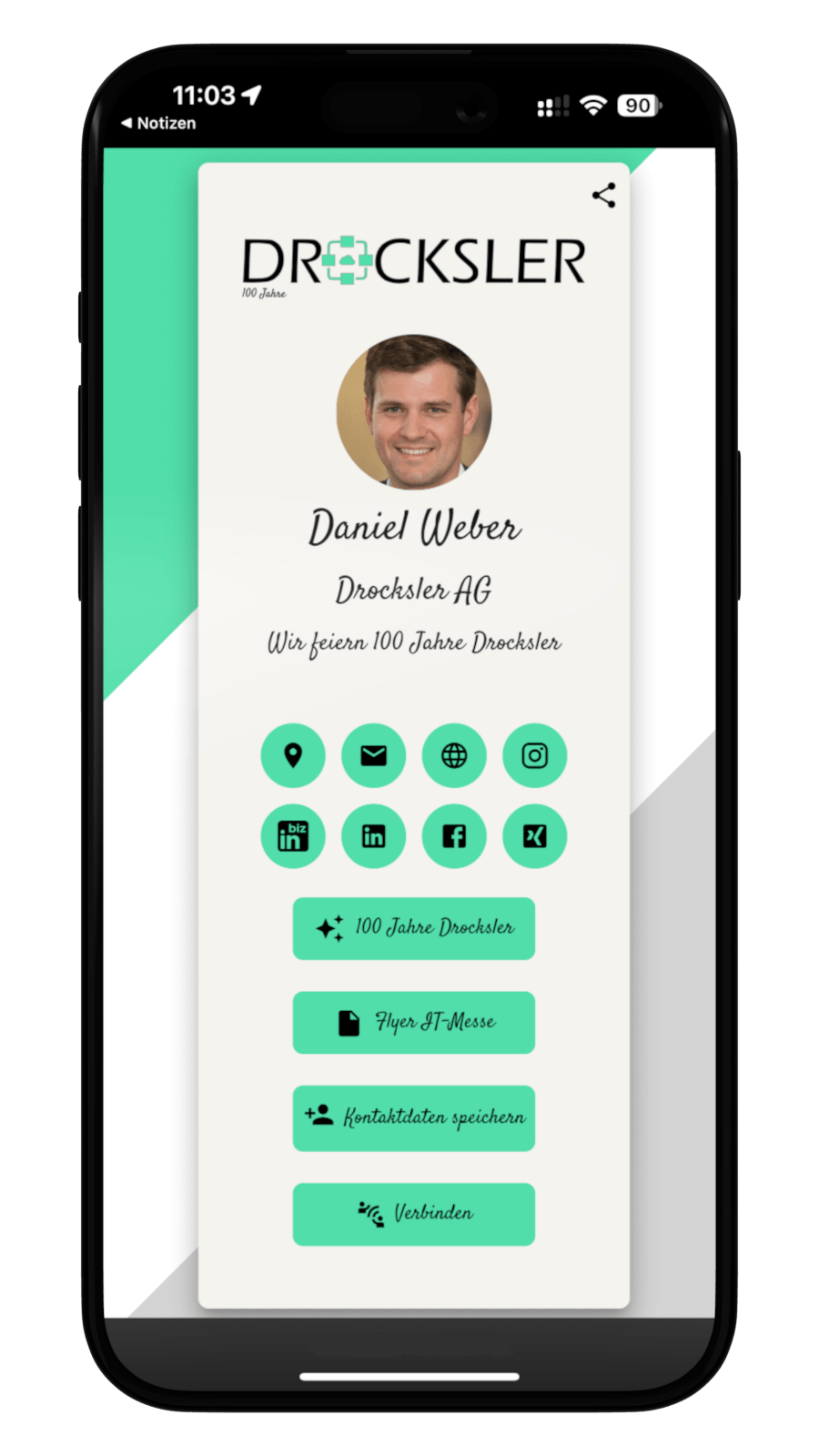
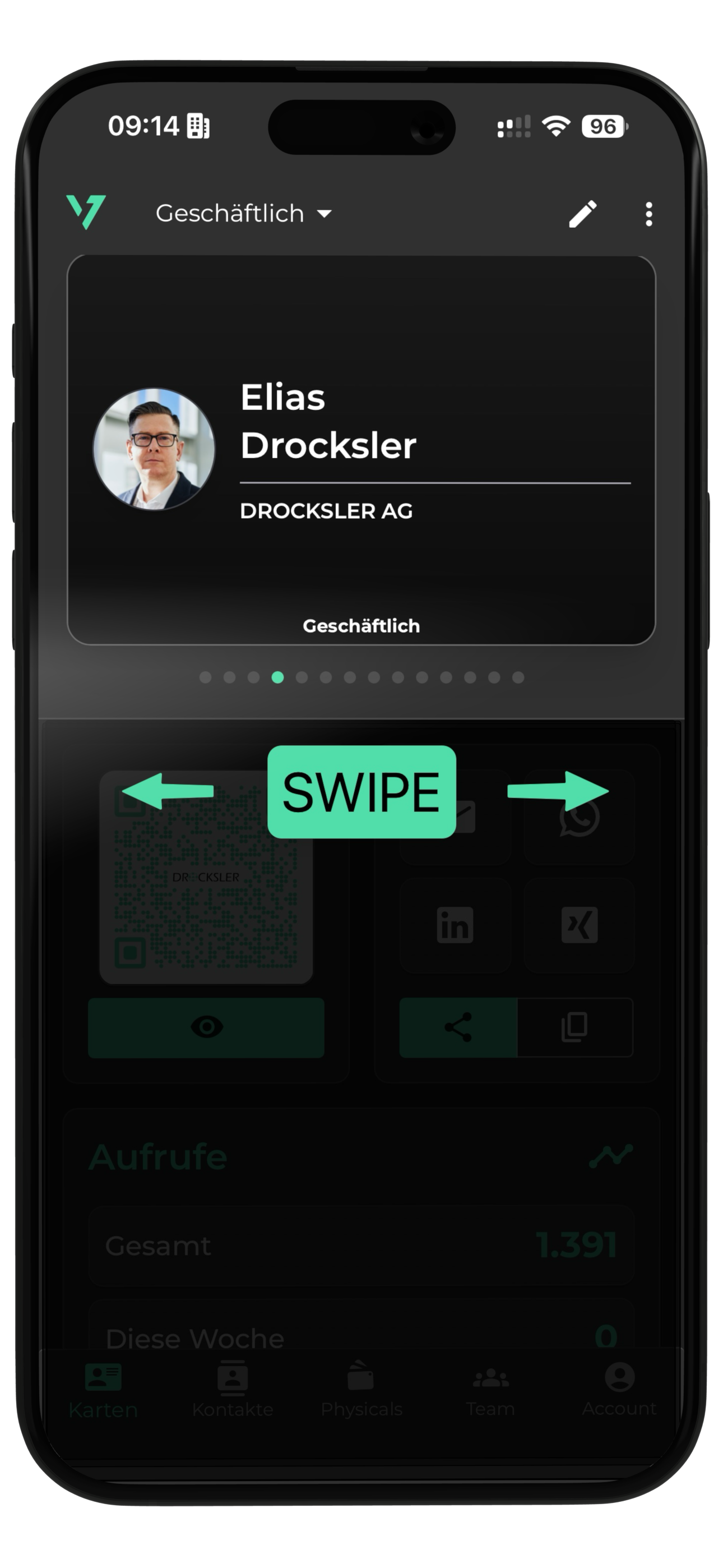
Create multiple business cards and choose which one you want to share depending on the application.
Share your digital business card via the online or offline QR code integrated in the app or via one of our Physicals.
You can also see how often your digital business card has been accessed in the app.
Share your digital business card directly from the app, for example via email or social media.
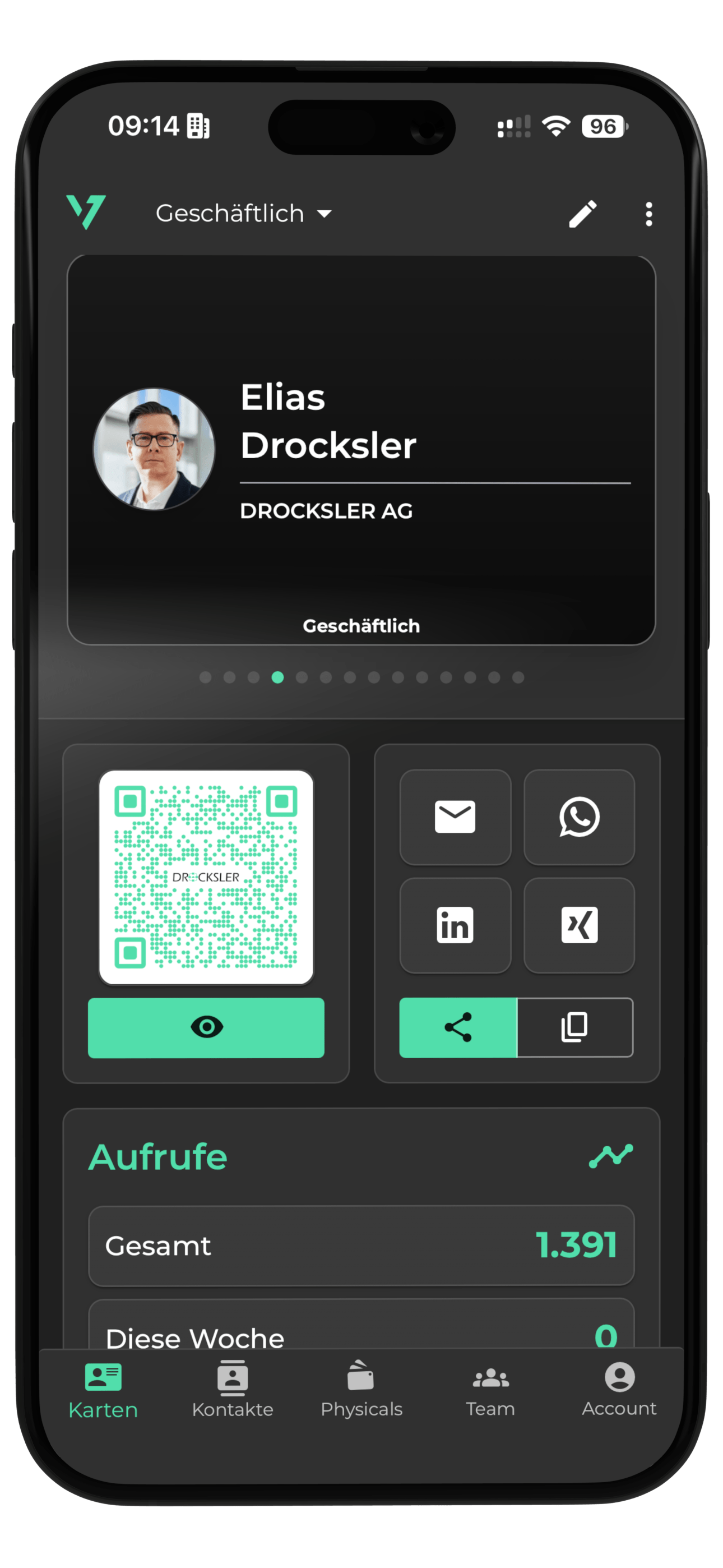
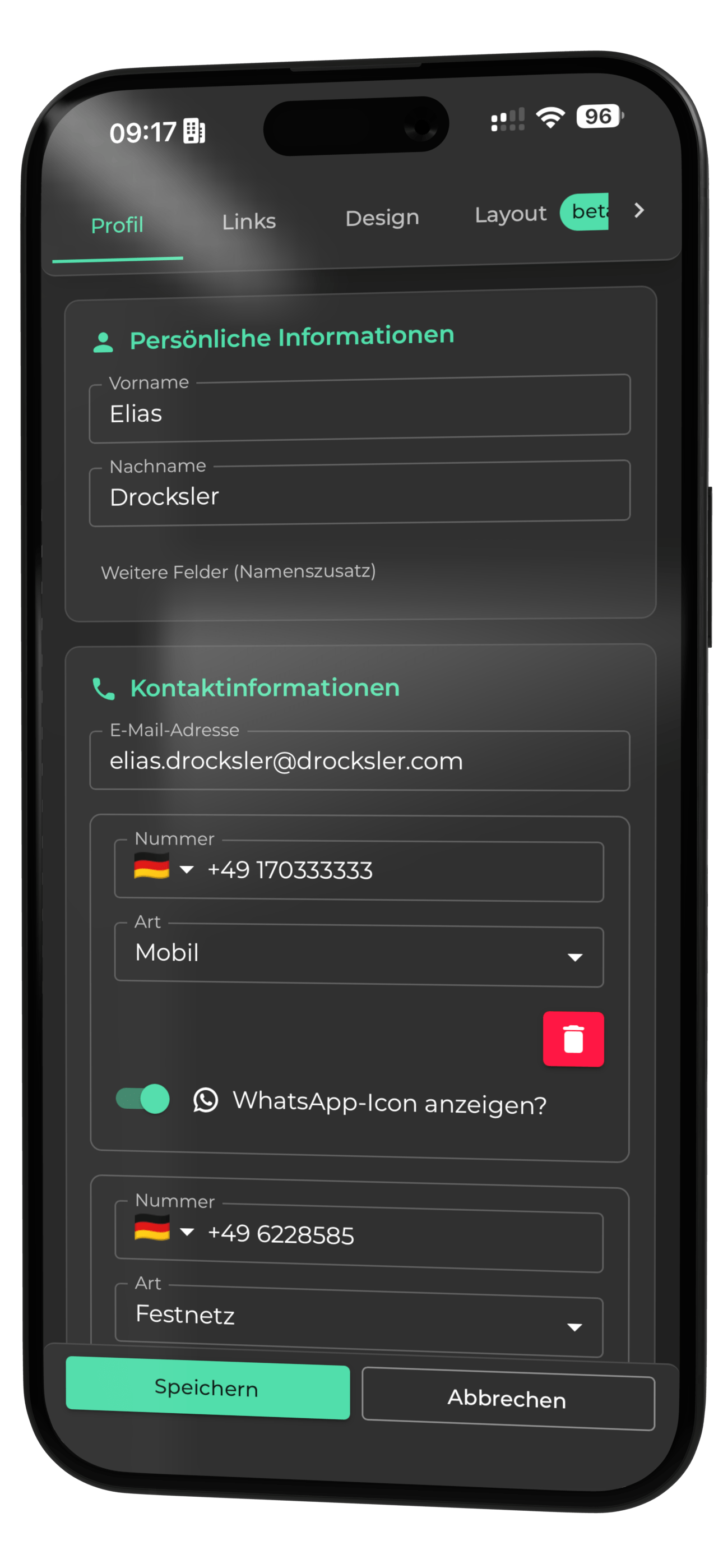
Share all your information without losing the overview of your digital business card.
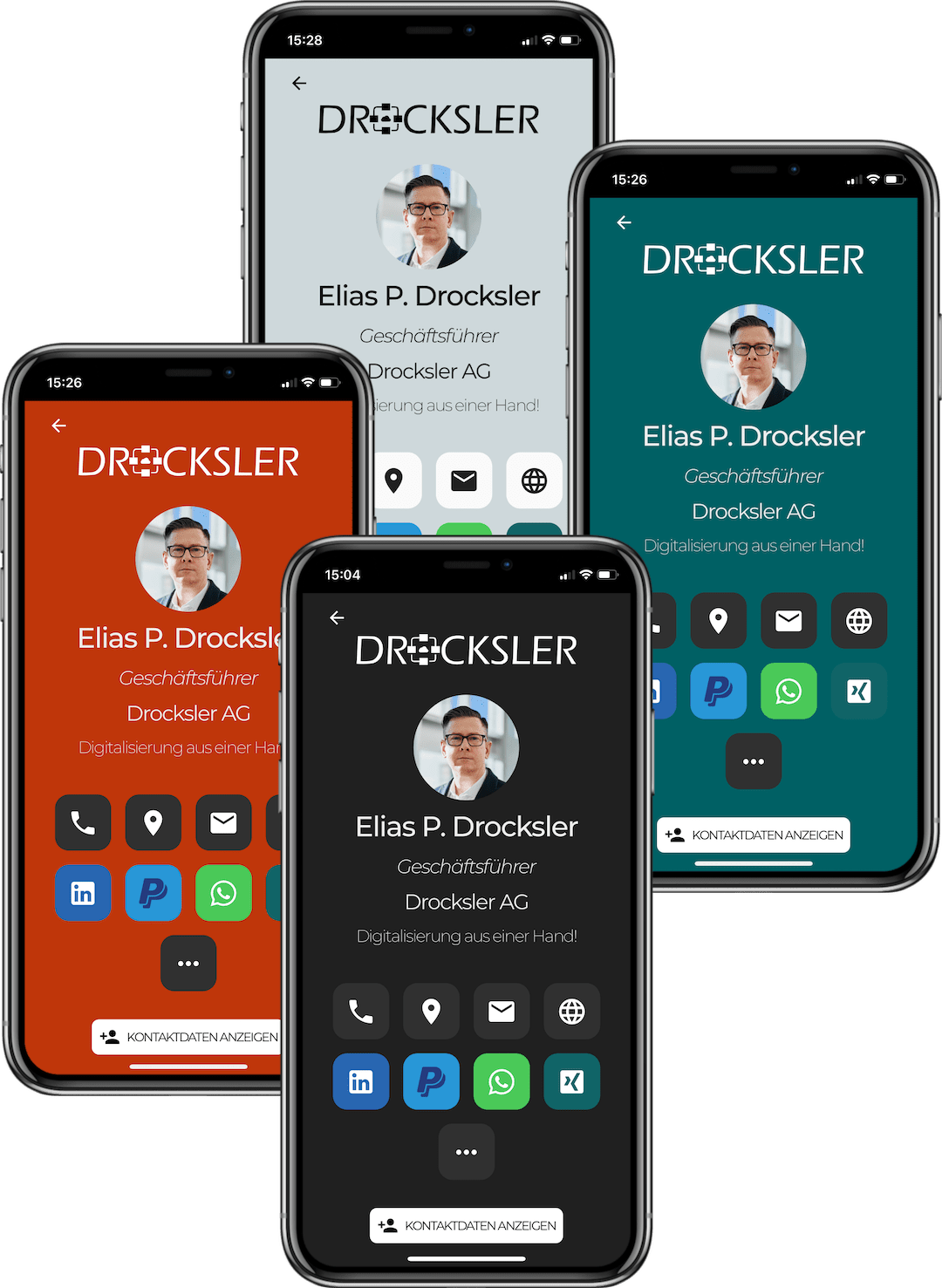
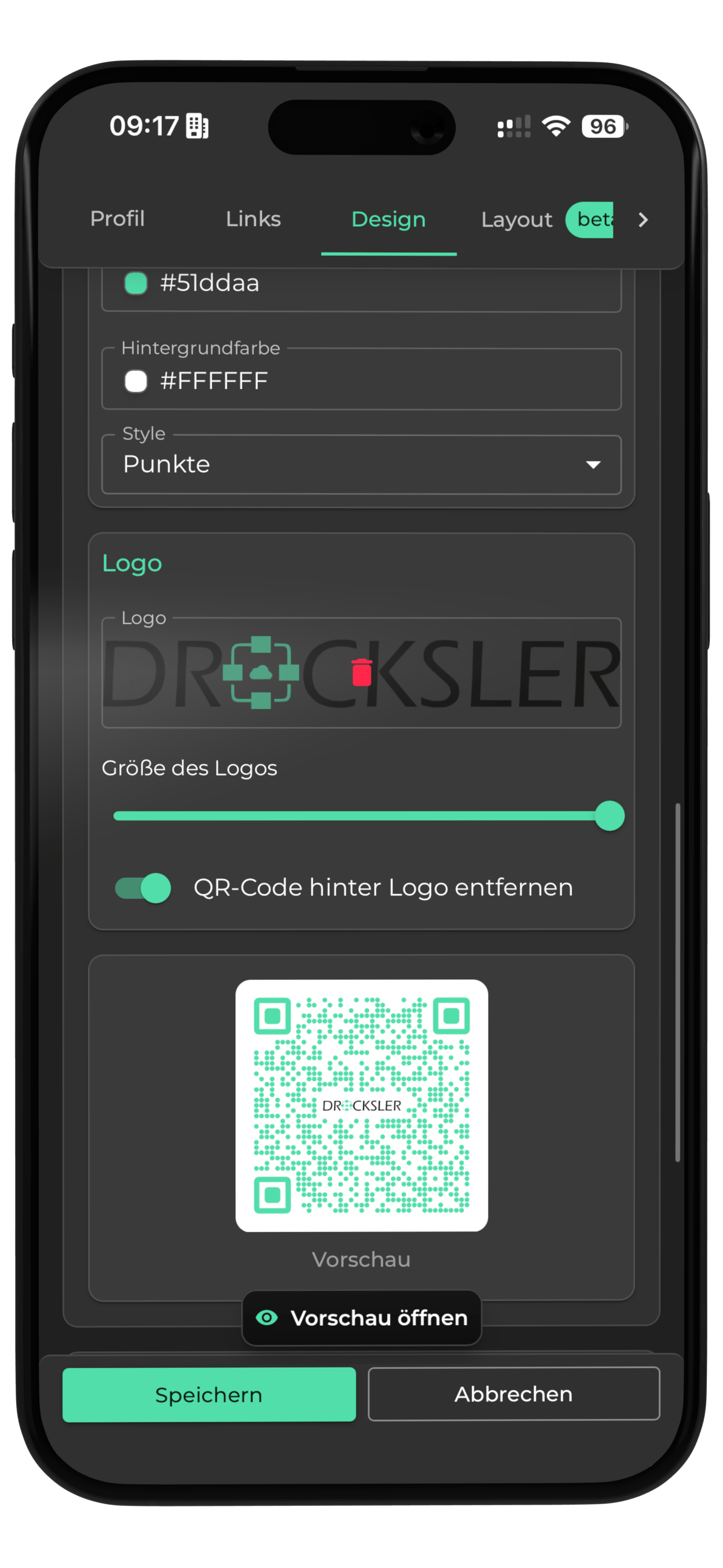
With the business card designer, you can set colors according to your wishes and add a distinctive logo.
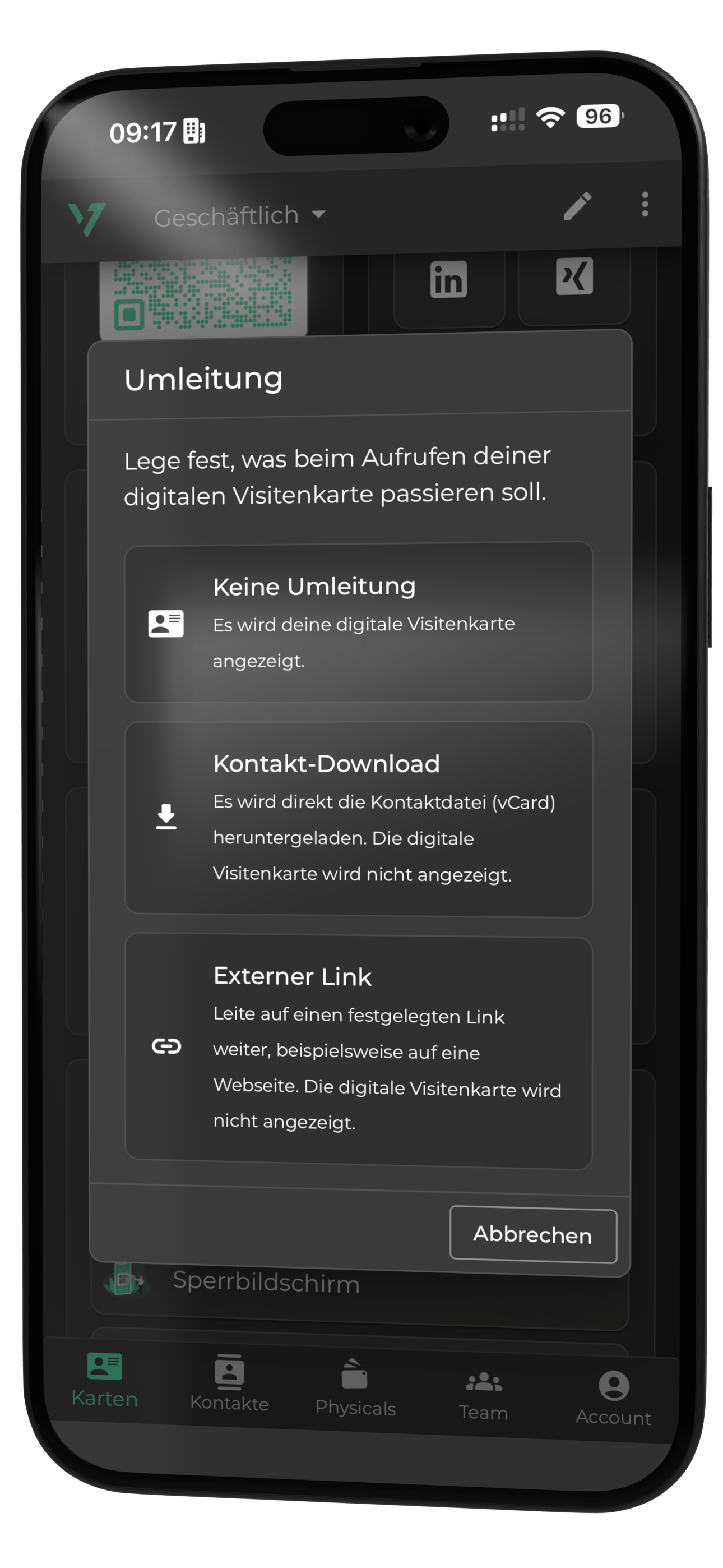
Set up a redirect, for example directly to your social media profile.
You'll get quick help from our team every day if you have any questions or encounter a problem.
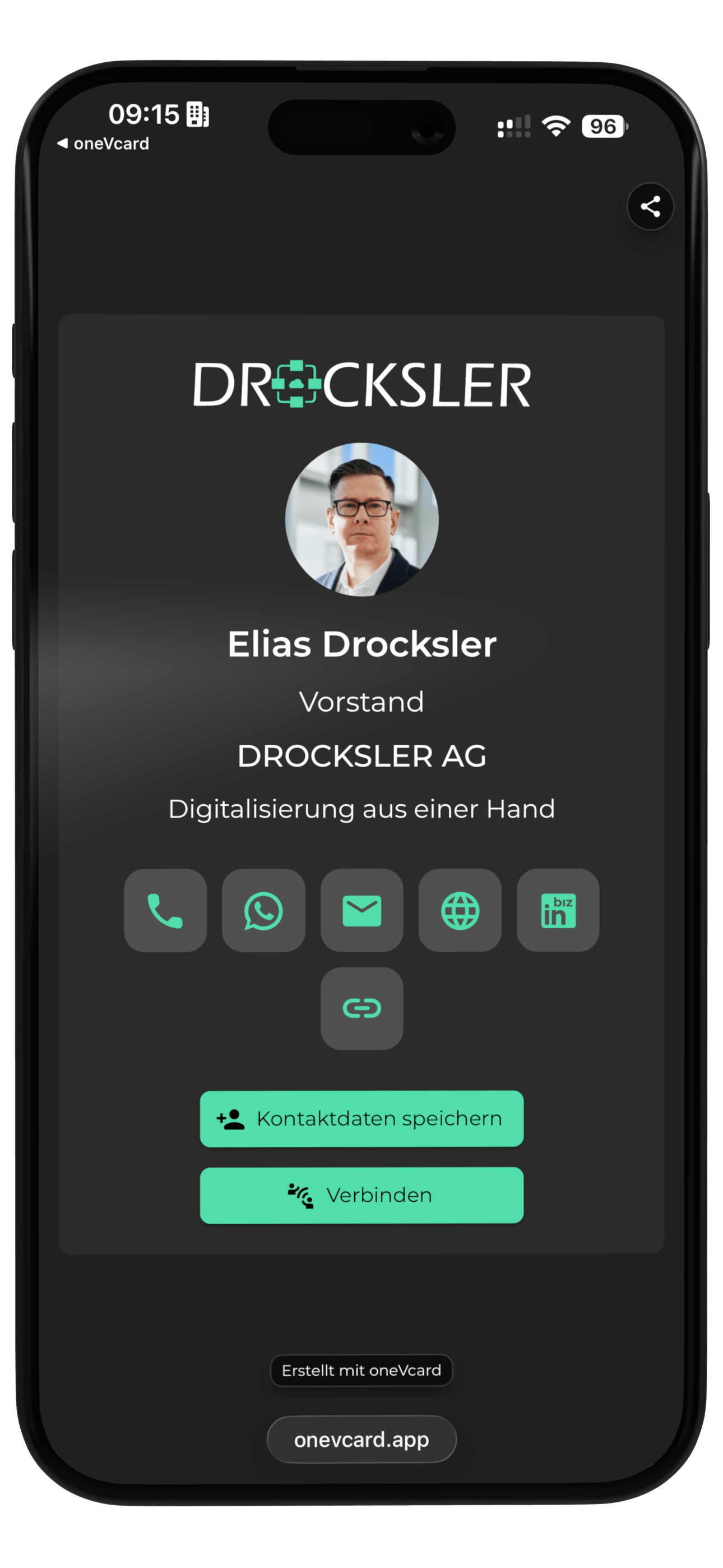
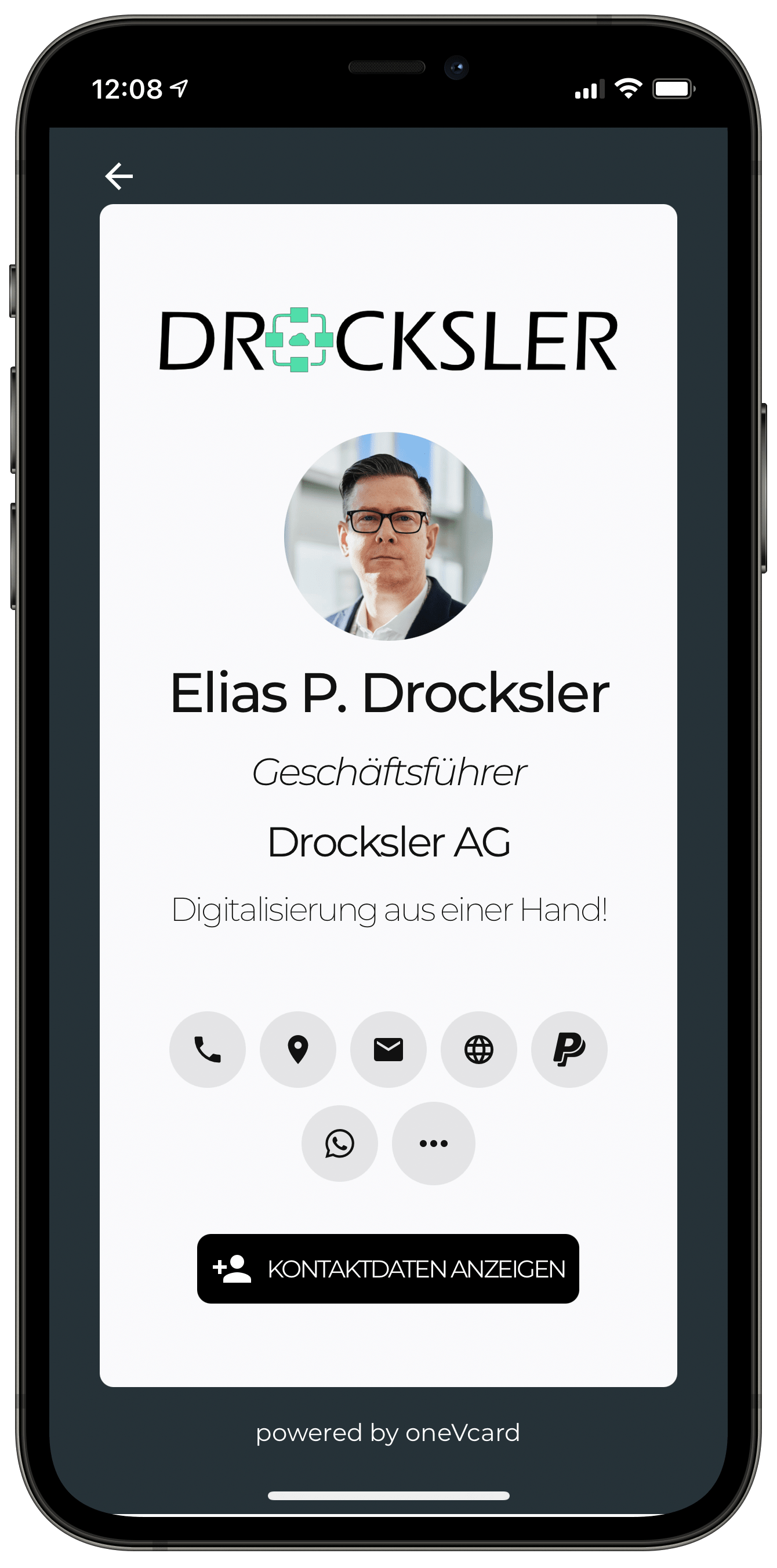
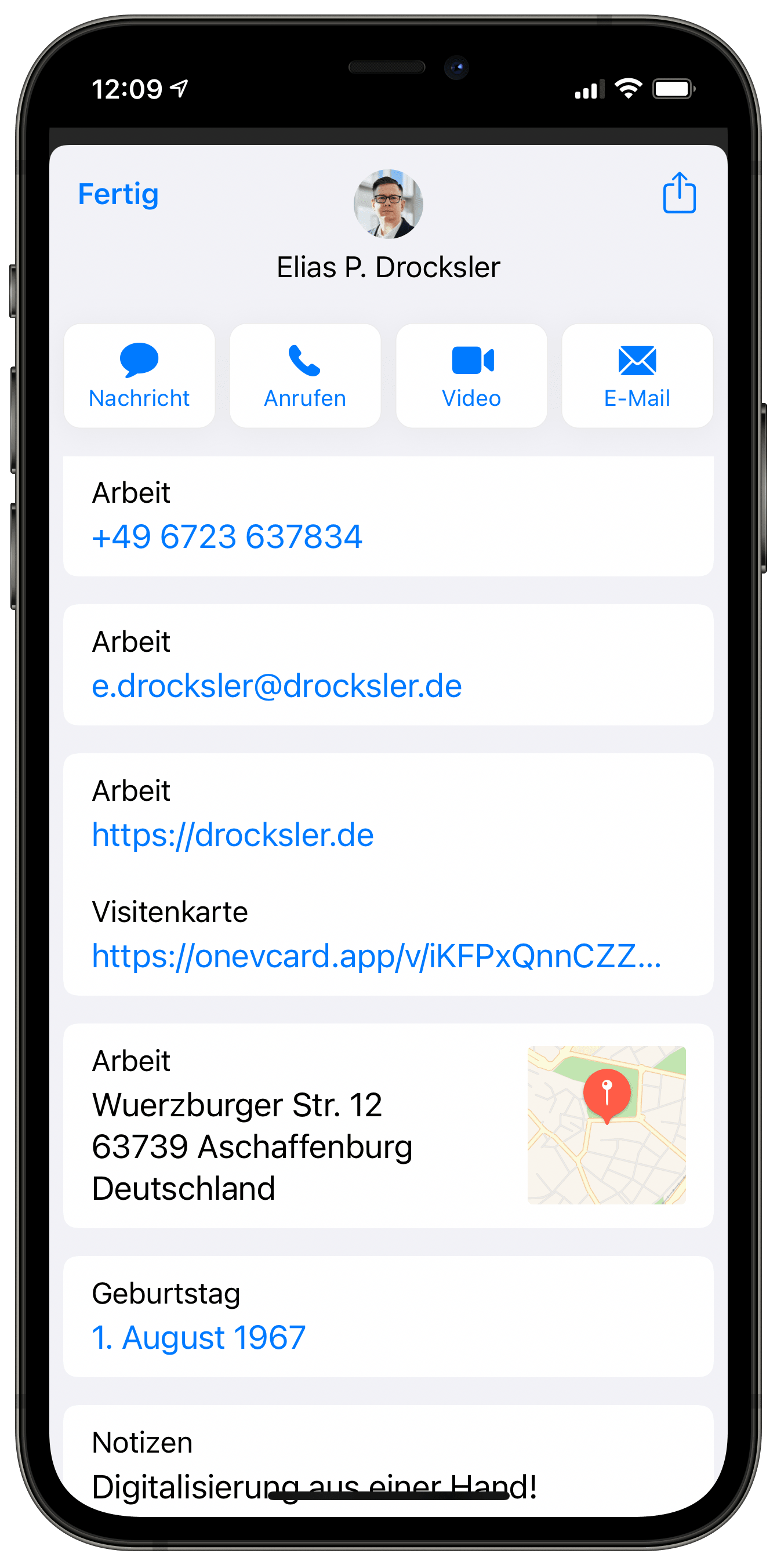
The person you're sharing your contact details with doesn't need an app.
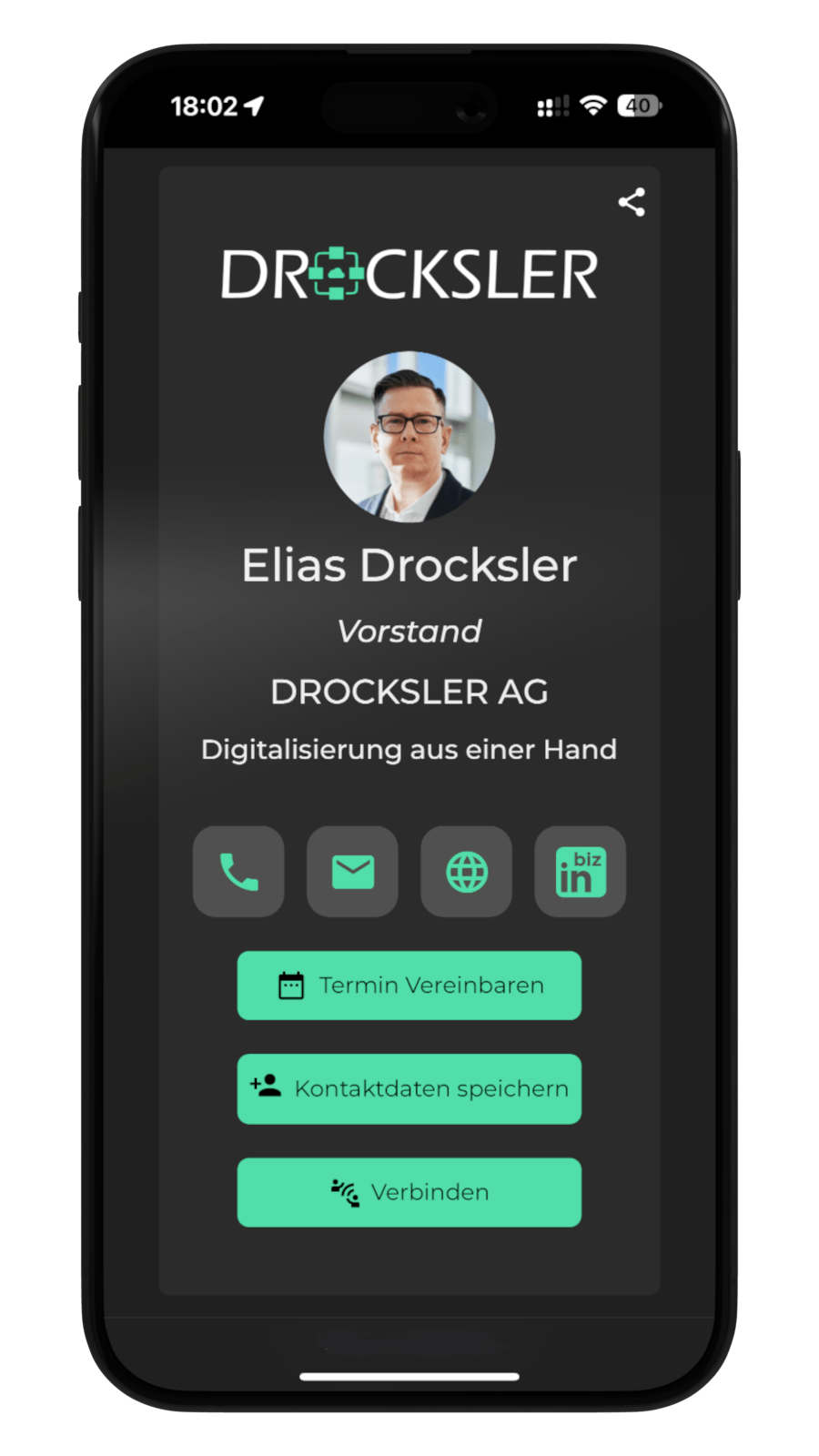
Show yourself from your best side! Add a profile picture and a logo* and stay in mind.
Show example business card
You don't just want a design, you want *your* design! With the business card designer, you can set the colors according to your wishes and add a distinctive logo.
Customize your QR code with colors, logos, and design options – perfectly tailored to your branding!
Create multiple virtual business cards, suitable for every occasion. With one click, you determine which business card you hand over. Today, the business card with all the data - tomorrow, the trade fair business card with stripped-down information. This way, you always determine which data should be shared.
Share all information about yourself without losing the overview of your digital business card. Simply fill in the corresponding fields in your profile.
You'll get quick help from our team every day if you have any questions or encounter a problem.
Got a feature you'd love to see? Share your ideas with our support team and help shape the improvement process yourself!
You decide where people land when they access your digital business card! Set up a redirect in the app, for example, directly to your social media profile. You can also see how often your business card has been viewed in the app.
no redirect
When accessed, your digital business card is displayed (default).
Contact Download
When accessed, the contact file (vCard) is downloaded directly.
External URL
Redirect to a specified URL, e.g. to a website.
Not all features are visible on the website. We are also constantly working on more features. Check out our upcoming features.
With the combination of oneVcard Metal and the premium features of the digital business card, I can exploit its full potential.
MARC MERSCHER
Managing Director
– Dammer und Merscher GbR