Digital business cards for your company
Create and manage business cards for all employees, centrally, in your corporate design and in real time. Join over 250 companies that rely on oneVcard.
250+
companies rely on oneVcard
< 60 sec.
from invite to finished card
ISO 27001
certified data centers in Falkenstein & Nuremberg
Real time
changes instantly on every card
Top companies rely on digital business cards from oneVcard





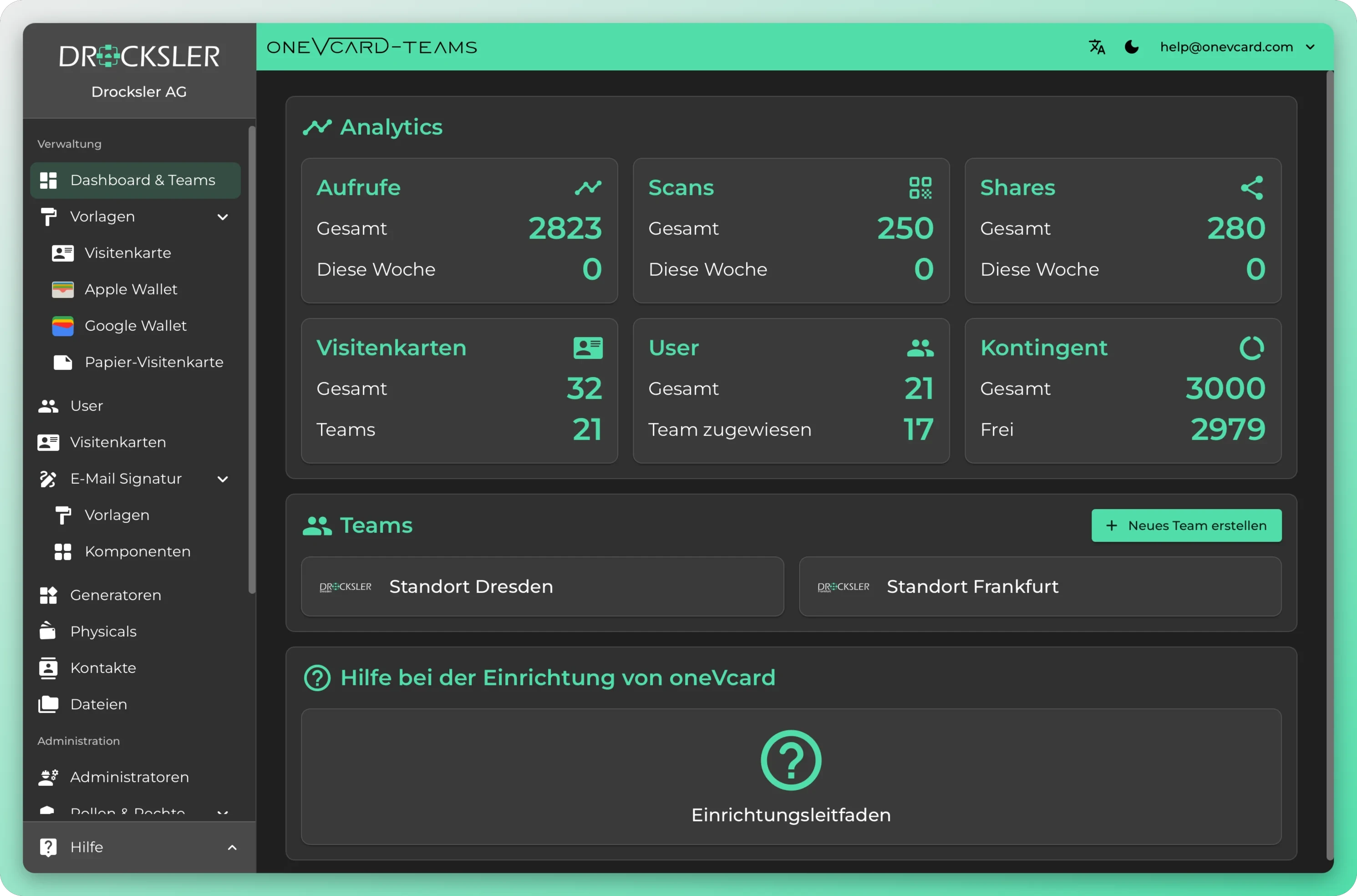
One dashboard for all business cards
Administer all changes centrally via the oneVcard Teams dashboard. Has your logo changed? Update it on every business card with a single click, creating and maintaining company cards has never been this easy.
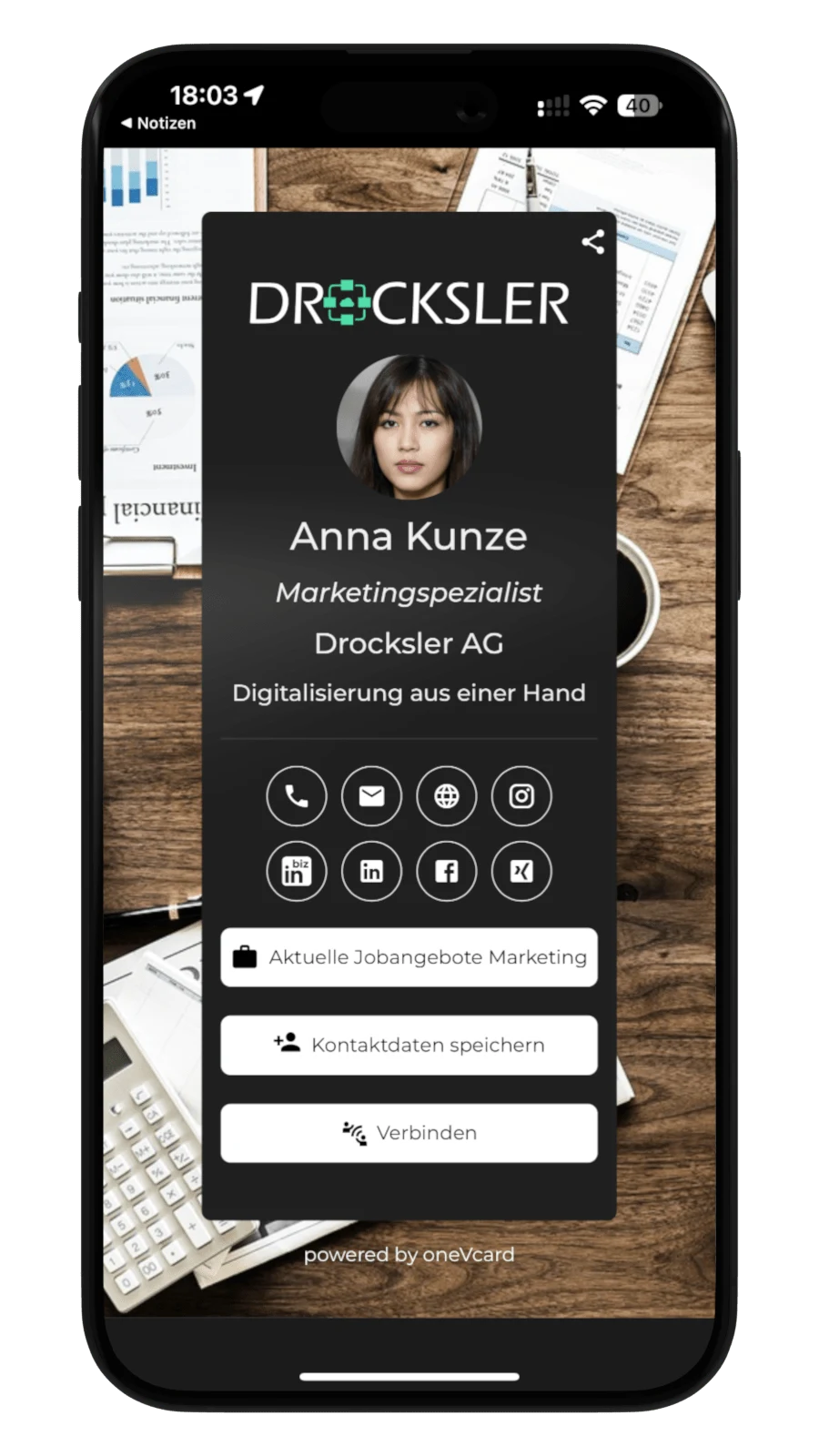
Business cards in your company’s look
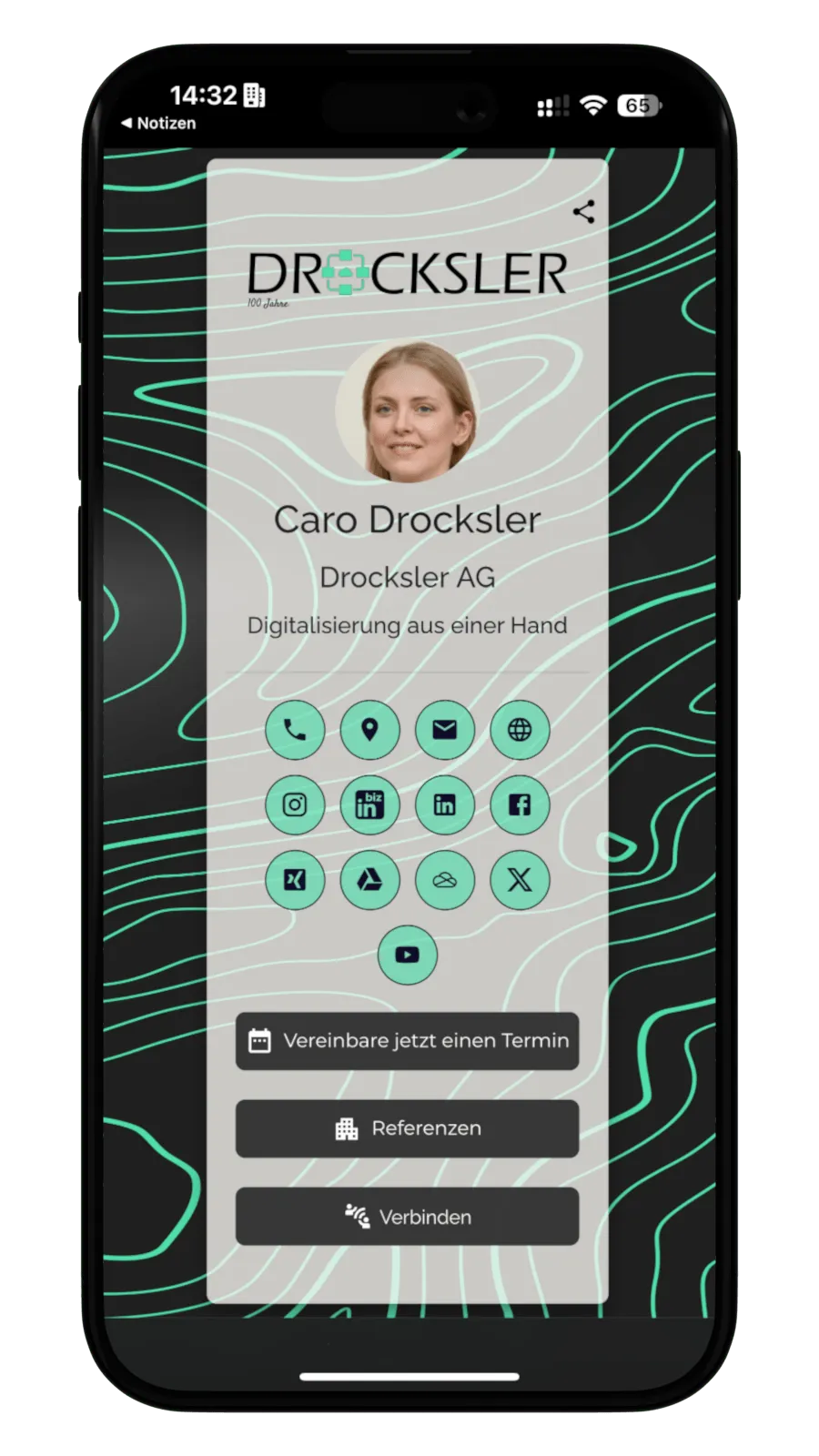
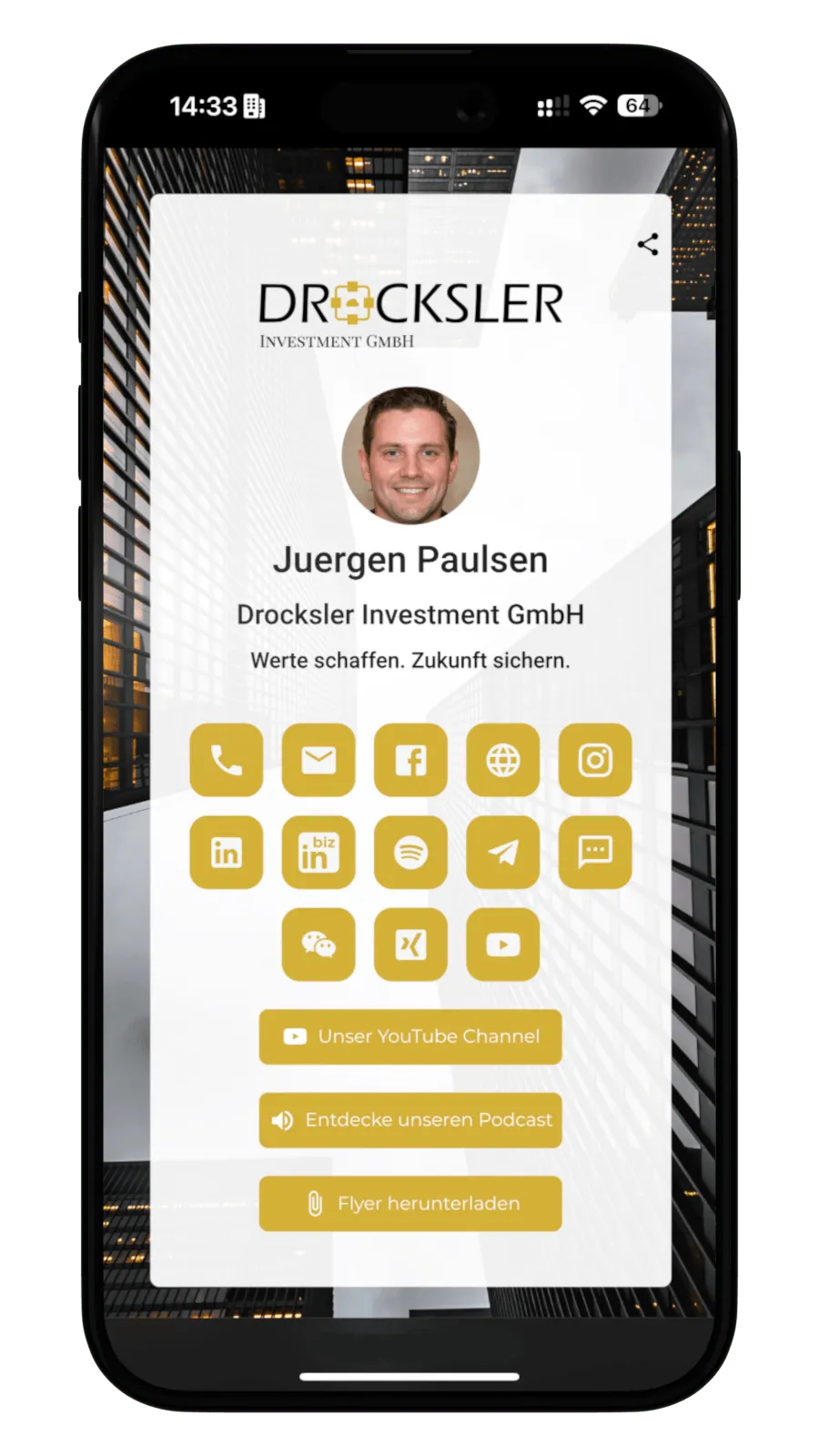
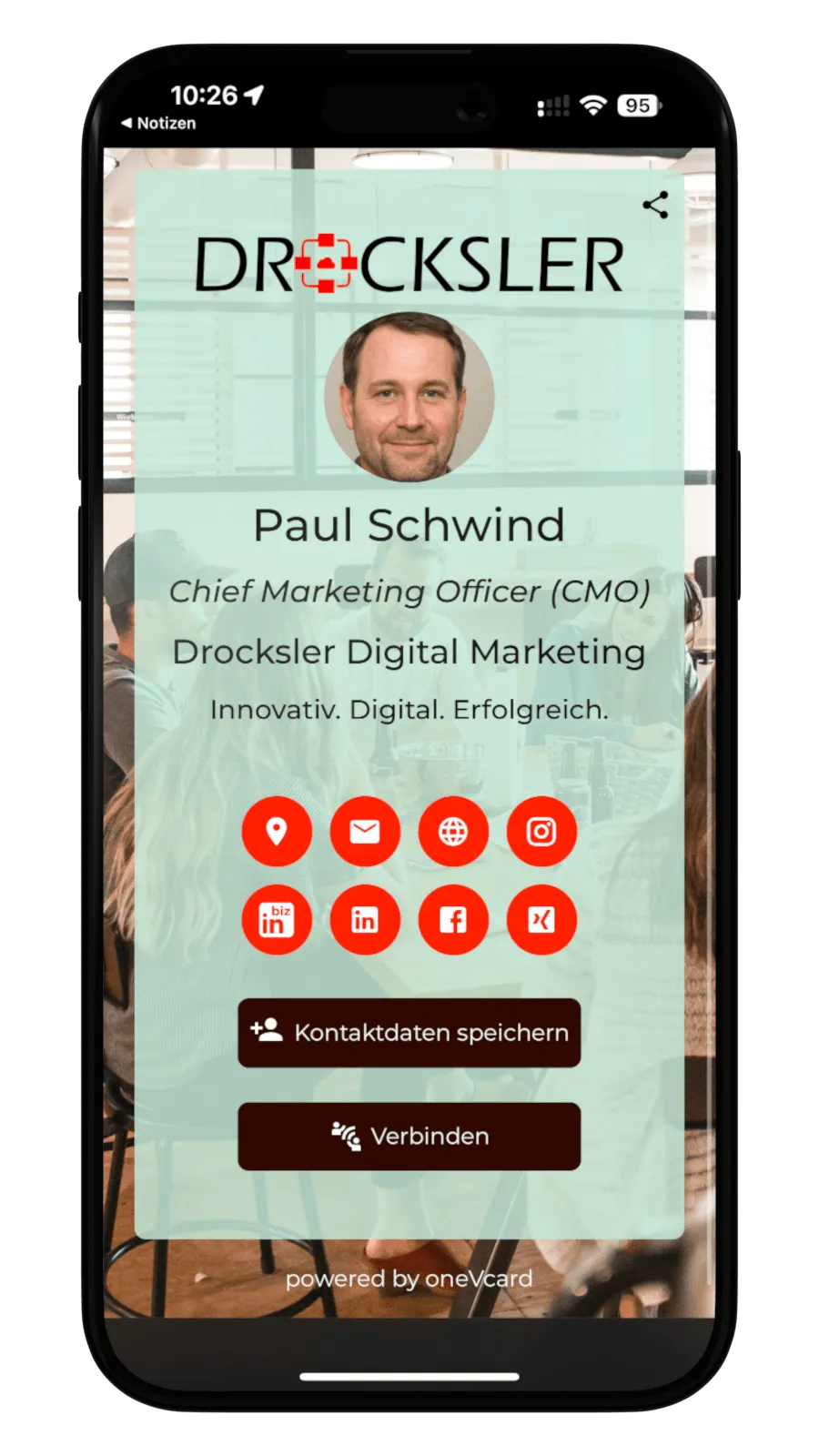
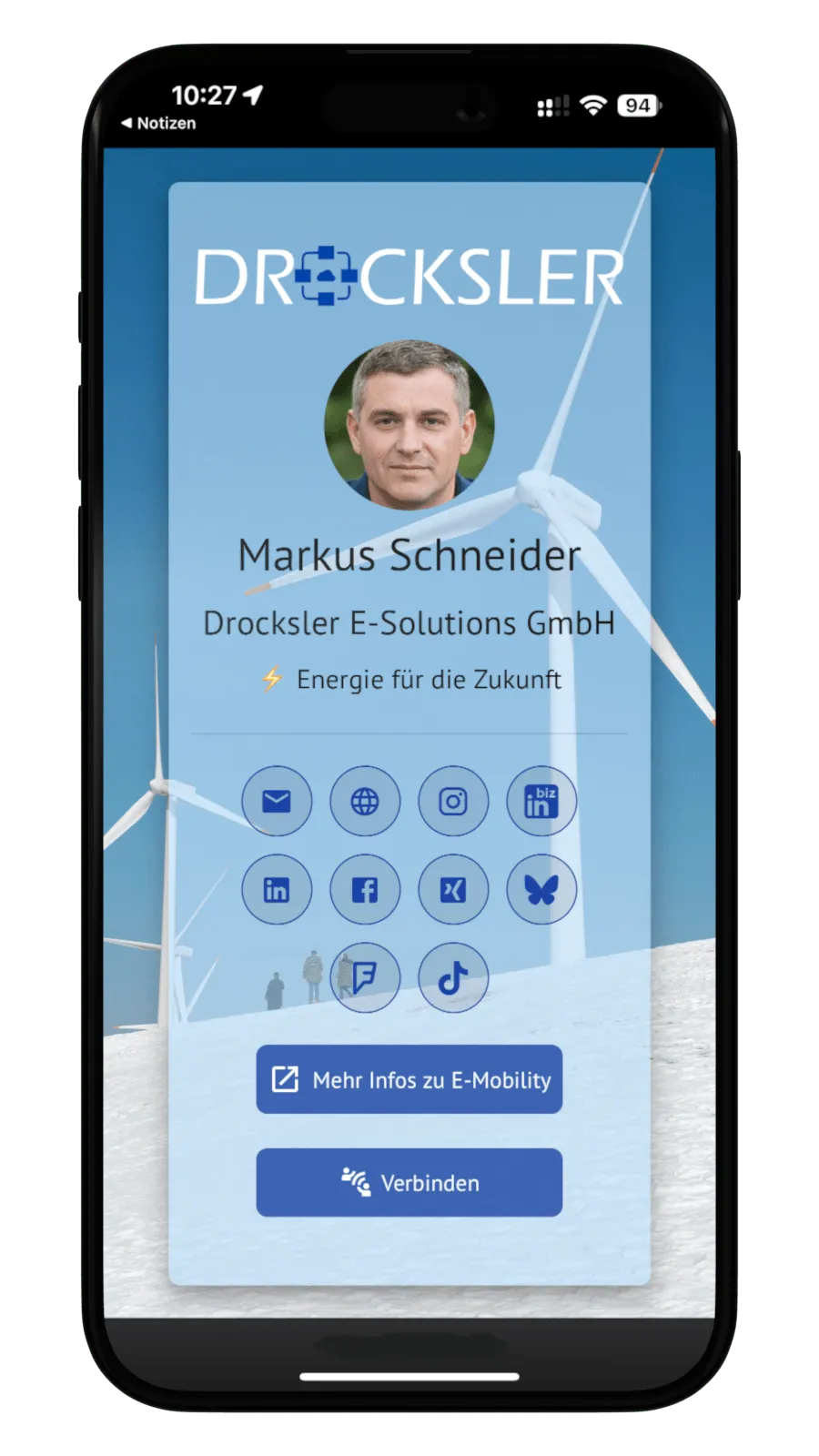
With the business card designer you tailor your digital business cards comprehensively to your company. In the layout editor you freely style background, foreground and icons to match your corporate identity, exact to the HEX-Code, including company logo and employee photo.
- Free design in the layout editor, exact to the HEX-Code
- Two icon styles to choose from
- Place company logo and employee photo
- App in your company’s corporate design
- Custom font available on request
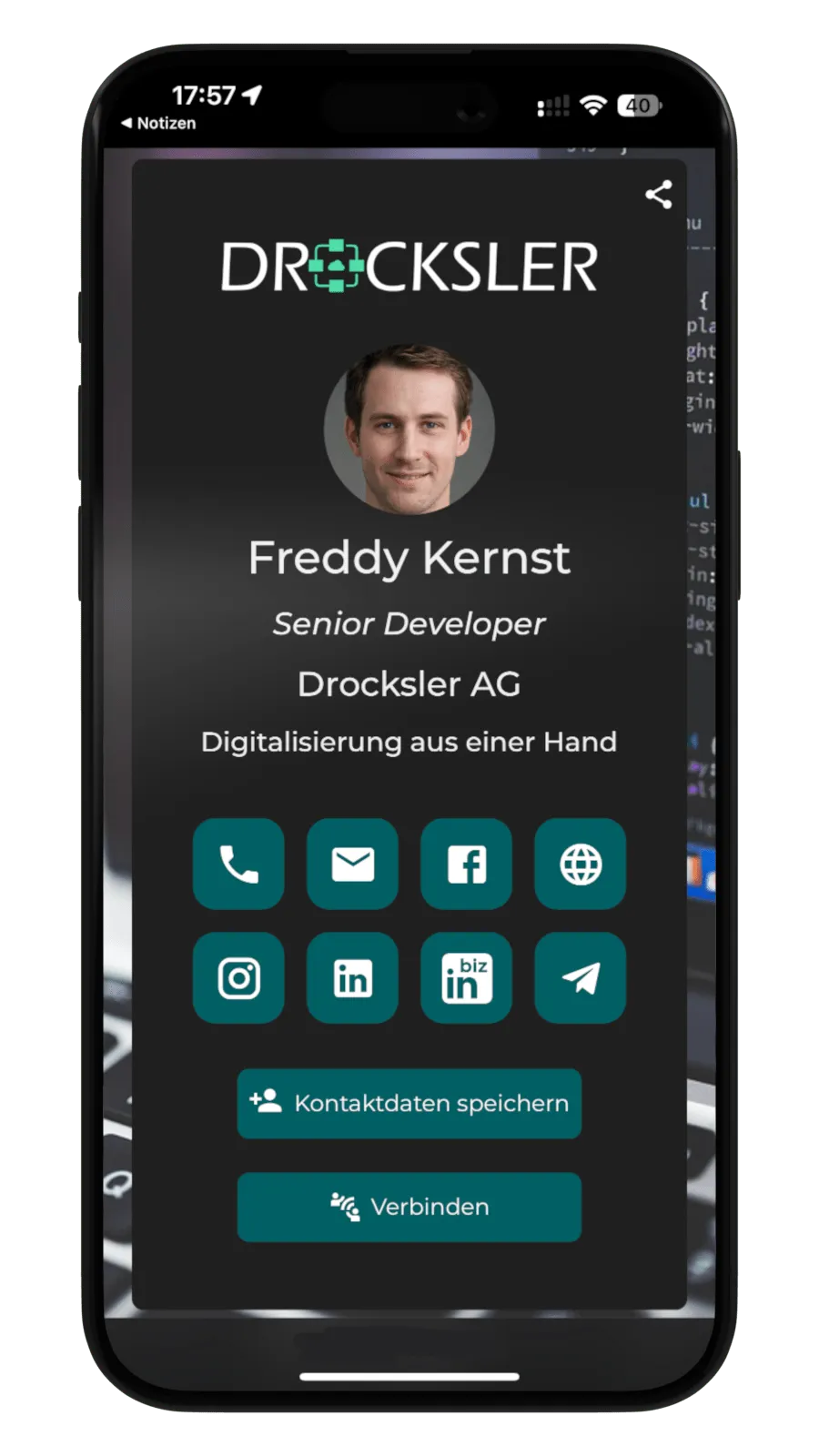
One consistent look for your whole team
From subtle to bold: design the digital business cards exactly in your company’s corporate design.
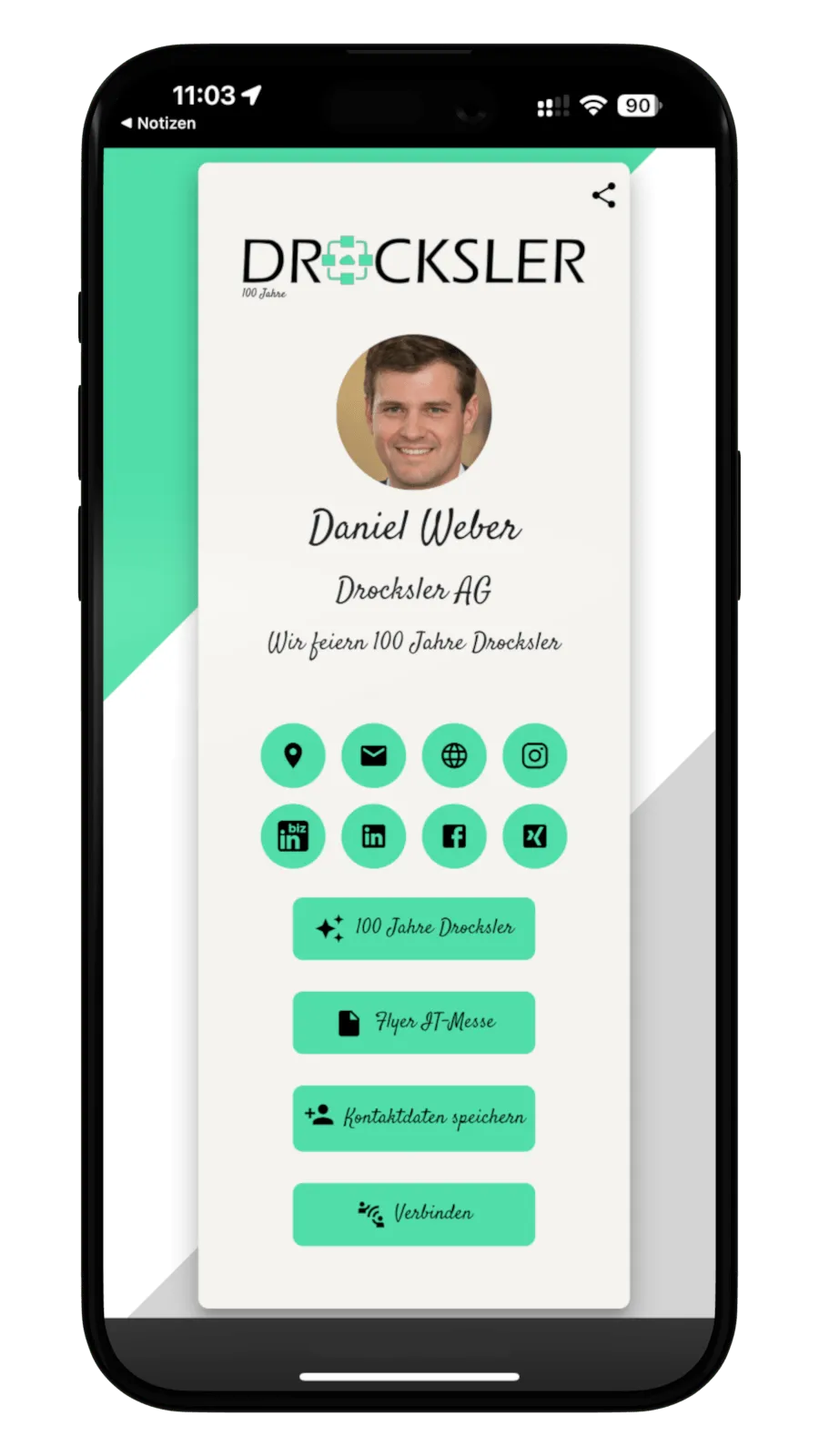
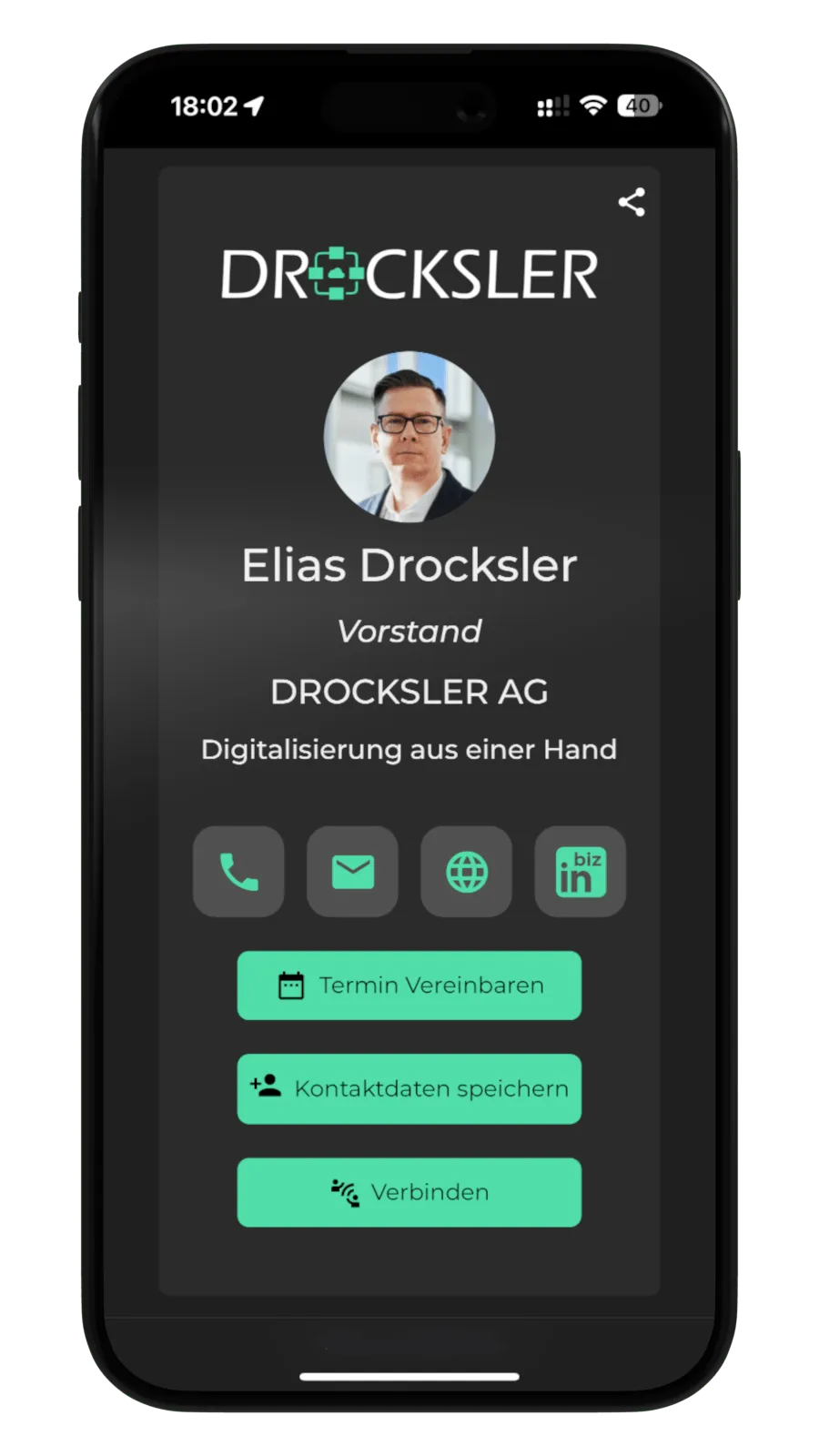
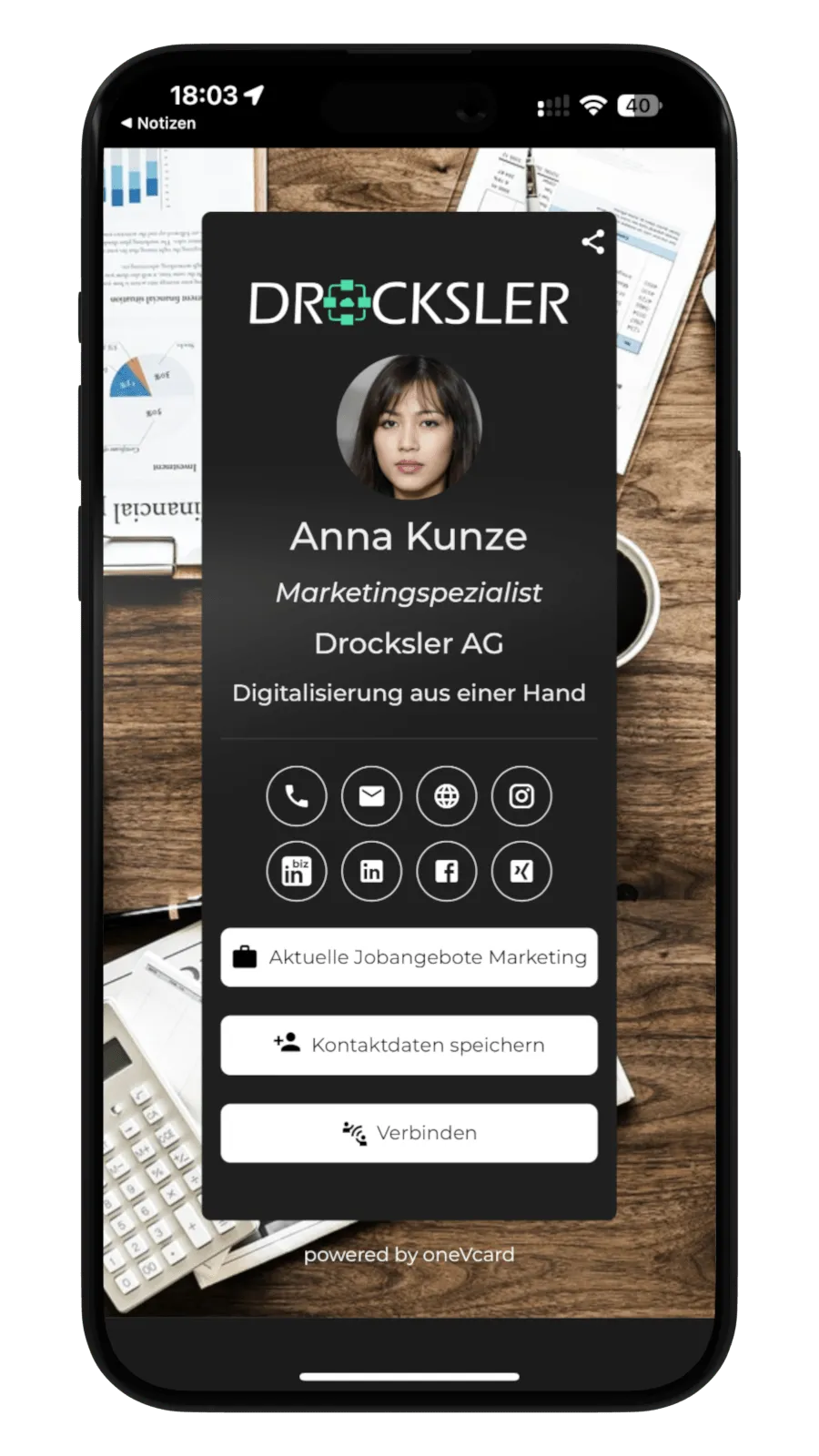
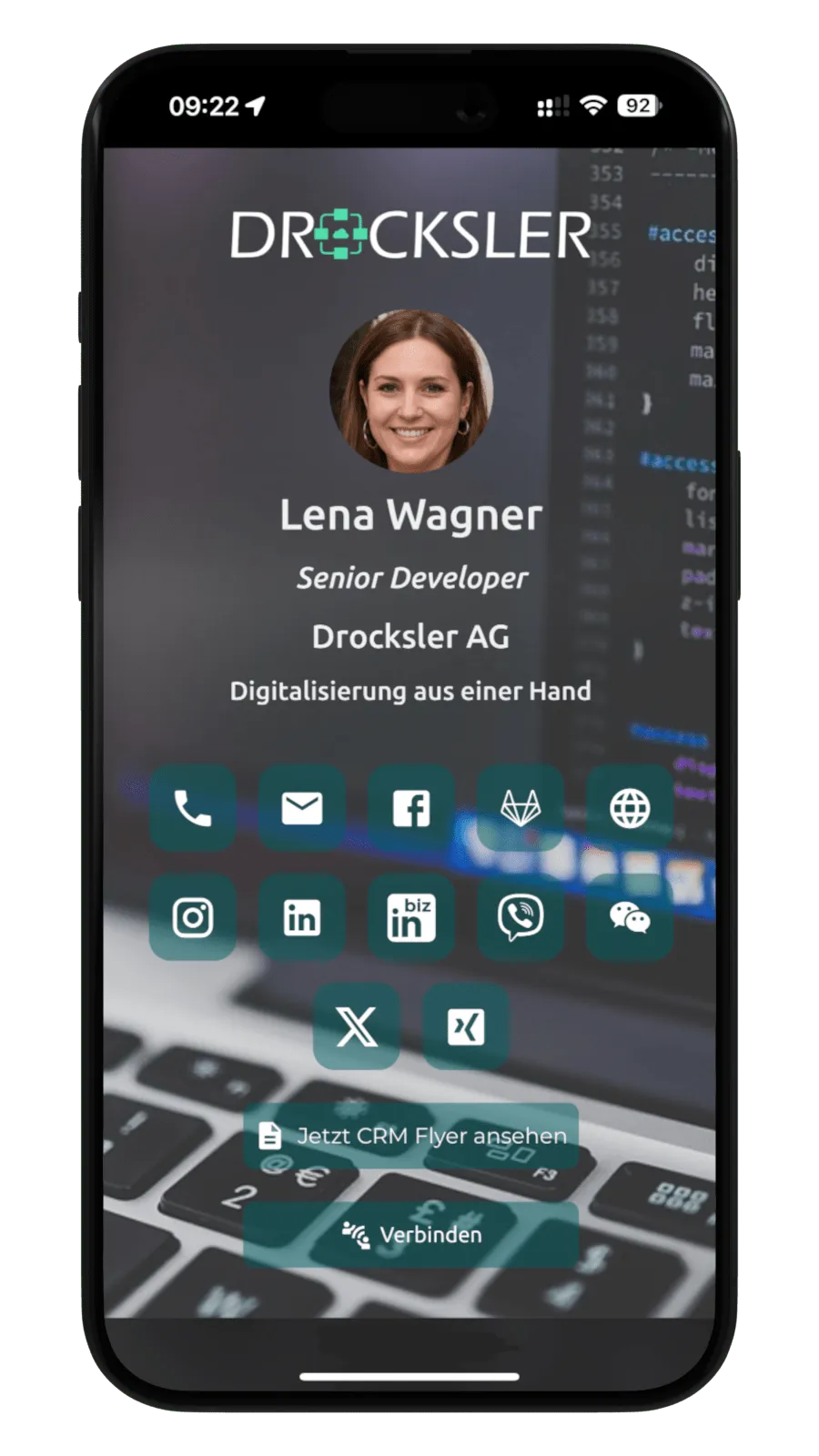
Everything under central control
oneVcard Teams gives you the tools to manage business cards company-wide.
Real-time updates
Change company name or logo on all cards at once, as often as you like.
Roles & permissions
Multiple admins, tiered permissions and user self-service.
Single sign-on
Secure login via SSO with your existing company credentials.
Excel / CSV import
Import all employee data at once and generate cards automatically.
Premium for everyone
Every invited person automatically gets all premium features.
Templates
Department templates with logo, design and base data, set up once, use everywhere.
Integrations & API
Connect to HR, CRM and ERP systems plus your own API.
Apple & Google Wallet
Create wallet business cards centrally for the whole team.
Fast support
Personal contact and premium support for business customers.
Teams features at a glance
Dive deeper into the most important features for companies.

Business card scanner for your company
Maximum efficiency in lead generation and contact management: your team captures scanned contacts centrally in the oneVcard app and processes them manually or automatically. With lead generation you collect leads directly via the digital business card.
- Scan and digitize paper business cards
- Lead generation for two-way contact exchange
- Export via vCard, CSV, API or straight to your CRM/ERP
- Central lead capture in the app
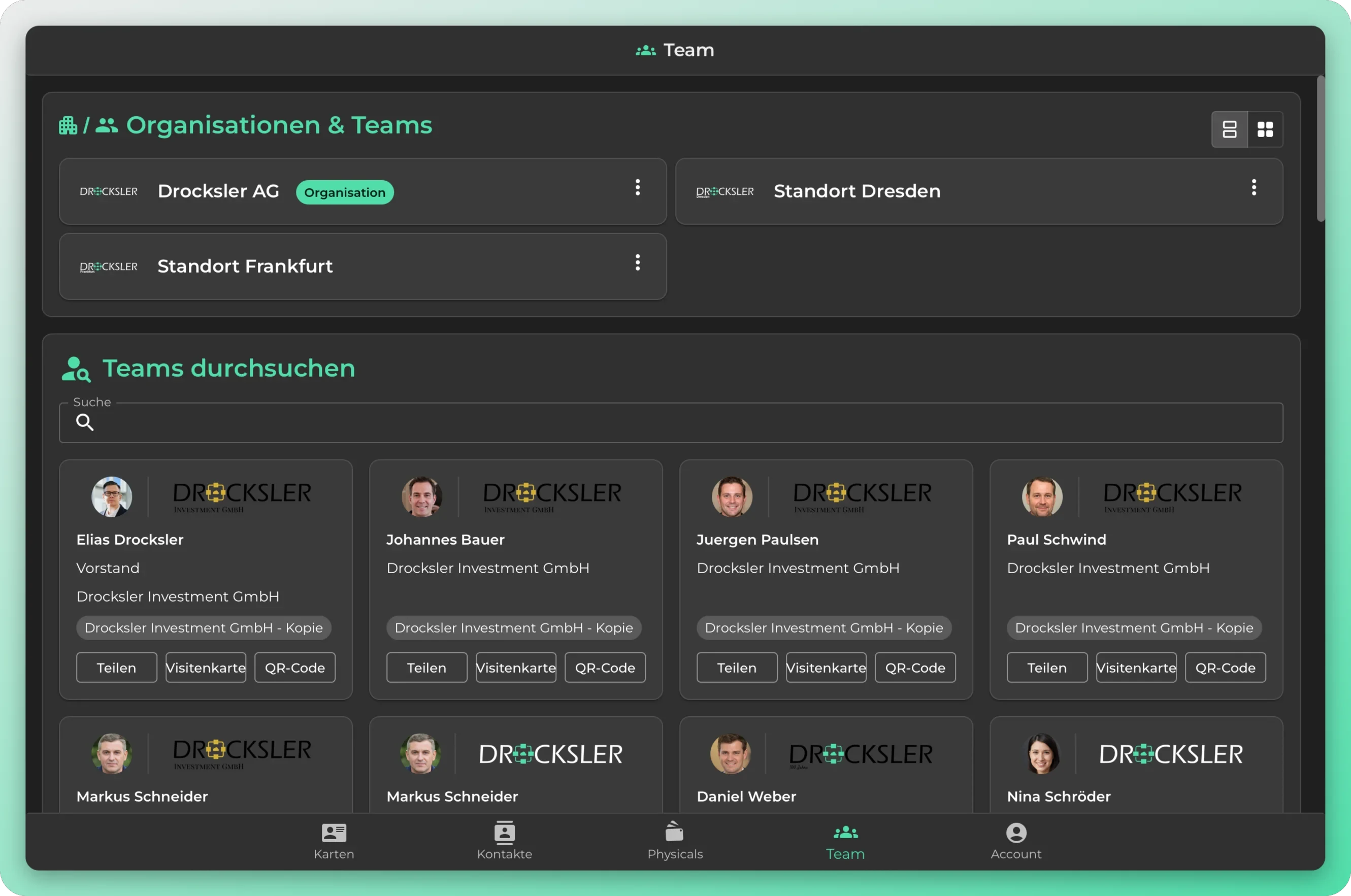
Find the right contact instantly
Looking for the right person for a sales inquiry or want to reach a new colleague? With team search enabled, your employees find the right contact directly in the oneVcard app, including contact details and a QR code to share. You enable or disable team search centrally for your organization.
- Find colleagues directly in the app
- Share a contact via button or QR code
- Save contact details with one click
- Can be enabled and disabled centrally per organization
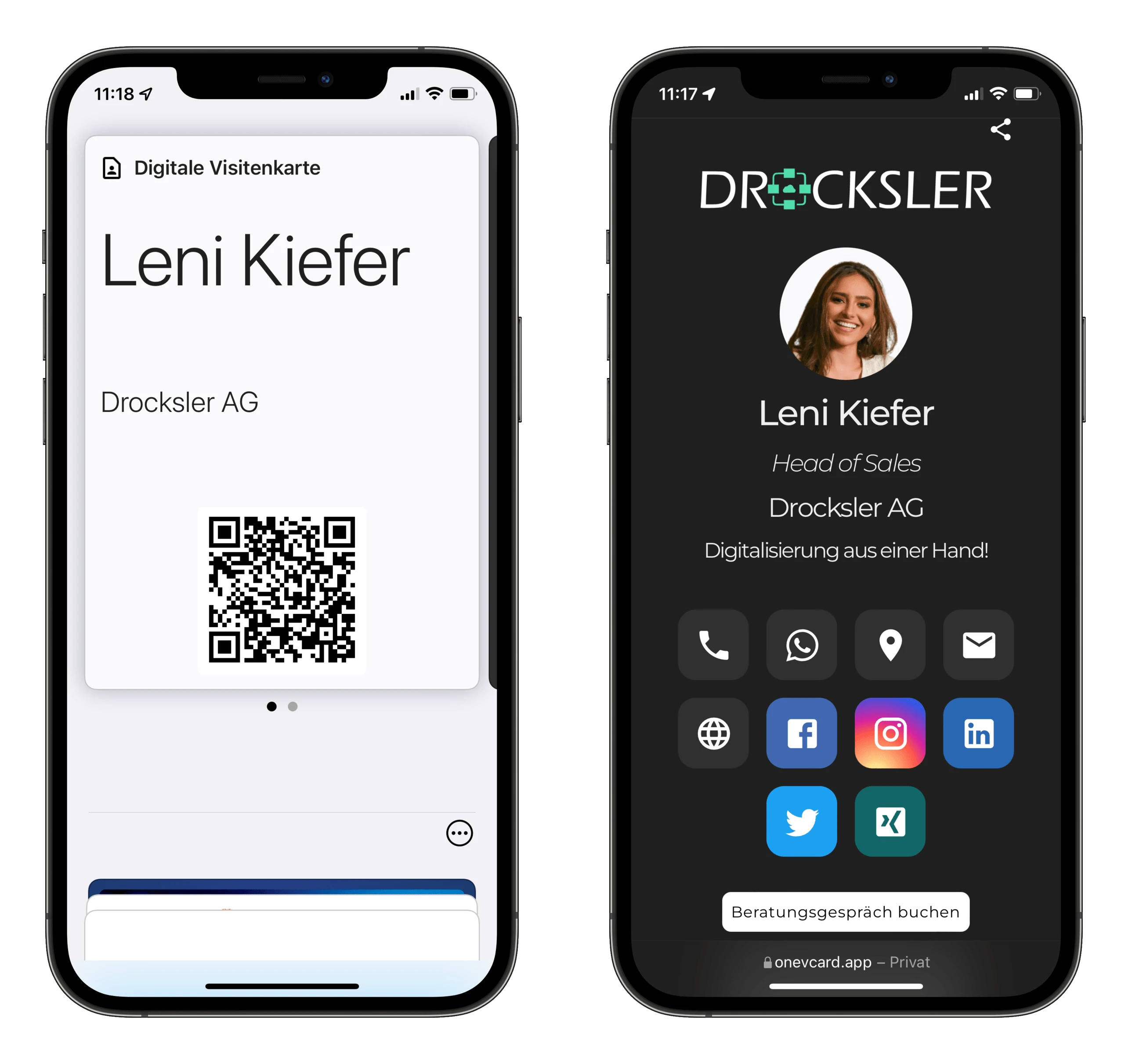
Wallet business cards for the whole team
Equip your team with wallet business cards: employees share their contact details straight from Apple or Google Wallet, with a double click, always up to date and in corporate design.
- Create and distribute wallet cards centrally
- Apple Wallet and Google Wallet
- In your company’s corporate design
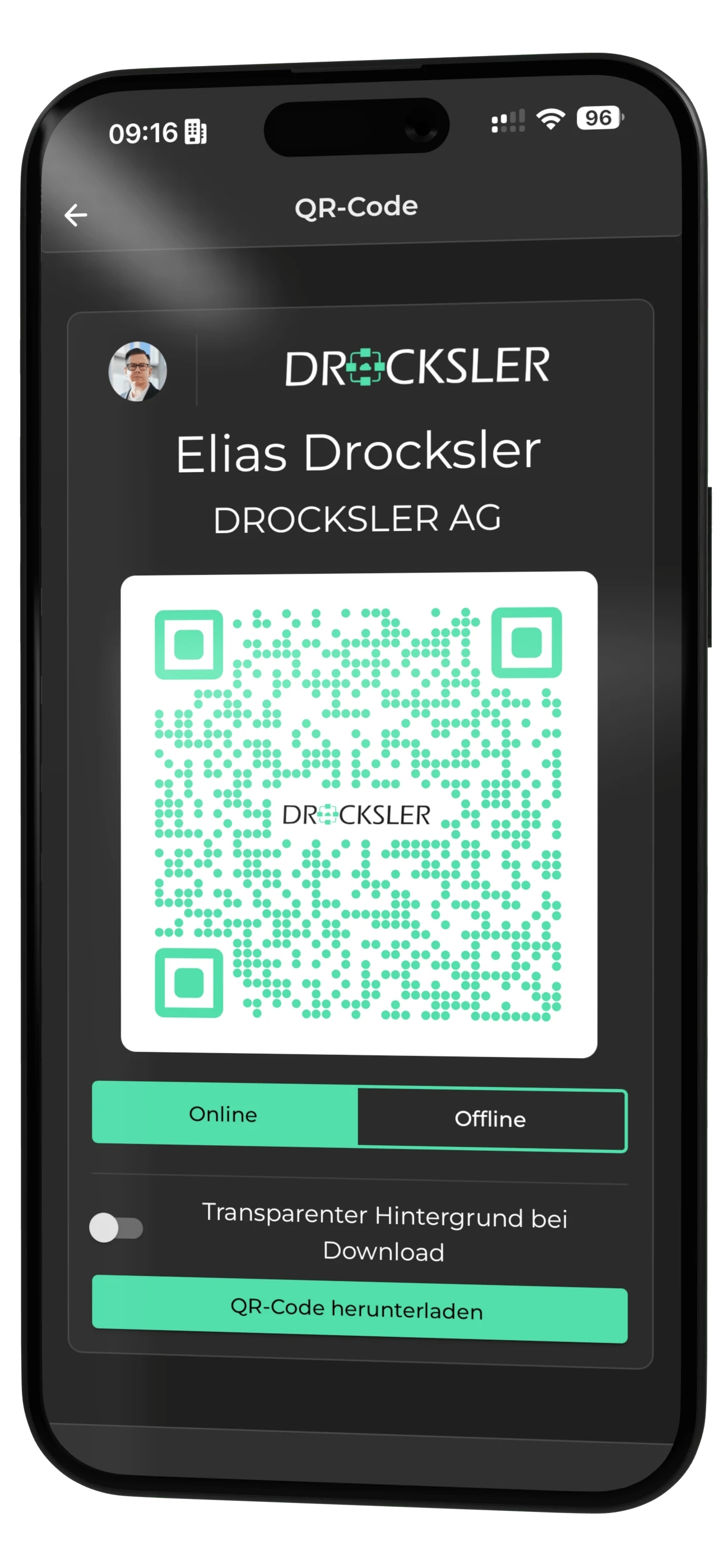
Export QR codes and use them anywhere
Export one or many QR codes of your digital business cards with a single click, and use them everywhere: in email signatures, on roll-ups, trade-show stands or clothing.
- Single or bulk QR code export
- Customizable in your corporate design
- Online and offline QR code
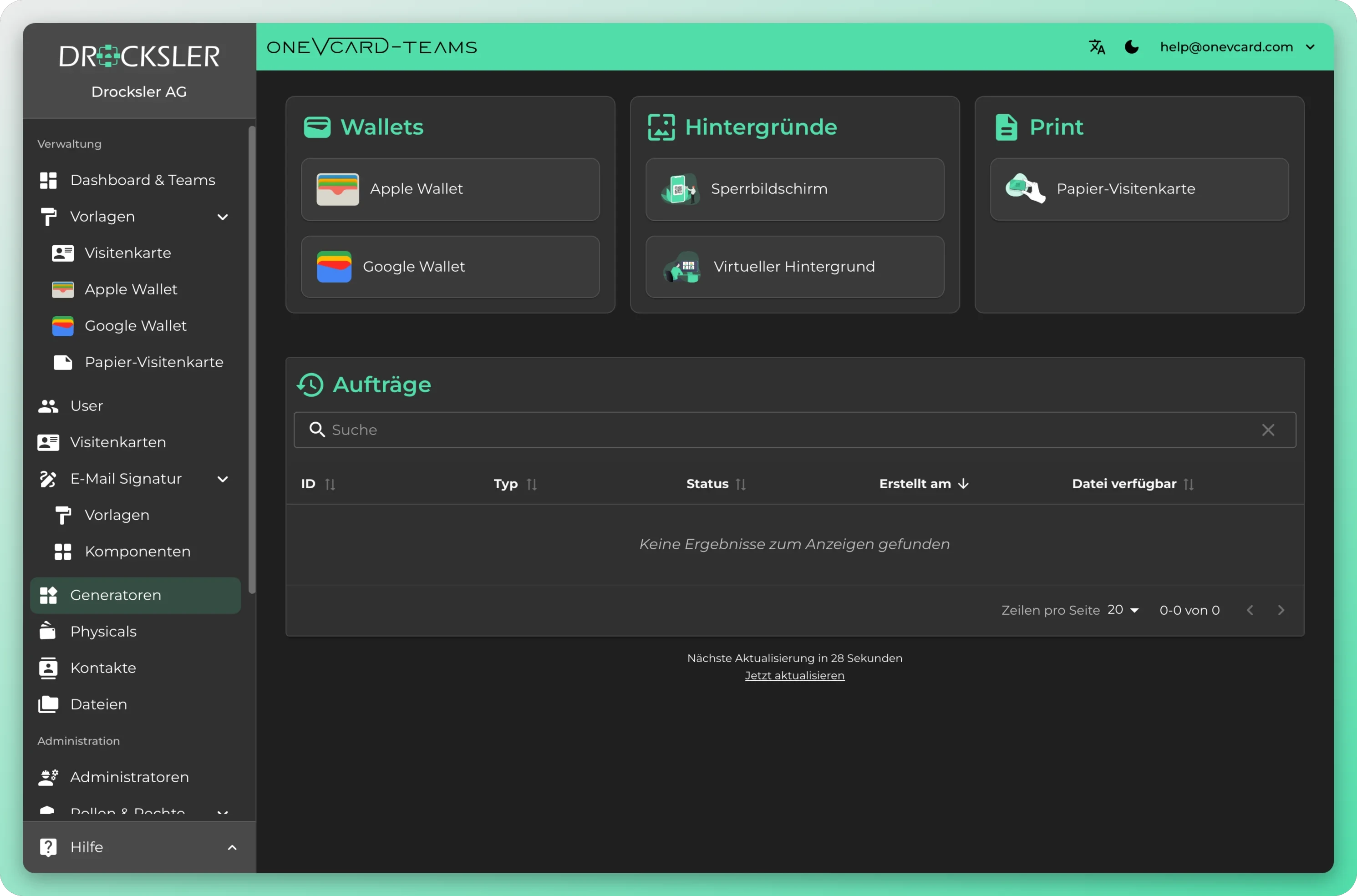
Wallet, backgrounds and print at the click of a button
Create Apple and Google Wallet passes, lock screen and video call backgrounds, and print-ready files, centrally for your entire team.
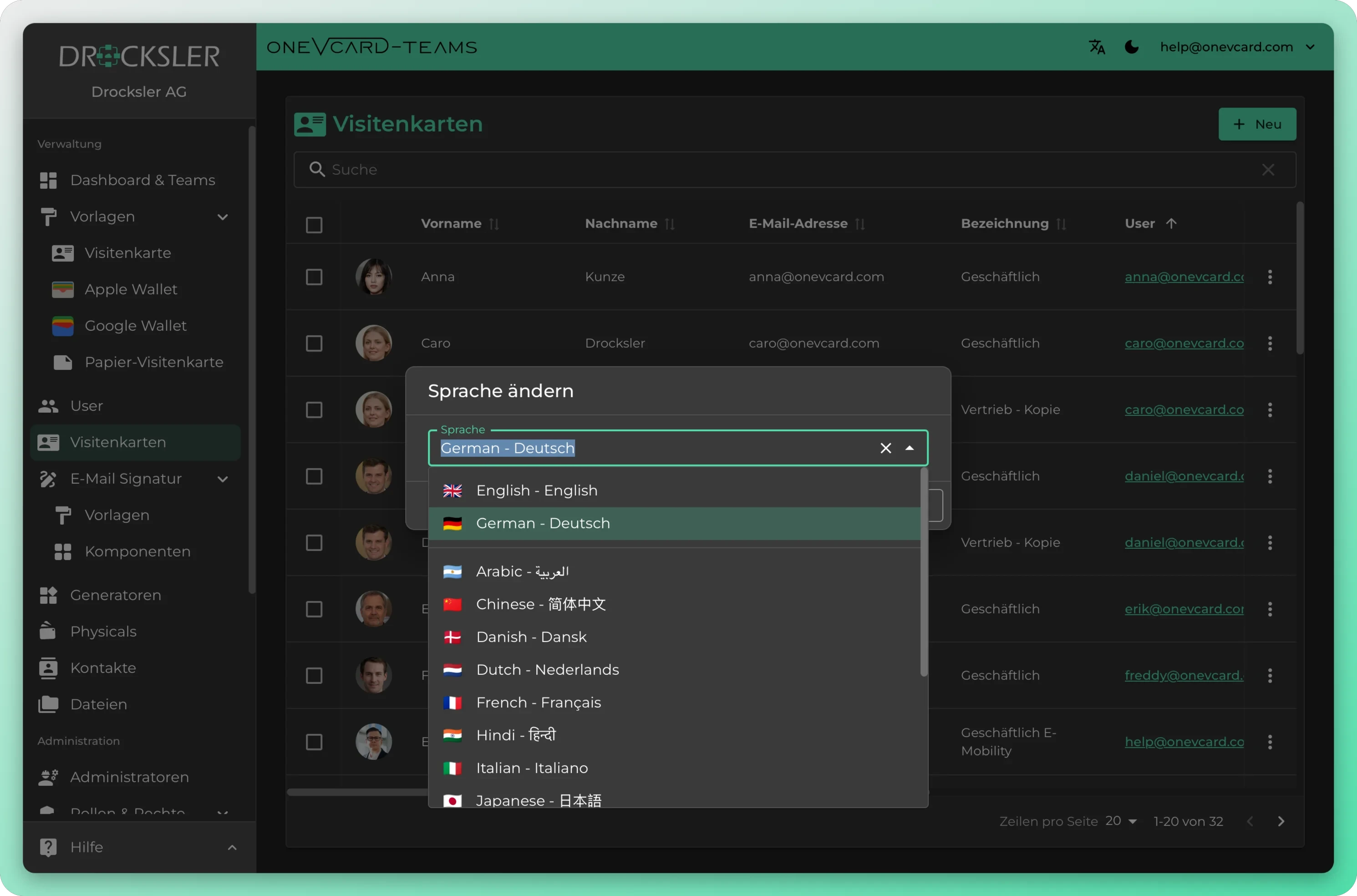
A business card in every language
Set the language for each card, from German and English to Arabic and Chinese. That way every business card speaks your contacts' language.
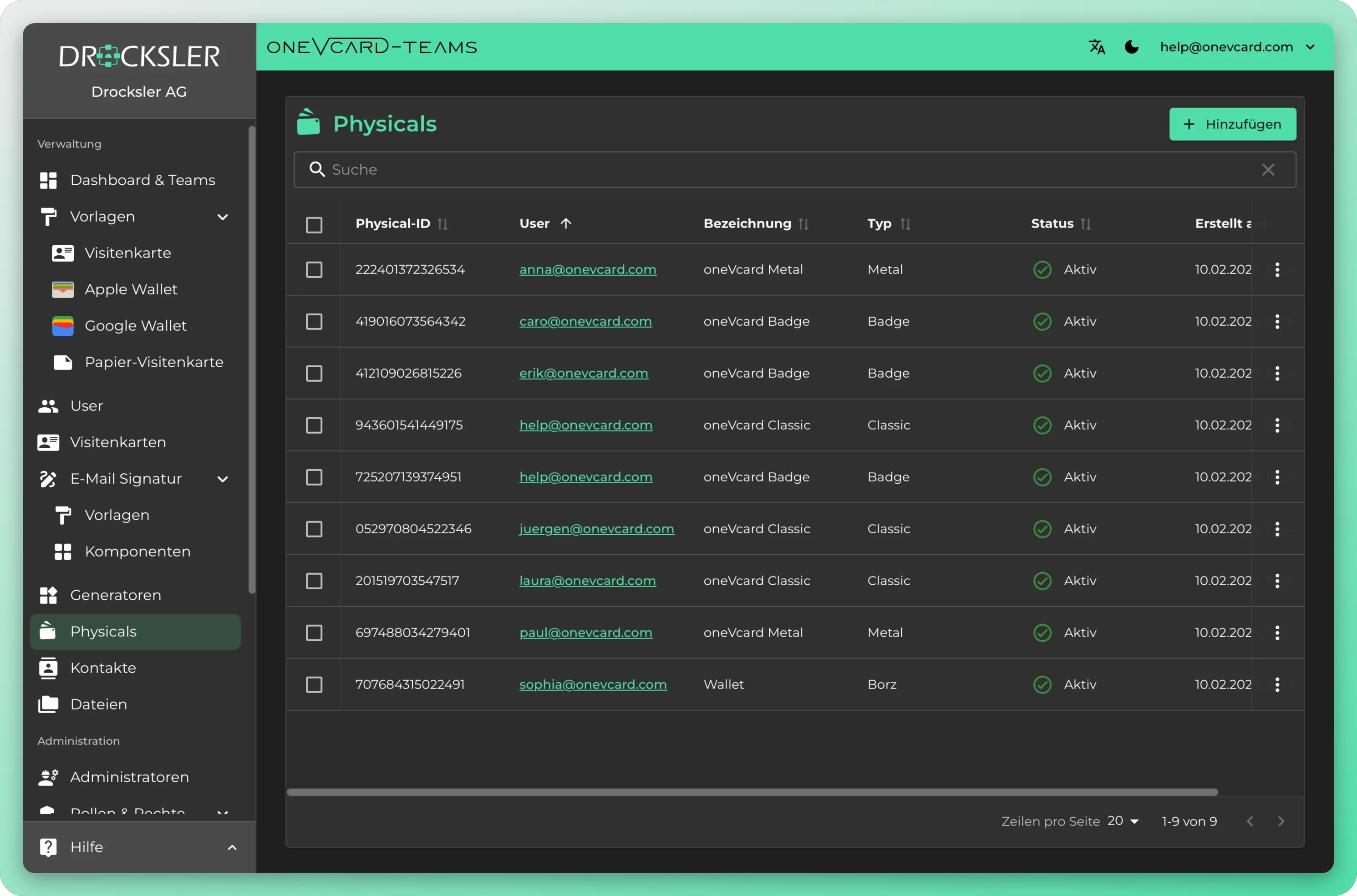
Manage physical cards centrally
Keep Metal, Classic and Badge in view, assign them to employees and handle reorders, all from the team dashboard.
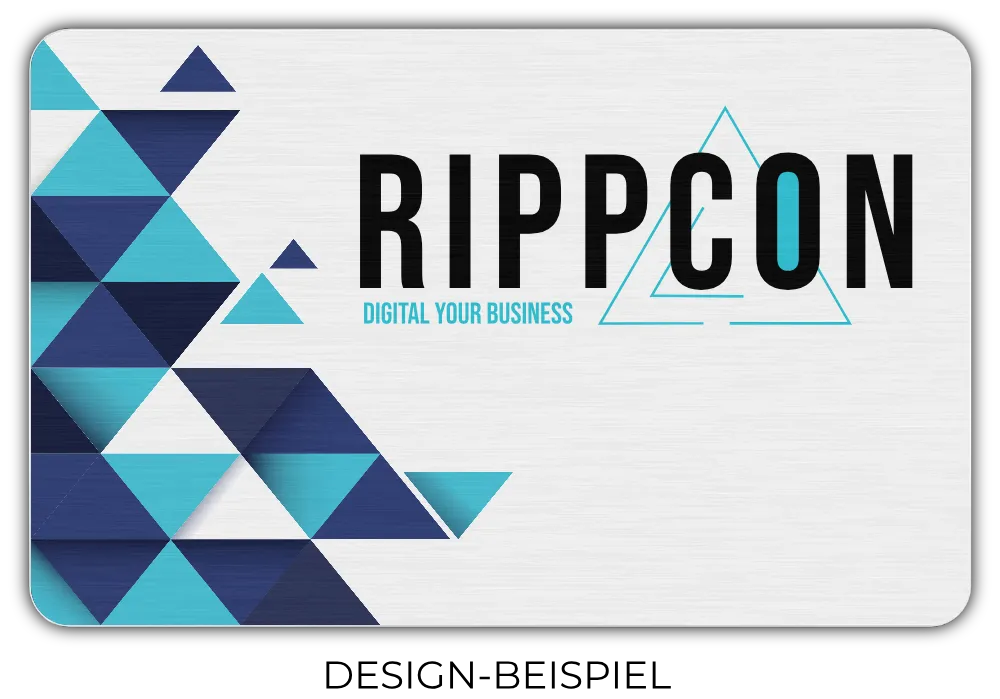
Combine digital and physical
Use digital business cards purely digitally or equip your employees with a physical too.

Works on every device
Sharing contact details even works without an internet connection.
Less paper, more responsibility
Classic paper business cards get typed out and thrown away. With digital business cards your team saves resources, and our physicals are packaged resource-efficiently too. As a participant in the Dual System we contribute to packaging recycling.
- Less paper, less waste
- QR code instead of printing
- Resource-efficient packaging
- Participation in the Dual System (Der Grüne Punkt)
Consistent email signatures for your whole team
Design brand-compliant signatures centrally and roll them out automatically to every employee, linked to the digital business card. Always up to date, no manual upkeep.
- Designed centrally One on-brand template, consistent across the entire company.
- Automatically in sync Signatures pull data from oneVcard profiles and stay up to date.
- Roll out in Microsoft 365 Server-side rules for Outlook & Exchange, every email carries the right signature.
- Linked to the digital card Each signature links straight to the oneVcard, with QR code and lead generation.
Hi Ms Wagner, thanks for the great chat. My contact details are attached, just tap the card.
Lena Wagner
Senior Developer · Drocksler AG
View digital business cardWant every email to look
automagically professional
with nothing left to
set up by hand?
Your savings potential
Enter your team’s numbers and instantly see how much paper, wood and CO₂ digital business cards save.
Paper saved
Wood spared
CO₂ avoided
That’s roughly 157 km by car, and as much CO₂ as 3 trees absorb in a year.
Data protection and security
Our ISO 27001-certified data centres store your data securely in Falkenstein and Nuremberg, Germany. We are happy to sign a data processing agreement (DPA) with your company.
In addition, oneVcard GmbH meets the requirements of the EU regulation DORA (Digital Operational Resilience Act), ensuring high standards in digital operational resilience and risk management. Our technical and organisational measures are reviewed, tested and improved on a regular basis.
Data protection is more than
a buzzword for us - promise

Prof. Dr. Eberhard Schott
External data protection officer
We are advised and represented externally on all data protection matters, so everything is handled in a legally compliant and correct way.
„For our innovative and dynamic company, oneVcard Teams gave us a smart solution for our business cards that matters today and in the future.“

Vanessa Weber
Managing Director | Werkzeug Weber
Book a consultation
Schedule a non-binding consultation about our digital business cards.
Select a date
Appointment confirmed
We will send you an email with a link to the Teams meeting.
Did not receive one? Email our support: support@onevcard.de
… catapults your business card into the digital future.
Download the oneVcard app and get started in minutes.