Digital business card for your Apple and Google Wallet
Share your contact details with your Apple or Android device.
Try it for free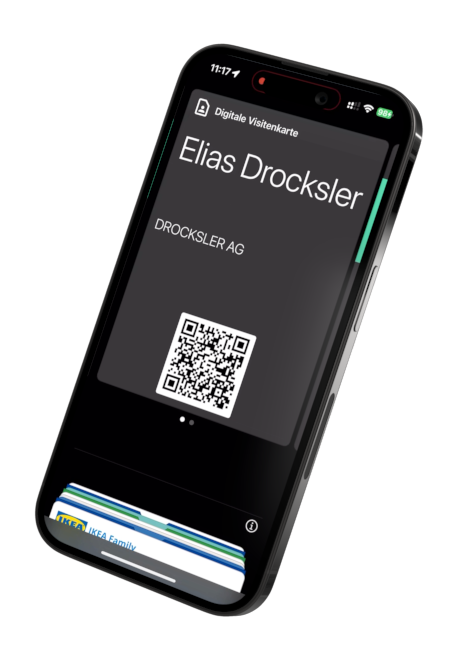
Share your contact details with your Apple or Android device.
Try it for free
Once you've added your Wallet business card to your Apple Wallet or Google Wallet, you can share it quickly and easily. On iPhones, simply double-click the side button to display the card. On Android, you can access the card just as easily via your smartphone's quick access options.
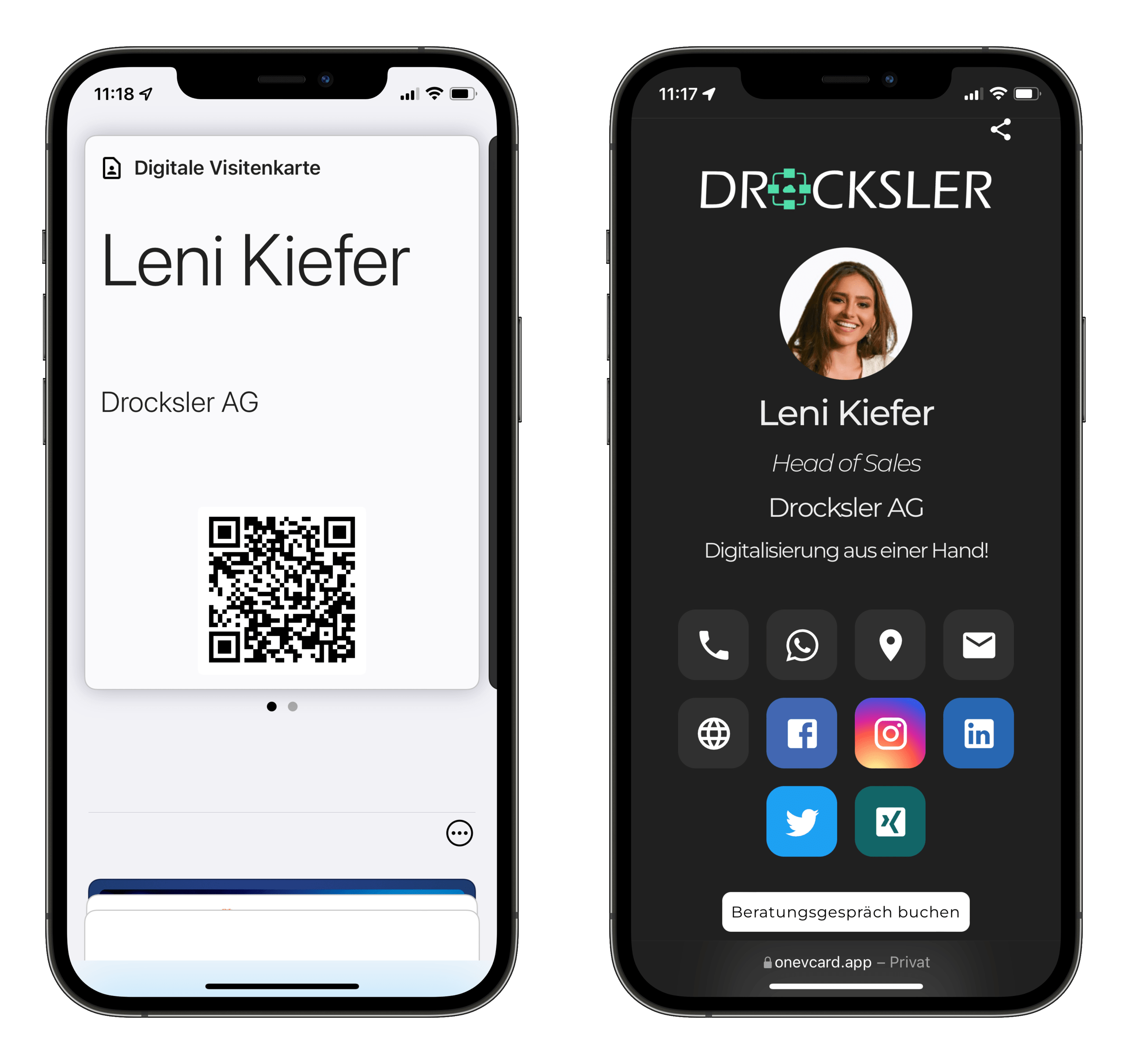
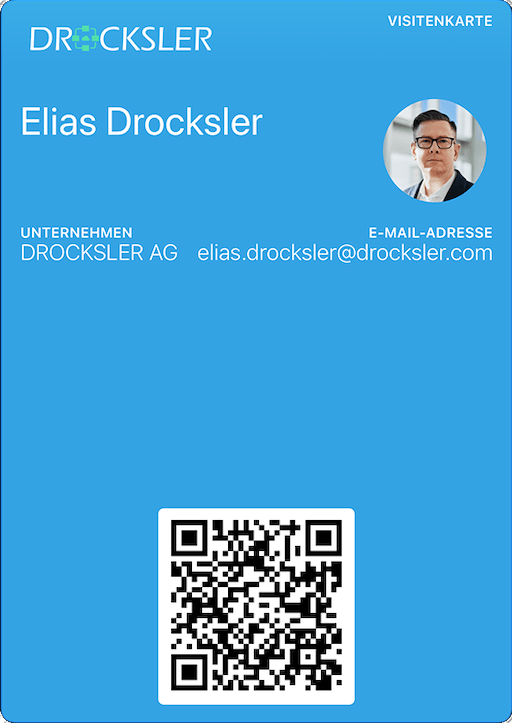
Place your company logo and profile picture on your Wallet business card - for a very personal first impression
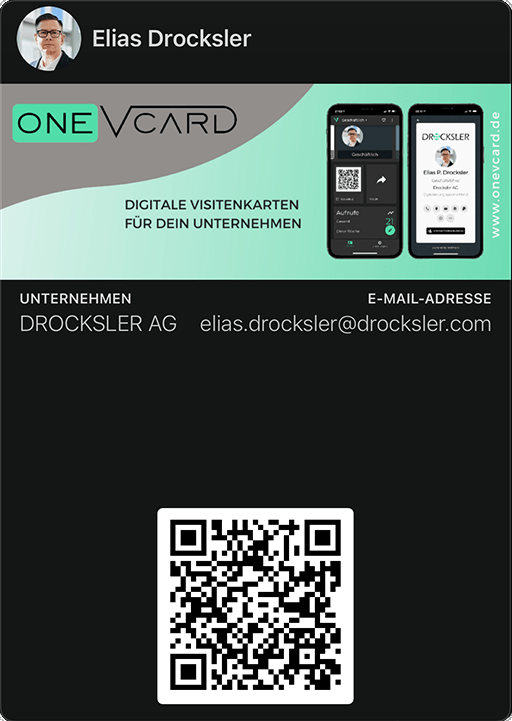
Got an event coming up or want to highlight a specific aspect of your company? No problem!
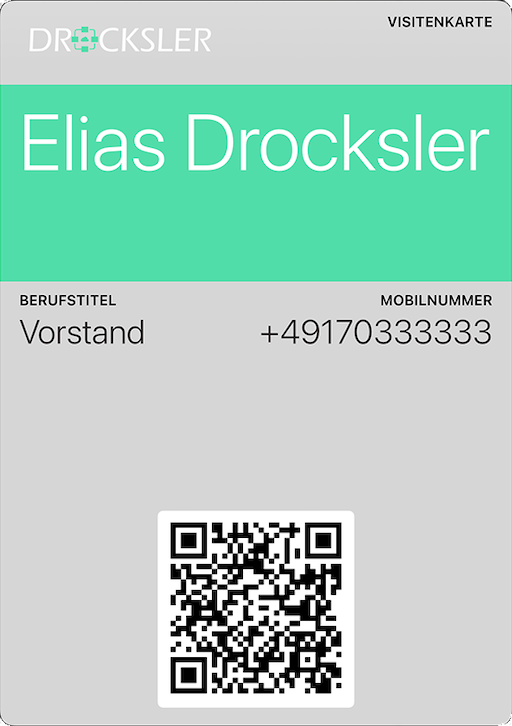
Prefer something simple? Put the focus on you and your information with the text banner and your chosen content.
Create your Wallet business card with your desired content and design using the oneVcard Wallet Designer.
Set your own colors for the background and font.
Add your company logo and profile picture to your Wallet business card.

Choose which personal information you want to display on your Apple Wallet.
Whether you use an Apple or Google smartphone, your Wallet business card can be used on both operating systems.
Customer case study:

As a Marketing Manager at Innovexa Solutions, I'm thrilled with the digital business card in my Apple Wallet. With a simple double-click, I can quickly and professionally share my contact details – perfect for meetings and conferences. It saves time and always leaves a modern impression.
Claudia Fischer, Marketing Manager, Innovexa Solutions
to the case studyArrange a consultation

Our ISO 27001 certified data center securely stores your data in Frankfurt, Germany. We would be happy to conclude a data processing agreement (DPA) with your company.
When it comes to data protection, we're advised and represented by our external data protection officer, Prof. Dr. Eberhard Schott. This way, you can be sure that all data protection matters are handled correctly.