User management that maintains itself
From bulk CSV import to automatic HR sync from Microsoft Entra ID, Google Workspace and Personio: business cards are created when someone joins, update in real time and are cleanly deactivated when someone leaves. Built for HR and IT admins.
Provisioning without manual work
Six concrete effects that HR and IT feel right away.
Import via CSV file
Upload a CSV file and create dozens of users at once. If you want, a business card is created right away for each person, and invitations optionally go out automatically.
Straight from your HR system
Connect Entra ID, Google Workspace or Personio. New employees automatically receive a card when they join, and changes to position or phone number are carried over automatically.
No duplicate profiles
During import, oneVcard recognizes existing users by their email address and updates them instead of creating duplicates. You decide per import whether existing profiles get updated.
Templates per team
Assign a card template right when you create someone, including from your org structure. With rules per department, every team automatically gets the matching design.
Clean offboarding
When an account is deactivated in the HR source, oneVcard follows suit. Deletions apply irreversibly across the entire organization and all its teams, so no orphaned profiles are left behind.
Cross-organization import
Team admins with permission can pull existing users from the parent organization into a team by selecting them, including template assignment.
New hires, ready automatically
As soon as someone is added in the HR system, their digital business card is created on its own and always stays up to date automatically. When they leave, it is cleanly deactivated.
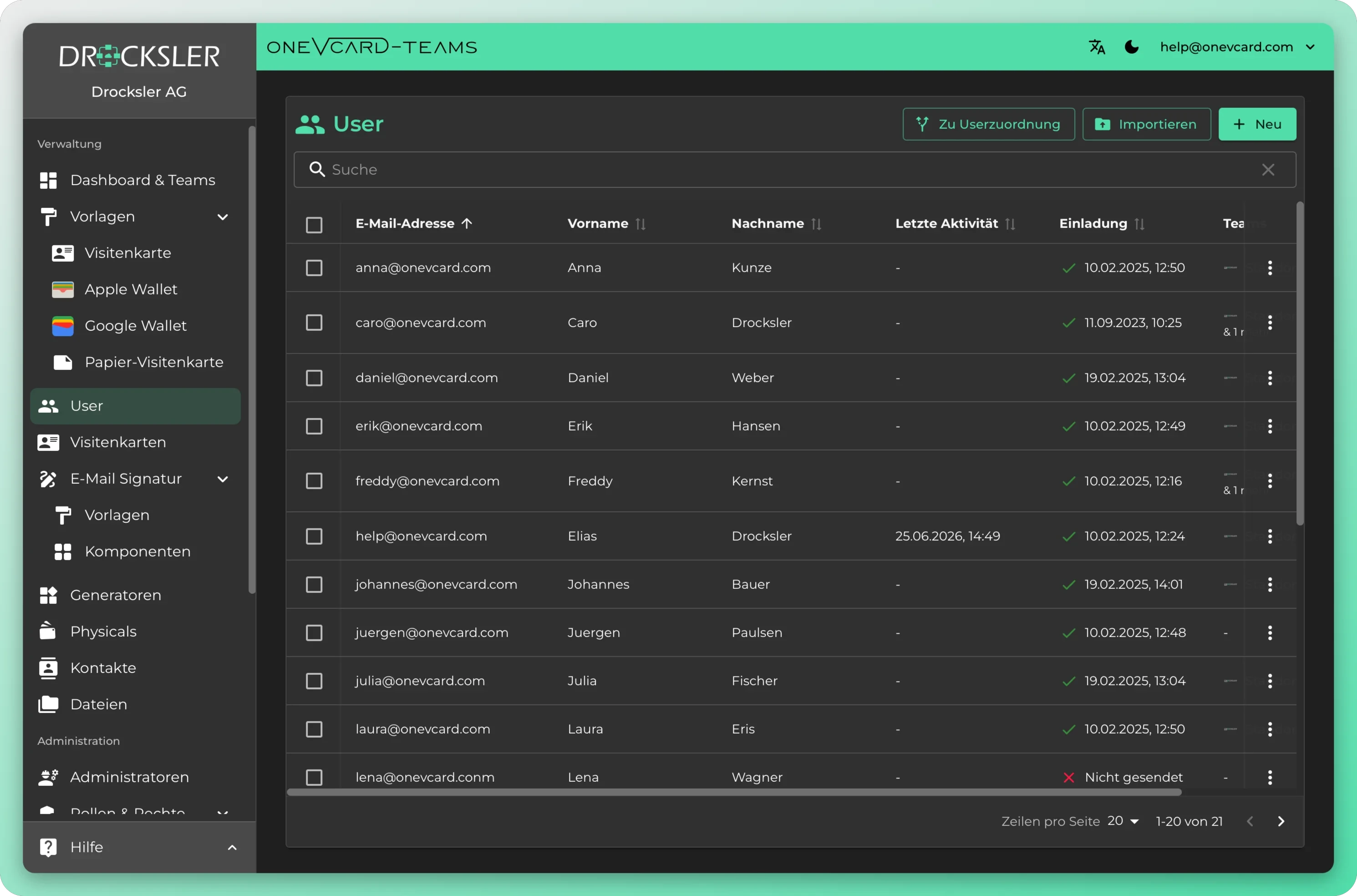
Every user at a glance
See each team member with their status, invitation and most recent activity. Import new users, send invites and manage everything straight from the overview.
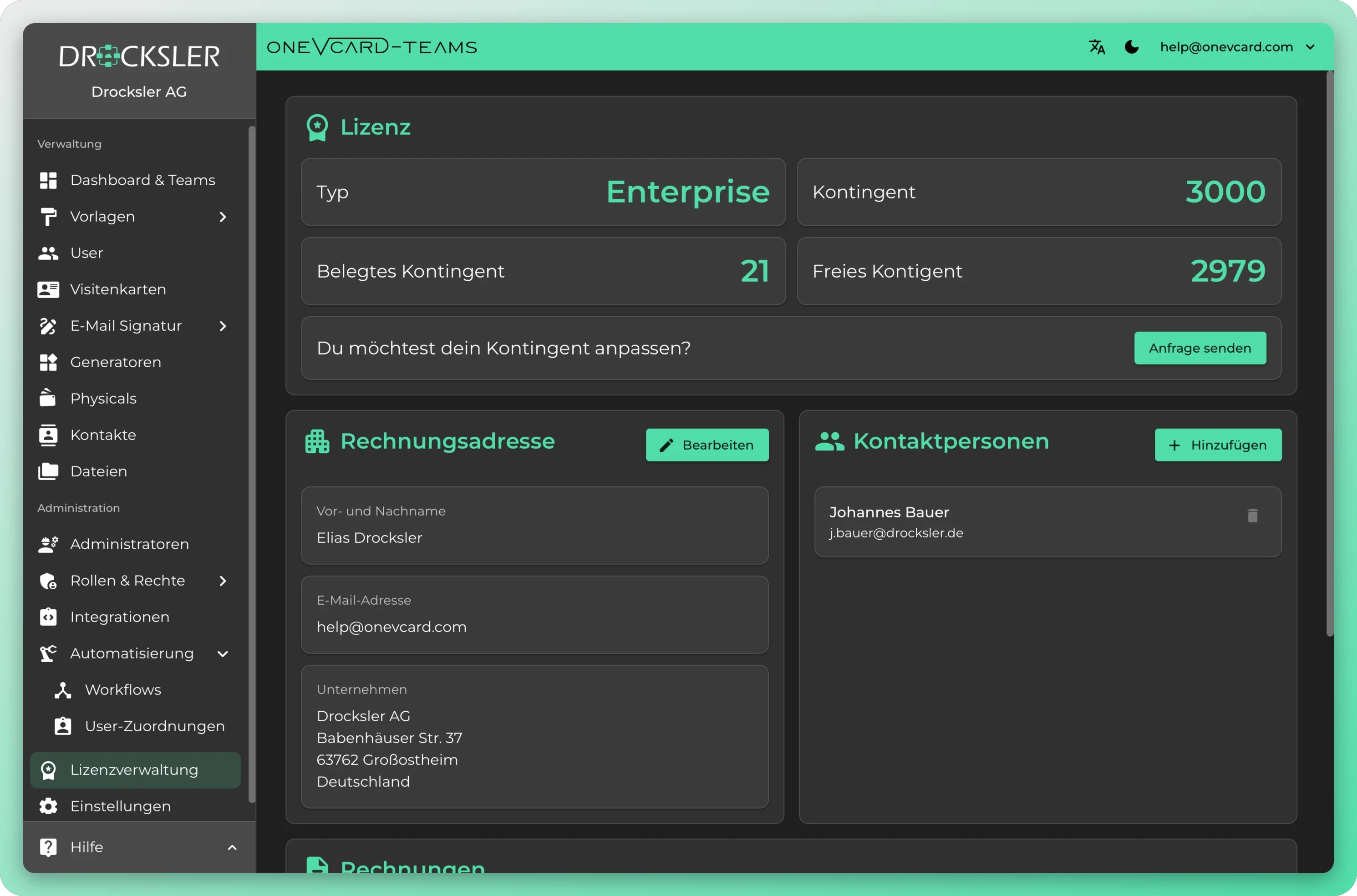
Always on top of your licenses
See at a glance how many licenses are assigned and how many are free. Assign them where they are needed and release them again when someone leaves. Your allocation stays transparent at all times.
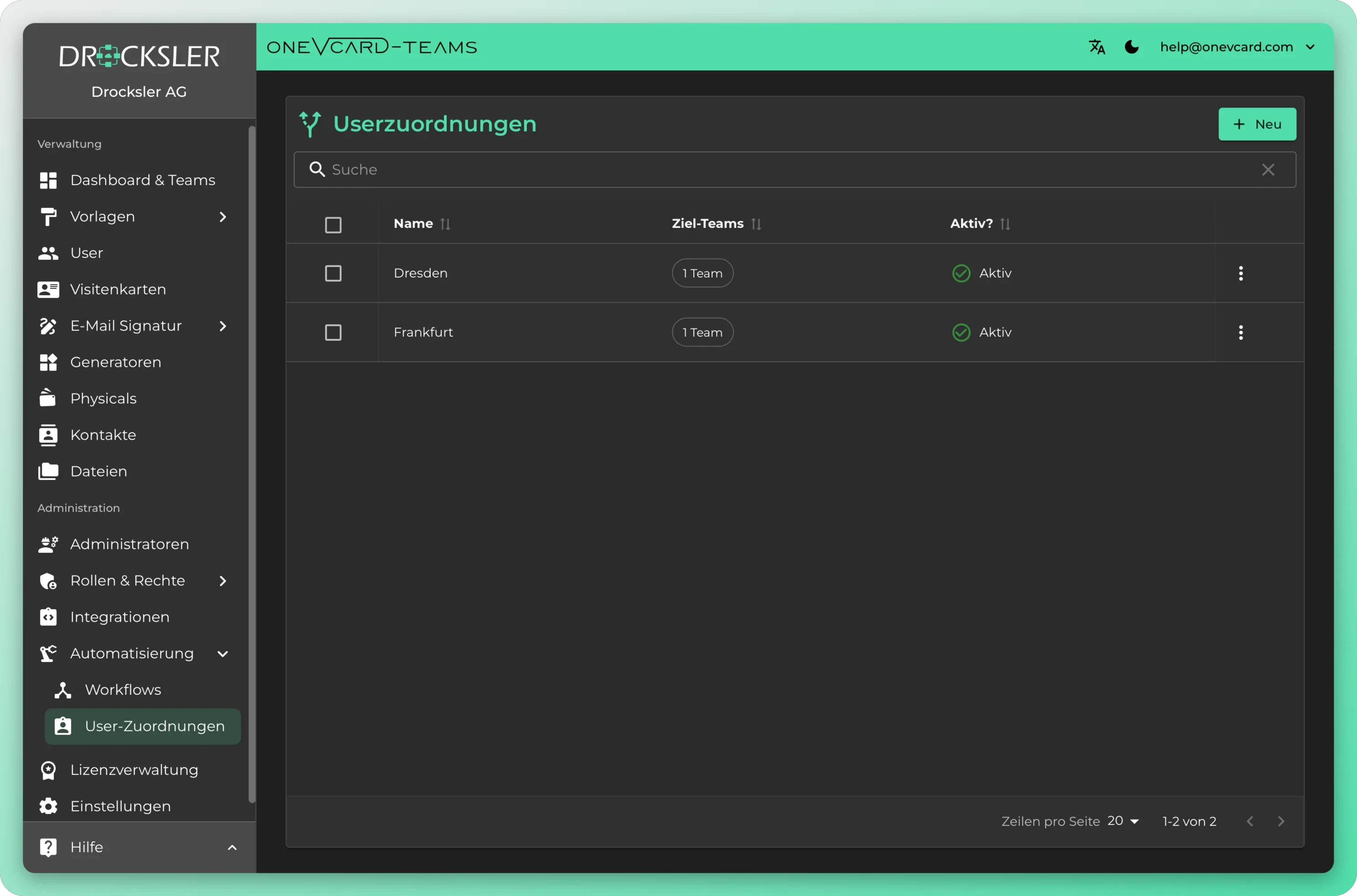
Assign users to the right Teams
Assign employees to their locations and Teams with a single click. They then automatically inherit the right templates, roles and permissions.
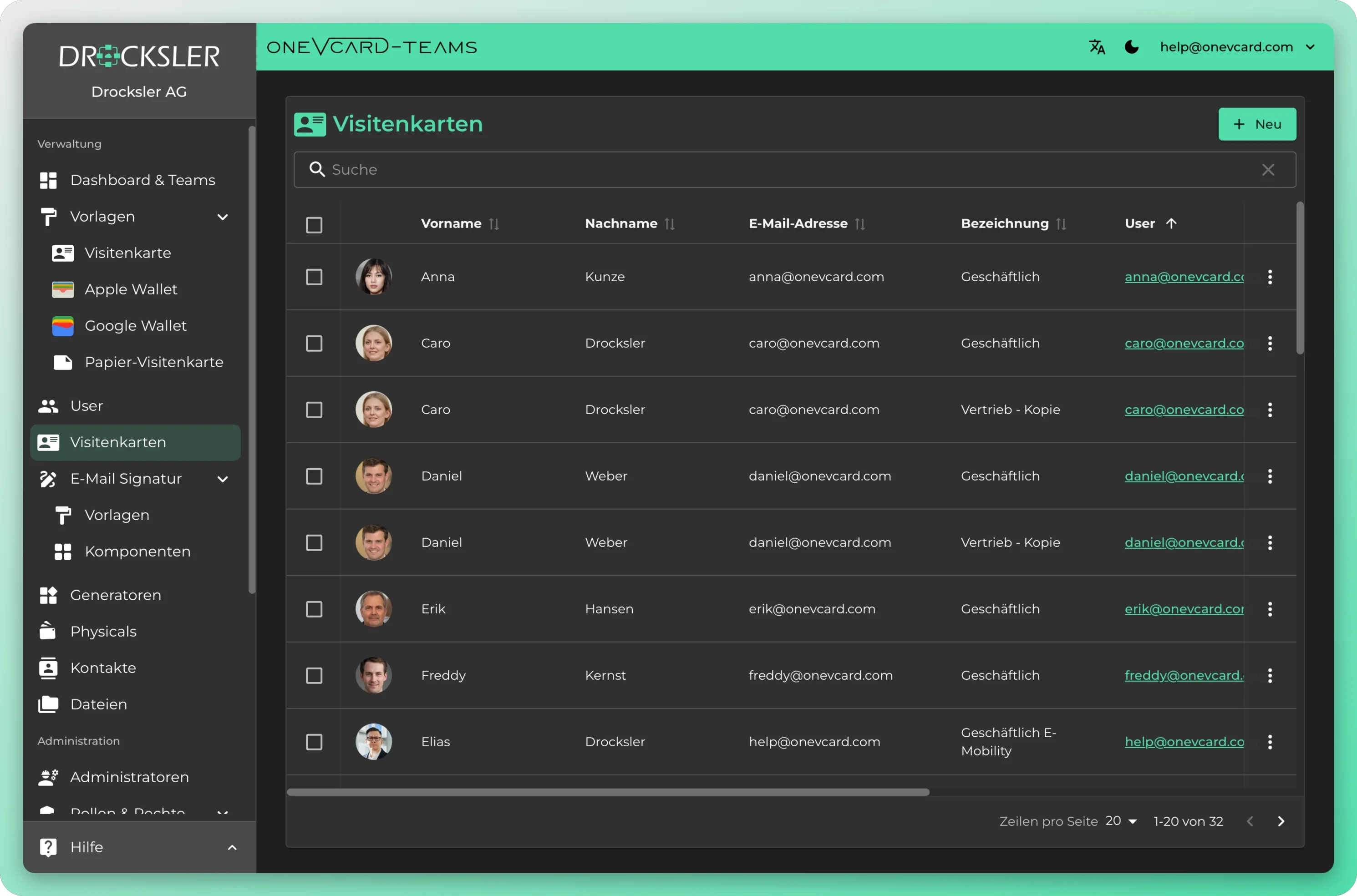
Every business card in your organization
Search, sort and filter all of your company's cards in one place. Who has which card, in what status and under which label.
What the management can do in detail
Productive in four steps
- 1
Choose a source
Download the CSV template and fill it in, or connect Entra ID, Google Workspace and further connection options with just a few credentials.
- 2
Map the fields
Decide once which details from your system map to which field on the business card. A single complete pair is enough to get started.
- 3
Test the connection
Activate the integration and test the connection with one click. If a detail is still missing, oneVcard points it out to you.
- 4
Let it maintain itself
From now on, cards are created when someone joins, changes are applied in the background and offboarding kicks in on its own.
Digital business card integrations
Optimise your business processes by integrating oneVcard with leading HR, ERP and CRM systems, or use our API and make.com integration for custom solutions. Available from the Teams Enterprise licence.
HR & identity
API & automation
CRM & office
- HR
- ERP
- CRM
- API
- make.com
Answers for HR and IT
Which columns and what format does the CSV need? ▼
The easiest way is to download the official template during import and fill it in. The columns are already named correctly there. If a file's format doesn't match, oneVcard tells you right away, before anything starts.
Are existing users overwritten during import? ▼
Only if you want it to. By default, existing users are skipped. On request, oneVcard recognizes them by their email address and updates the existing profiles instead of creating duplicates.
What happens when someone leaves the company? ▼
Through the connection to your HR system, oneVcard tracks status changes automatically. You can also delete users individually or several at once by hand. The deletion is permanent for the entire organization and all associated teams, and admins are automatically skipped.
Which HR systems can be connected? ▼
Directly connectable are Microsoft Entra ID, Google Workspace and Personio, and more are added all the time. For many common systems we already provide ready-made connectors, and through our open API you can additionally connect your own external systems. The HR connections are part of the Enterprise organization.
How often is data synced and can I trigger it? ▼
The sync runs automatically in the background. At the push of a button you can trigger it any time on top of that. oneVcard shows you the last update and logs any errors.
Can an employee change the email pulled from the HR system themselves? ▼
No. If the email comes from a connected source, it can't be changed in oneVcard. That keeps the HR system authoritative and prevents conflicting addresses.
Top companies rely on digital business cards from oneVcard





Automated user management for your team
We set up import and HR integration together with you, from the data migration all the way to the template rules. Book a no-obligation call.