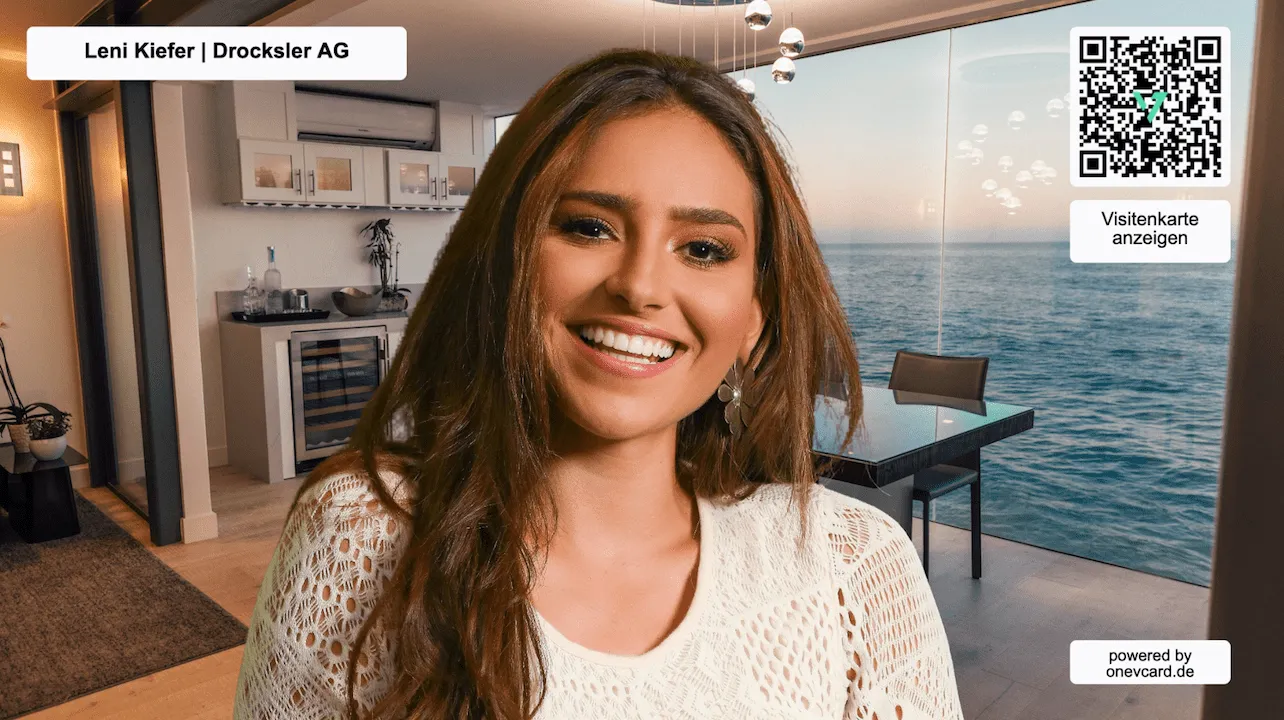
A virtual background for your next meeting
Make a professional impression in Zoom, Teams and more, and share your digital business card right in the call through the built-in QR code. Free and no sign-up required.
Professional in every call
Show up with confidence and share your contact details right in the meeting, all in one virtual background.
-
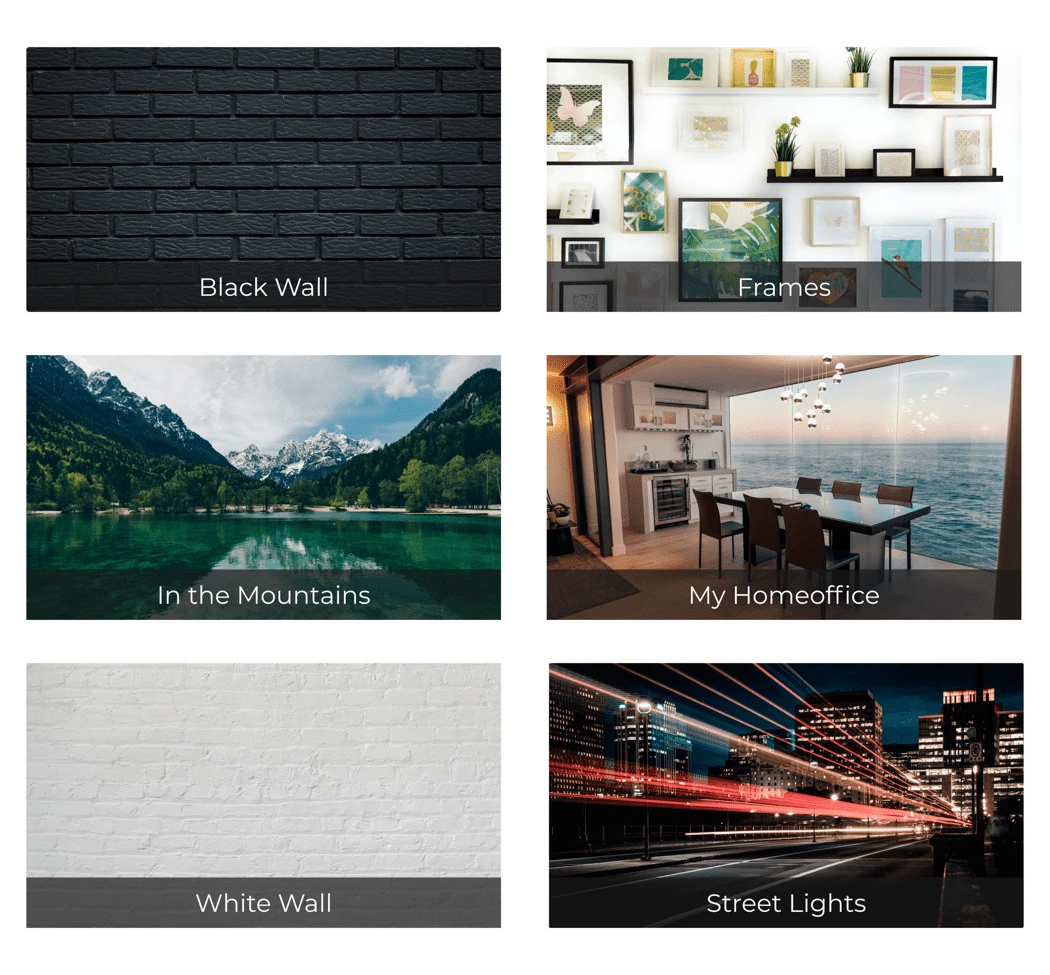
6 high-quality templates
Pick a template, personalize it and download it.
-
Works with any software
Zoom, Microsoft Teams, Google Meet and many more.
-
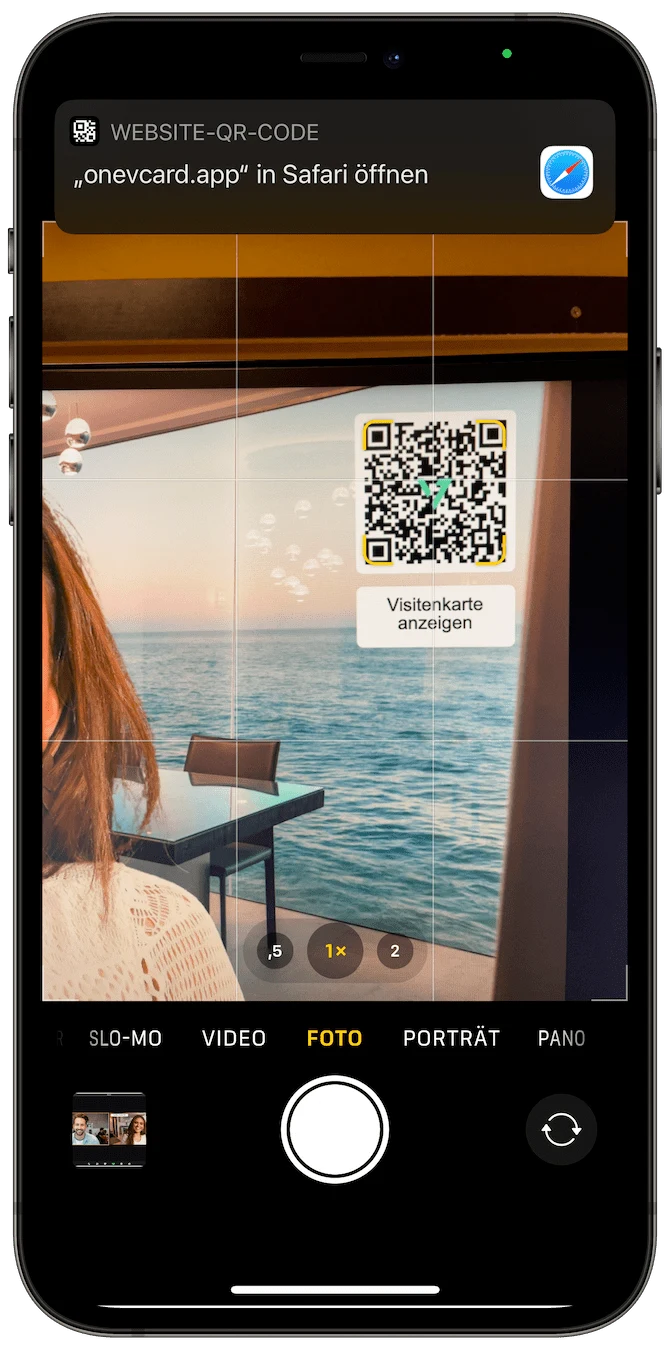
Built-in QR code
Share your business card right in the call, one scan is enough.
-
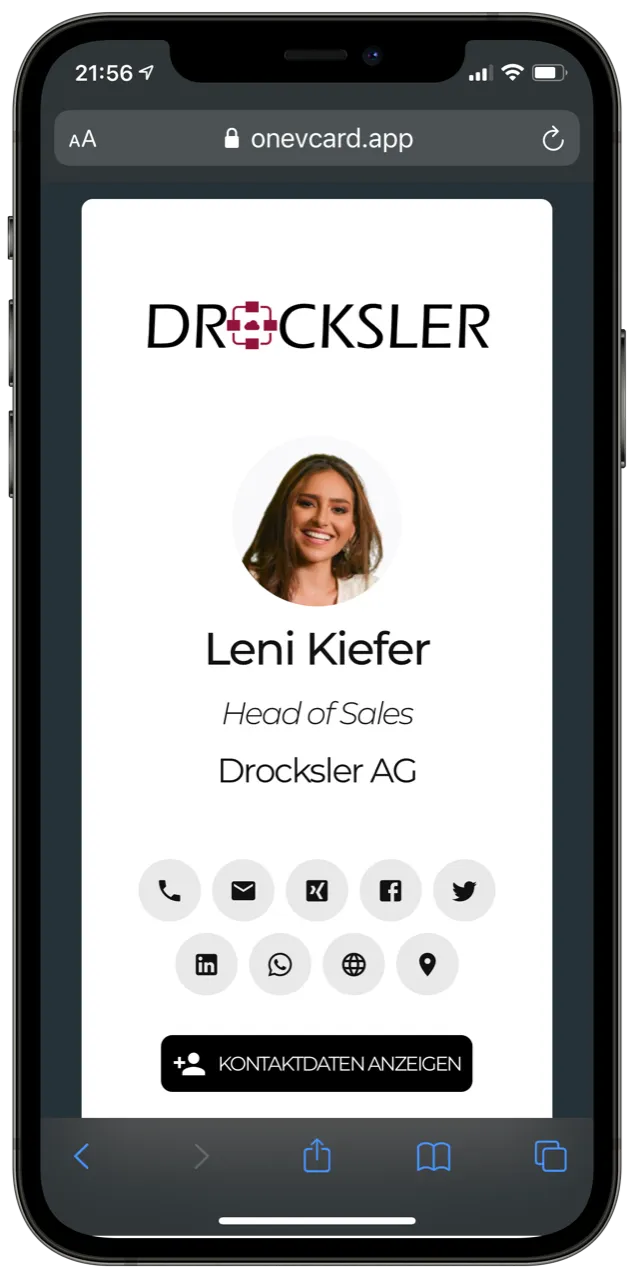
Link your business card
Connect the background to your oneVcard or any link.
-
Automated for teams
Personalized backgrounds for all employees.
-
Use your own photo
Use our templates or your own background image.
Choose from 6 high-quality templates
Six professionally designed backgrounds, or use your own photo. Personalize with your name, company and QR code and download your background right away.
- 6 high-quality design templates
- Use your own background photo
- Free layout with blocks (text, image, QR code)
- With name, company and QR code
- Download instantly, for free
Works with your software
Download the background and load it into your tool of choice.

Zoom & Skype
Classics for calls and webinars.

Microsoft Teams
Seamless in everyday business.

Google Meet & GoToMeeting
Ready to use right in the browser.

Cisco Webex
Also for enterprise meetings.
In three simple steps
- 1
Enter your details
Name, company and the link your QR code should point to.
- 2
Choose a template
Pick one of our backgrounds or use your own photo.
- 3
Save & set up
Download the background and load it into your software.
Virtual background meets digital business card
Connect your background to your oneVcard via the QR code, so conversation partners exchange their contact details right in the call. One scan is enough.
- Scan the QR code in the meeting
- Show contact details instantly
- Link a business card, website, file or LinkedIn
- Ideal for trade shows, calls and webinars
One background for everyone on the team
We automatically create personalized backgrounds with names, your company and an individual QR code, using our templates or your own photo. For a consistent, professional brand presence.
- Automated for the whole team
- Individual QR code per person
- Use your own background photo
- Consistent, professional brand presence

Questions and answers
How do I set up the virtual background? ▼
You will find a detailed guide for all common tools on our setup page, including video tutorials for Zoom, Teams, Meet and more.
How do I link my oneVcard business card? ▼
It's very simple: as an individual user you select your oneVcard directly from the preselection when creating the background. In Teams the matching business card is linked automatically. There is no need to copy a link.
My background is mirrored in Microsoft Teams, is that a problem? ▼
No. Only you see the background mirrored. Everyone else in the call sees you and your background correctly.
Can I create backgrounds in the app too? ▼
Yes, with the Premium plan you create virtual backgrounds directly in the oneVcard app.
Create your background now
Free, no sign-up required, ready to use in just a few minutes.