You'll often see round profile pictures with colored backgrounds on LinkedIn and XING, usually in the company's colors. But how does it work? In this blog article, you'll learn how to easily create one for your digital business card and social media profiles.
First, find a suitable photo of yourself. Once you've found one, go to https://www.remove.bg/de/upload and upload your photo there. Your photo will automatically be cropped and the background removed. The 500px download is usually sufficient. If you want to download the full resolution, you can quickly create an account. You can also use a trash email address like https://xitroo.de for this. You can find out what a trash email address is in an upcoming blog post.
Now you need a Canva account. You can create one here: https://www.canva.com
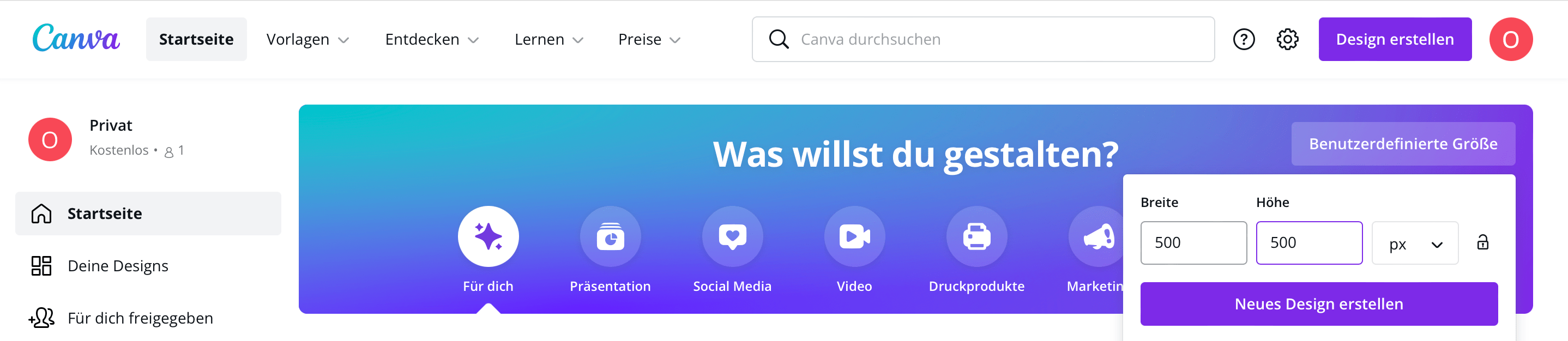
Next, in Canva, click on "Custom size", enter 500x500 px, and click on "Create new design".
Then click on the white area and then on the color selection in the upper left corner. Enter your color code here or select a color that suits you.

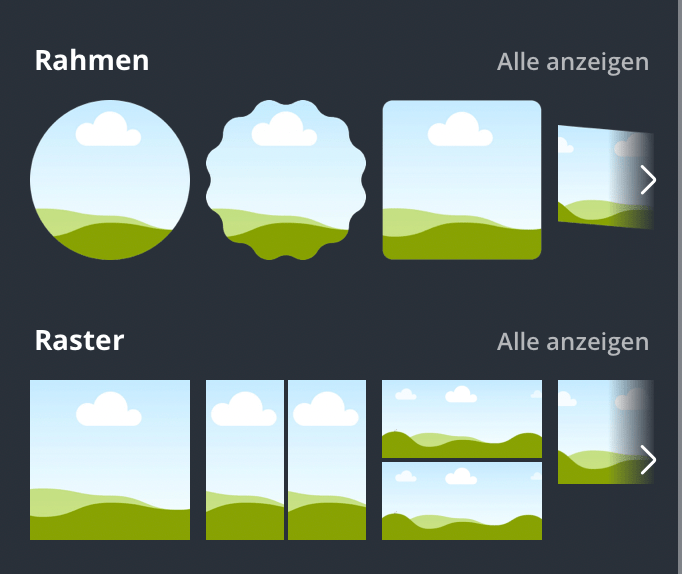
Now switch to "Elements" on the left and select the round frame. Now align the frame completely on the prepared surface.
Then switch to "Uploads" and upload your photo that you prepared earlier with remove.bg. Then you can drag it onto the frame.
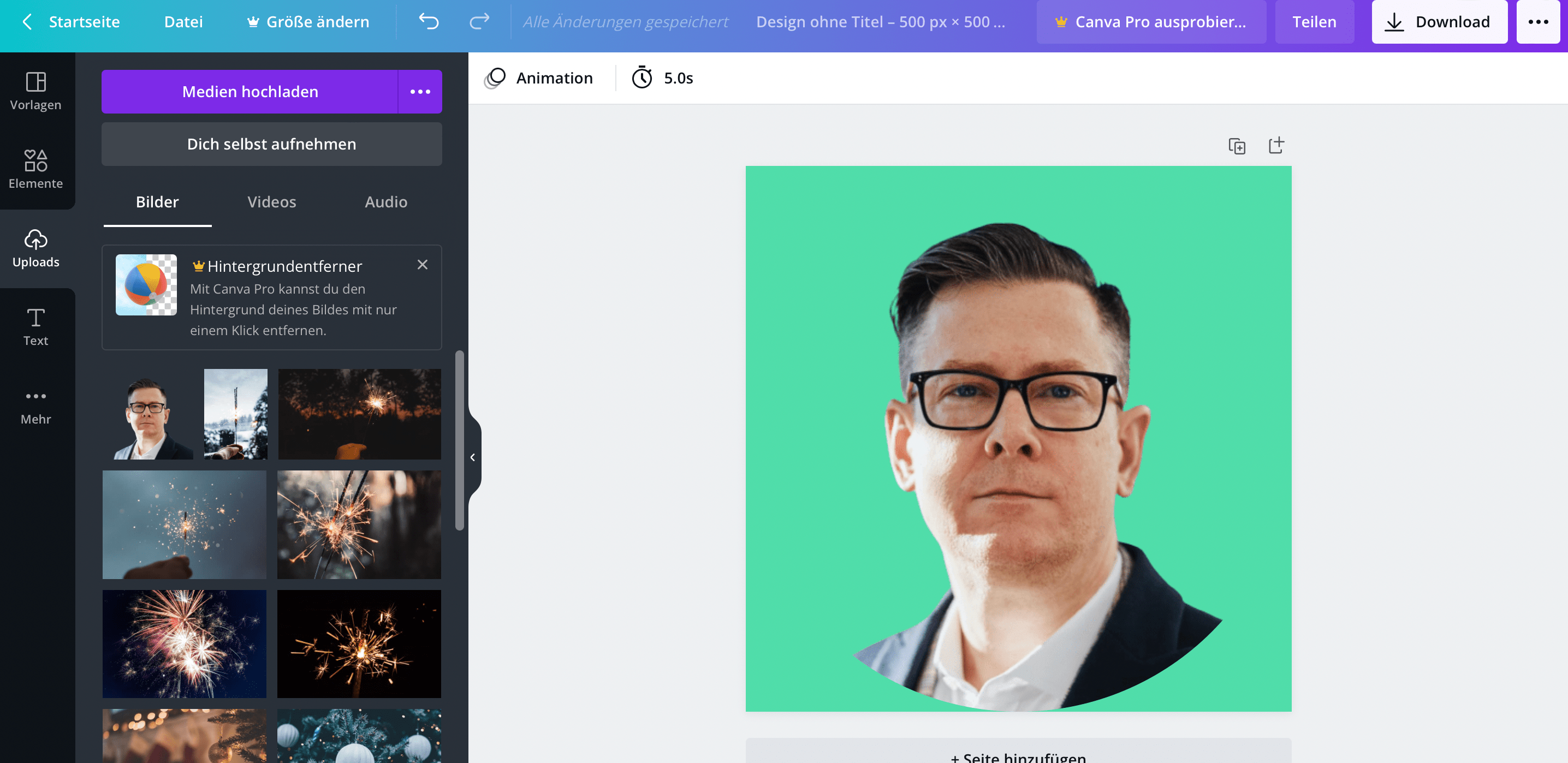
Finally, click on Download in the top right corner.
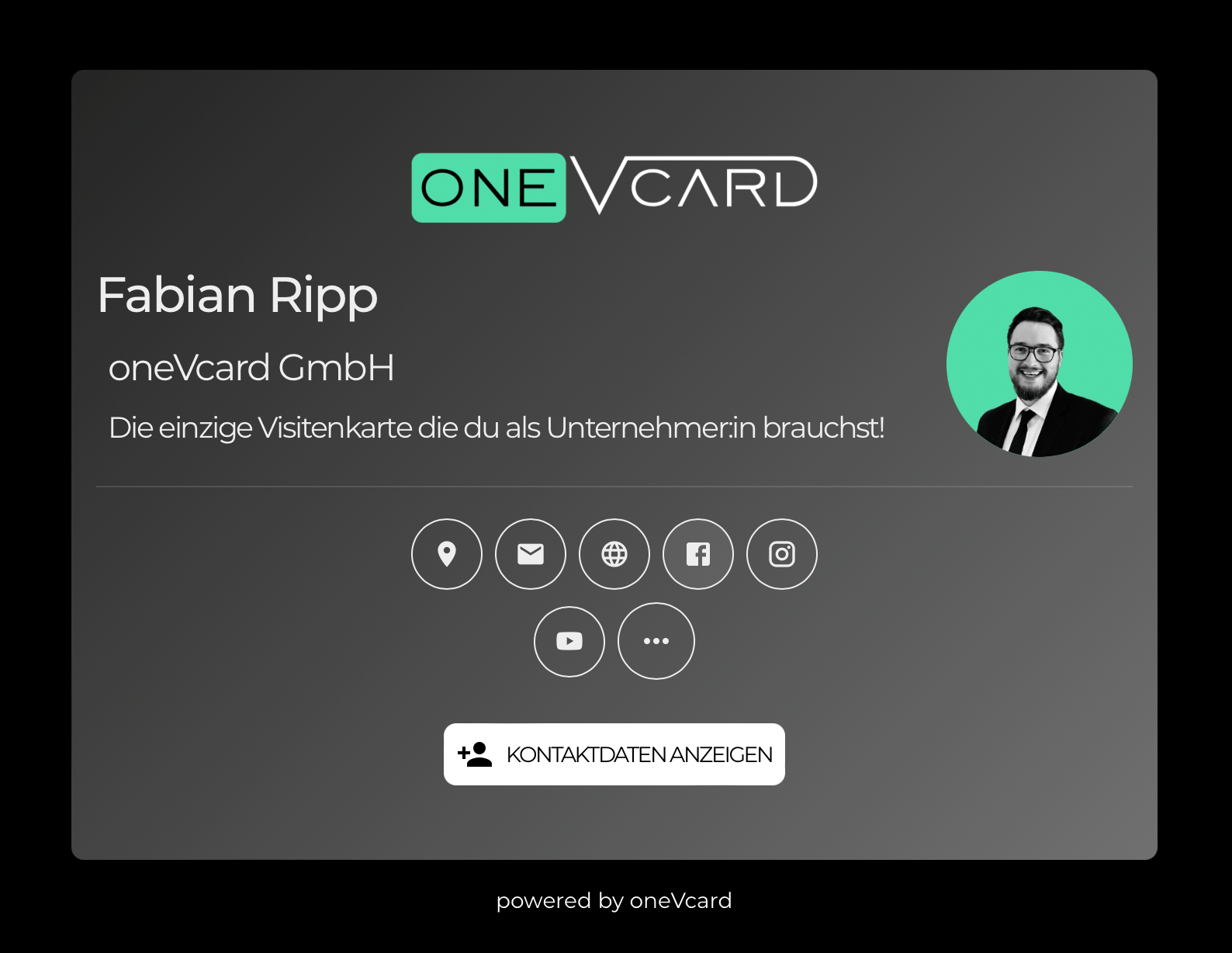
Done! Now you can use your new profile picture on your oneVcard digital business card, LinkedIn, XING, and more.
Don't have a digital business card yet? Create one for free now and test the premium functions for 14 days without obligation.
Test the digital business card for 14 days free of charge
- Try it free for 14 days
- No payment details needed
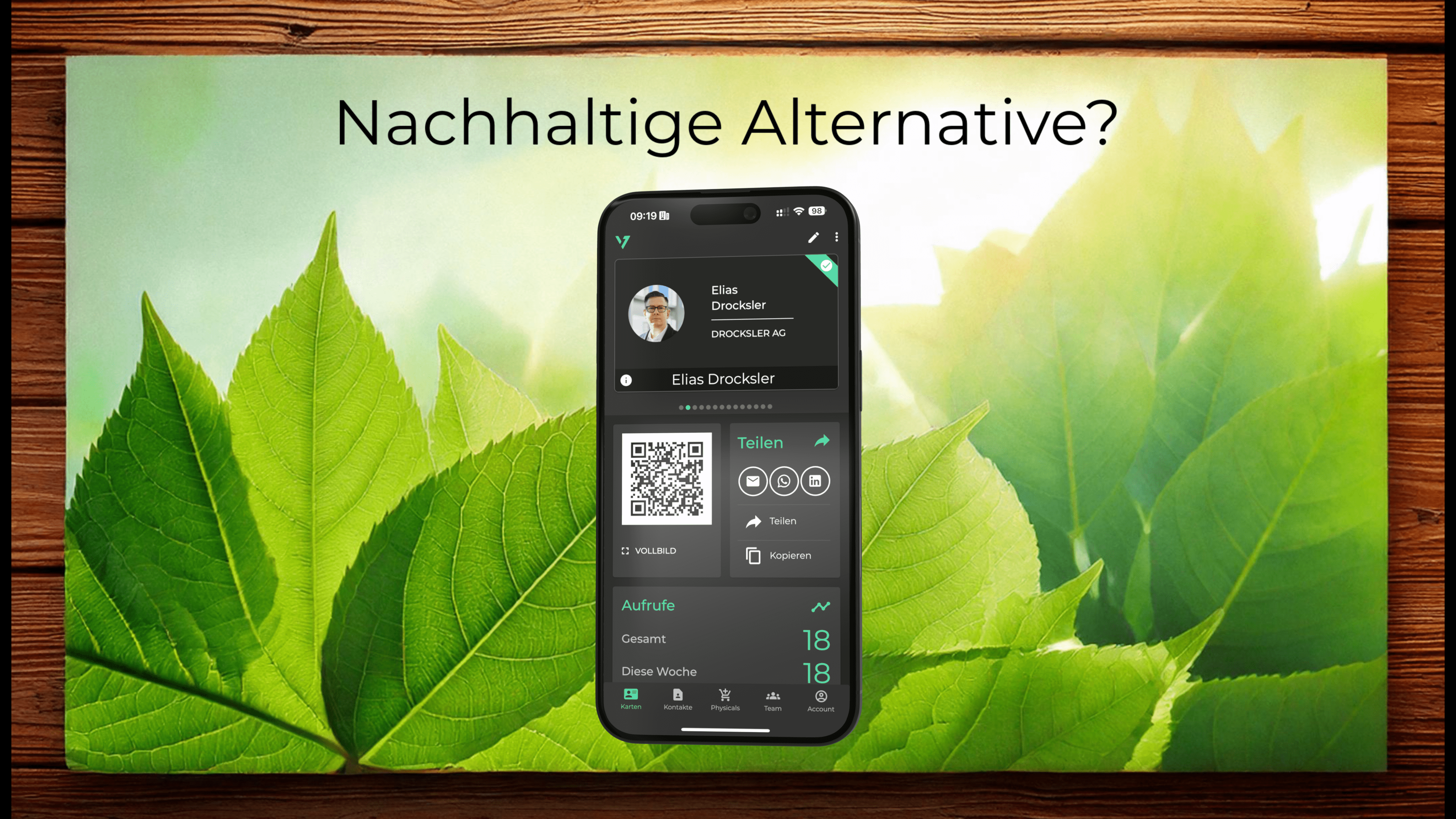
Here you can see the result with my digital business card.
Have fun networking :-)
Do you have any questions or suggestions? Send us a message to support@onevcard.de. Do you like this article? Share it on social networks.