Our business card scanner: AI-powered, secure and GDPR-compliant
We've been working hard to develop our business card scanner and are excited to introduce it to you. This app makes digitizing business cards easier than ever. But what makes our scanner really special?
Want to try out the paper business card scanner right away? Then click on the following link: https://www.onevcard.de/scanner
Why our business card scanner stands out
- User-friendliness and efficiency: With just a few clicks, you can scan business cards and export the data directly to your contacts, CRM system, or as a vCard. Everything runs quickly and smoothly, so you have more time for more important tasks.
- Precise capture: Our app uses advanced, AI-powered OCR (Optical Character Recognition) technology to reliably recognize even complicated fonts, layouts, camera angles, and lighting conditions. This ensures that all information is captured correctly and completely.
- Data security: The protection of your data is extremely important to us. All scanned information is stored in an ISO 27001 certified data center in Germany. In addition, we do not use any of your uploaded photos or information as training data for our AI. Our app is fully GDPR-compliant, so you can be sure that your data remains private and secure.
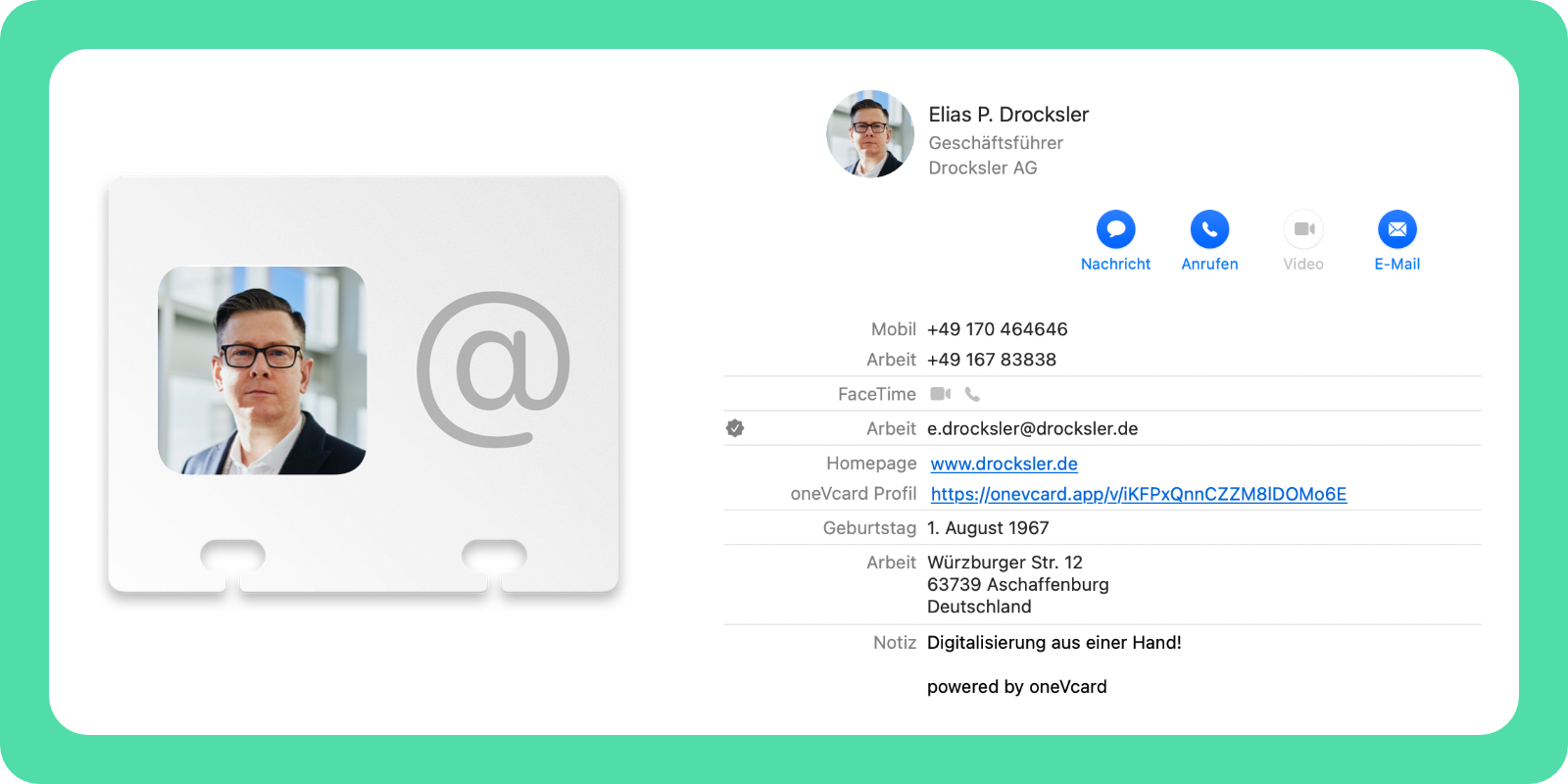
- Versatility: Our scanner can do more than just scan business cards. You can share contacts and add notes to store important information directly with a contact. This way you stay organized and have all the relevant information at hand. You can also scan not only paper business cards, but also business card QR codes and, as a special treat, you can scan common digital business cards.
- Ideal for companies: Our scanner is perfect for companies of all sizes. Especially in large companies, where many business cards are collected daily, it can make everyday work much easier. It saves time and reduces errors that can occur when entering contact data manually.
How it works

Using our scanner is super easy: Download the oneVcard app, open it up, and tap the "Contacts" tab. You're all set to start scanning business cards! The app walks you through the whole process, so you can jump right in. Once the data is captured, you can export it straight to your favorite system, save it on your device, or share it with your team.
AI for super accurate capturing
Our AI is the heart of the scanner feature. It was mainly developed by Nic to accurately recognize text and layouts on business cards. It automatically categorizes the captured data – from names to phone numbers to email addresses. This makes sure all the important info is structured and correct. If something isn't right, you can always fix it manually – although in our tests, that was only necessary 2% of the time.
Data protection and security
Data protection is really important to us. Our app fully complies with GDPR, and all data is stored in an ISO 27001 certified data center in Germany. You can be sure that your information is always safe and protected.
Companies especially benefit
Our business card scanner is especially made for the needs of companies. It allows you to digitize business cards in no time and automatically integrate the data into CRM systems or other business applications. This saves time, reduces errors, and makes sure that all team members can quickly access the latest contact details.
The scanner is an investment in your company's efficiency and security. It simplifies managing contact information and helps make your daily business life smoother and more productive. Give it a try and see for yourself how it can optimize your workflows.
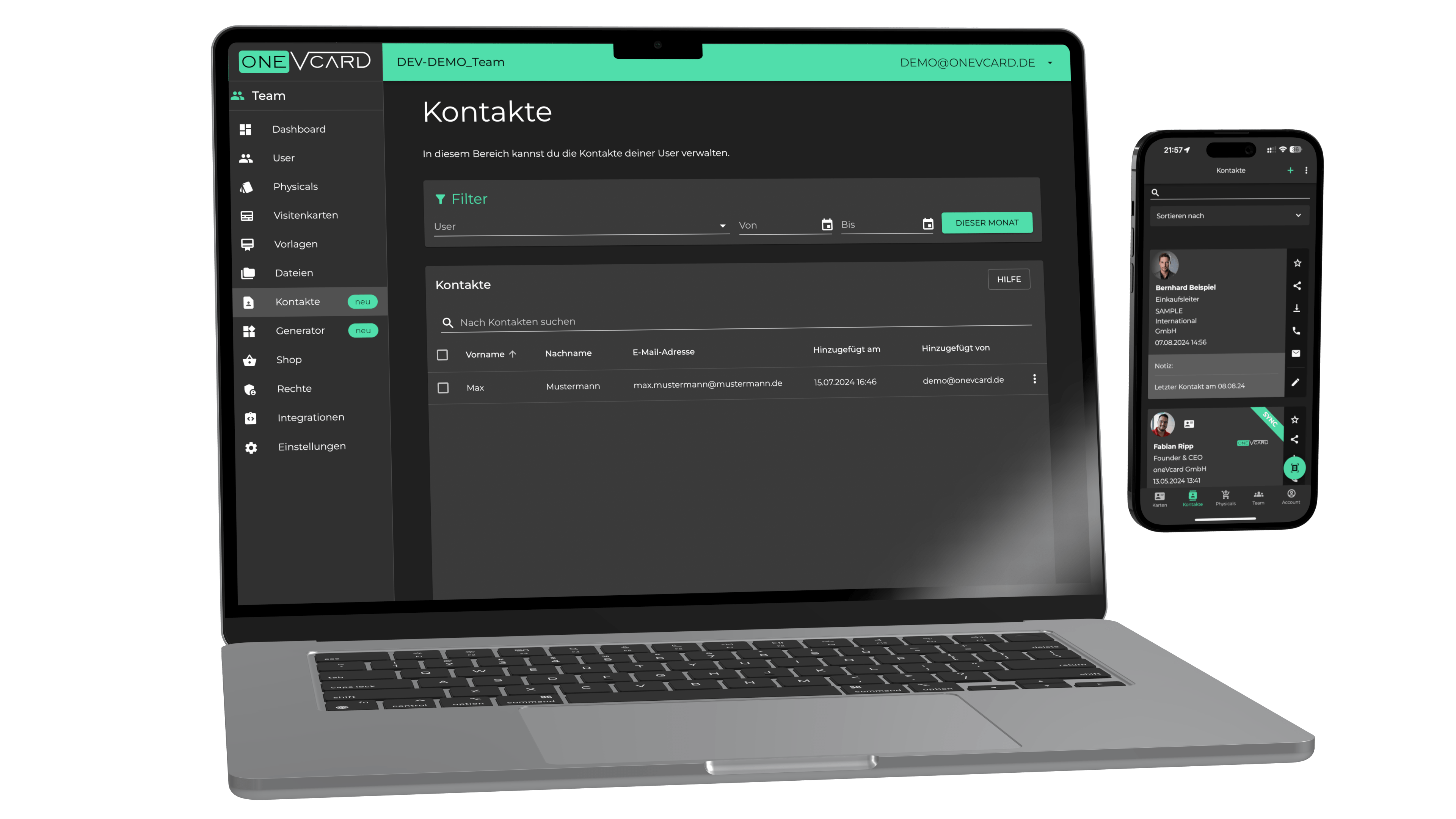
For companies that handle a lot of business cards every day, our scanner offers significant relief. You can store contacts centrally and make them immediately accessible to your entire team. Plus, our scanner fits seamlessly into existing company processes, so you don't have to make big adjustments. Our AI-powered technology ensures that all information is captured accurately, and thanks to GDPR-compliant storage, your data stays safe.
Automated integration for seamless further processing
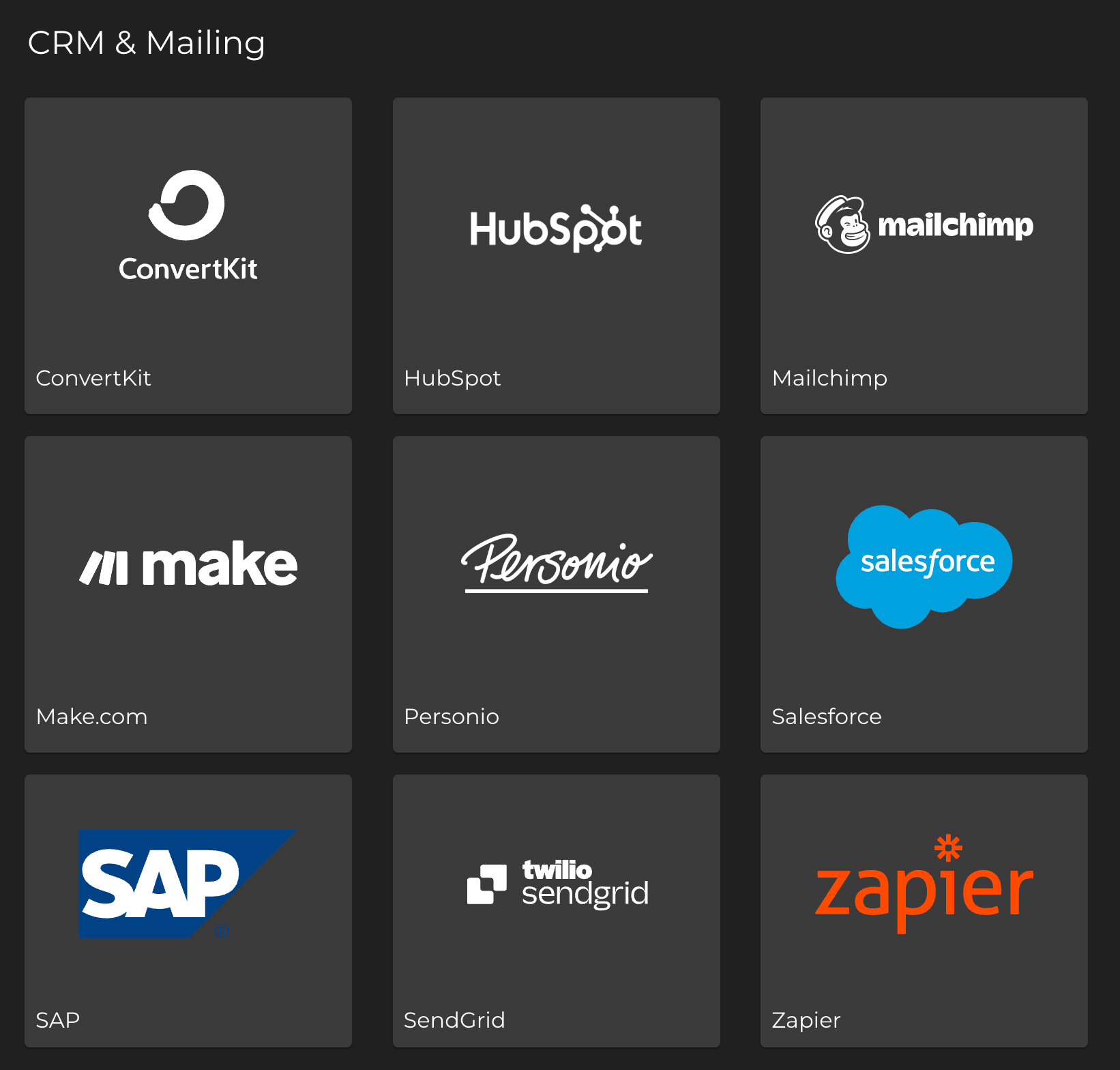
Our business card scanner offers many integration options to automate the further processing of scanned contacts. The contacts can be transferred directly to your company's CRM or processed in other systems. We support the following integrations:
- REST API
- SAP
- SendGrid
- Zapier
- Make.com
- Personio
- Salesforce
- Mailchimp
- HubSpot
- ConvertKit
These integrations allow you to seamlessly integrate the collected data into your existing systems and continue to use it without any manual effort. This way, you can ensure that your contacts are always up-to-date and well-organized.
Our scanner is more than just a tool – it's an investment in your company's efficiency and security. By simplifying the process of contact data management, it helps make your business day smoother and more productive. Test our scanner and see how it can optimize your workflows. We are sure that you and your team will be thrilled!
Our scanner is more than just a tool – it's an investment in your company's efficiency and security. By simplifying the process of contact data management, it helps make your business day smoother and more productive. Test our scanner and see how it can optimize your workflows. We are sure that you and your team will be thrilled!
Your feedback is valuable
Wir glauben fest daran, dass unser Visitenkarten-Scanner eine der besten Lösungen auf dem Markt ist. Aber wir wissen auch, dass es immer Raum für Verbesserungen gibt. Deshalb ist uns dein Feedback so wichtig. Probiere unseren Scanner aus, schau, wie er deinen Arbeitsalltag erleichtert, und teile uns mit, was du denkst. Deine Meinung hilft uns, die App weiter zu optimieren und noch besser an deine Bedürfnisse anzupassen. Schreib' uns gerne eine Nachricht an: support {at} onevcard . de
Conclusion: The future of business card management
Our AI-powered business card scanner is more than just a tool – it's your new companion in everyday business. It saves you time, keeps things organized, and makes sure your contact information is always stored securely. Try it today and see the benefits for yourself. We're sure you'll love it!
For more information and to download the app, visit our website onevcard.de/scanner. We look forward to hearing from you!