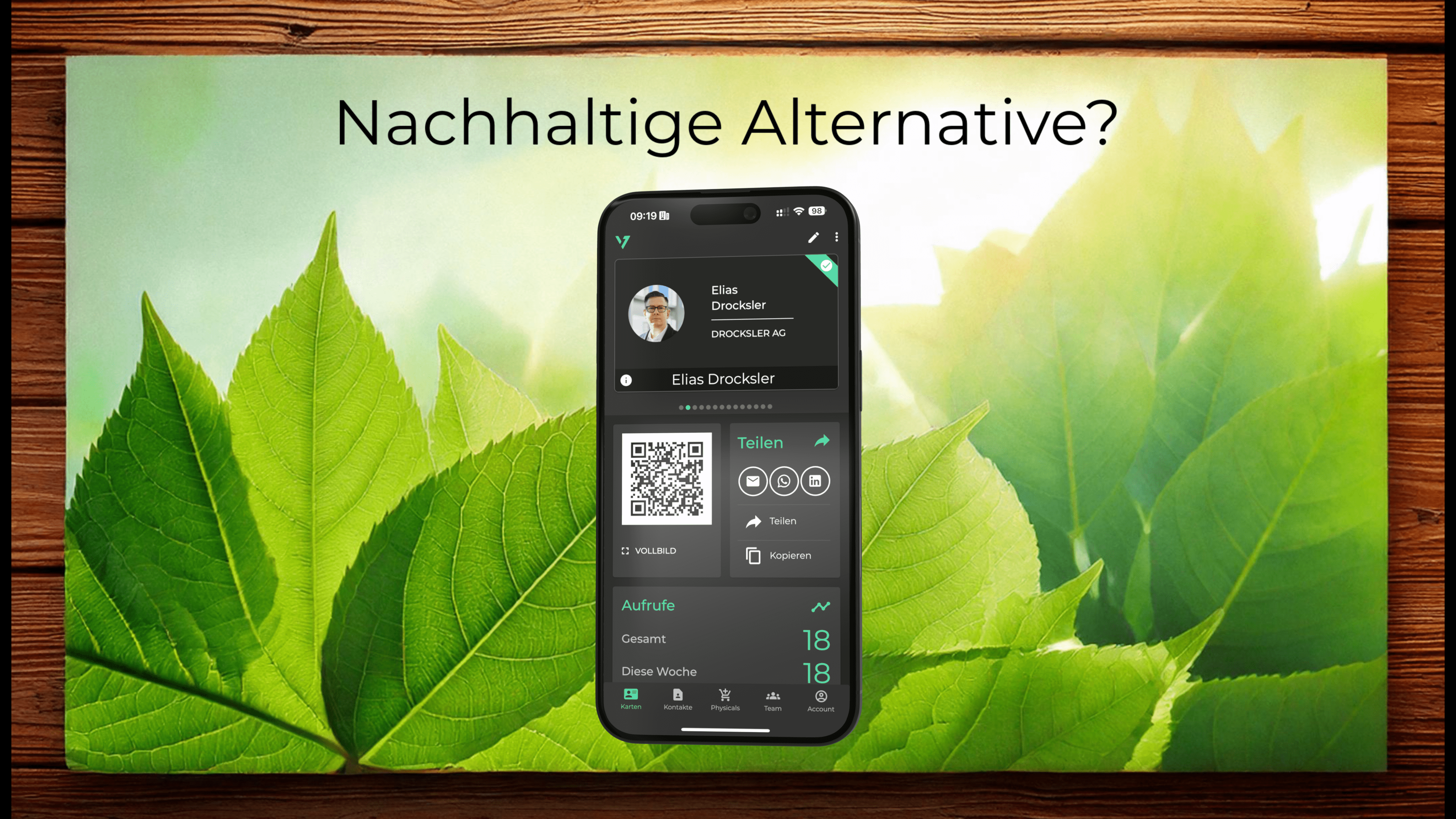
Instead of tediously typing out the content of paper business cards, you have a digital alternative. With an electronic business card, contact information can be digitally transferred and saved in a standardized way. A vcf file or vCard can contain much more information than a traditional business card ever could. What's more, this data is transferred digitally in a flash. With oneVcard, you can easily create a digital business card that can be easily saved as a vCard. If your data changes, you can easily adapt this electronic business card and save new information. Last but not least, a digital business card is convincing because it is sustainable and ecological.
What is a vCard?
A vCard is an electronic business card in the standardized format called vcf, which stands for virtual contact file. A vcf file contains contact data in digital form that can be processed on all devices (Windows, Mac, Android, iOS). You've probably come across a few vCards without even knowing that's what they're called. Whenever you create a contact in Outlook or in your contact book on your smartphone, you are creating a vCard. This electronic form of business card is not new. The standard was and is being developed by the Internet Engineering Task Force. The current version 4.0 was already presented in 2011. The consortium has defined how a vcf file is technically created and which (mandatory) components it can (must) contain.
Digital business card and vCard. What's the difference?
If you create a digital business card with oneVcard, the information you enter in the app will be used to create an appealing website, similar to a business card. This digital business card can be easily customized and shared via link, QR code or NFC. You can find more information about digital business cards in our previous blog post. Each digital business card from oneVcard contains a button to save the contact data as a vCard in compliance with standards. This makes it easy to save your contact data in your smartphone, in Outlook or even directly in your CRM.
In our own words: With oneVcard you can set up a digital business card and use it permanently free of charge with our free Lite plan. Click on the button below and we will give you 14 days of Premium for your digital business card. After the 14 days, you can continue to use your digital business card for free in the Lite plan, or you can upgrade to Premium.
Test the digital business card for 14 days free of charge
- Try it free for 14 days
- No payment details needed
What are the advantages of a vCard?
Content.
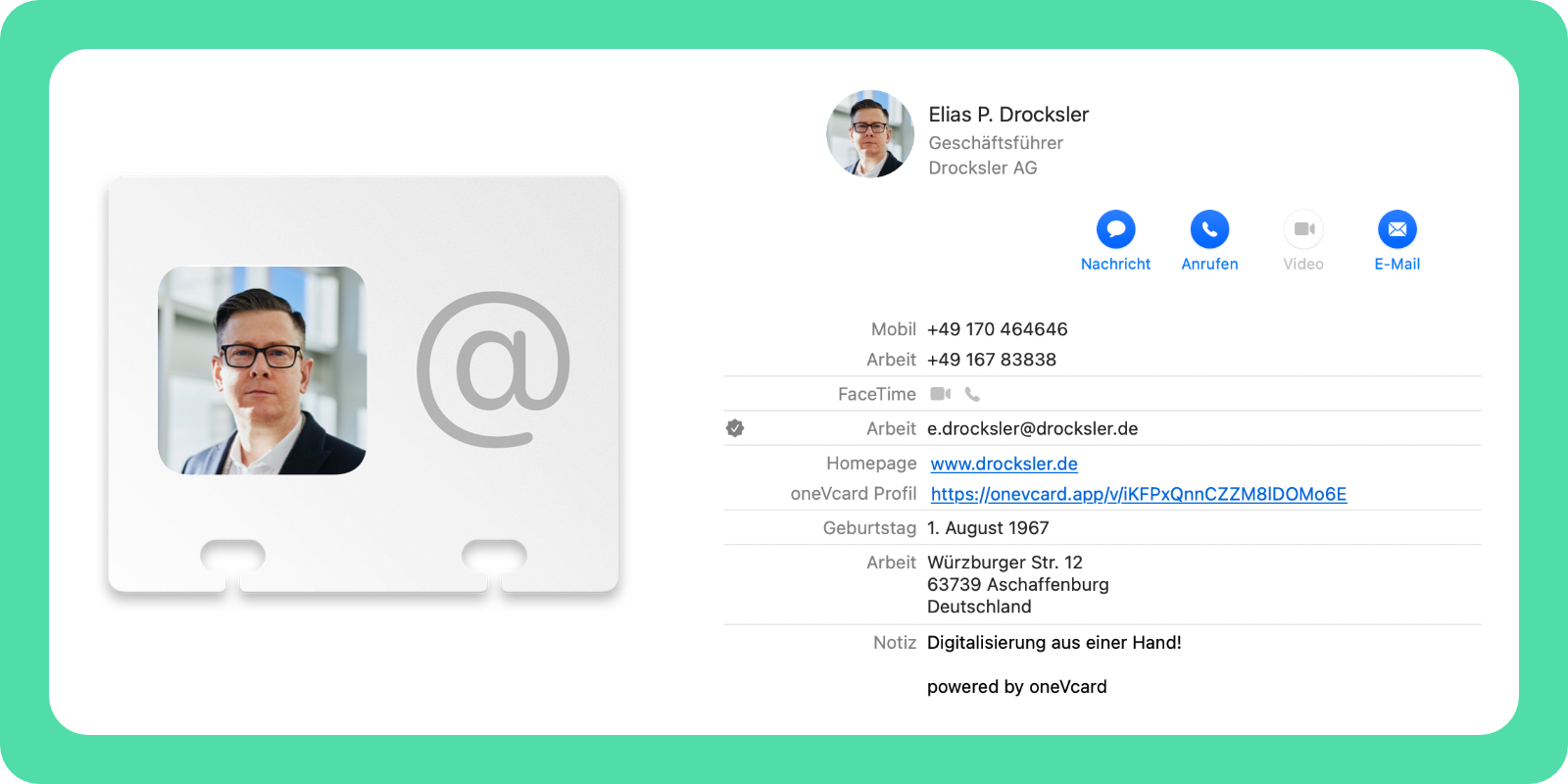
In this regard, your options are greatly expanded when you compare a digital business card with a paper one. The following data can be transferred with a vCard from oneVcard:
- Profile picture
- Title
- First name(s), last name, suffix
- As many phone numbers as you need
- Email address
- Company
- Website link
- Slogan / Opening hours
- Job title
- Department
- Date of birth
- Note
- Tags
- Legal information
- Address
- Link to update contact details
- Date the contact file was saved.
Transfer options.
Digital business cards can be sent from smartphone to smartphone, attached to emails (e.g. as a signature), or downloaded from websites. You can also use instant messaging, scan a QR code, or use NFC.
No media breaks.
Transferring information from paper to a digital device is tedious and prone to errors. Digital business cards solve this problem once and for all.
Smartphone-friendly.
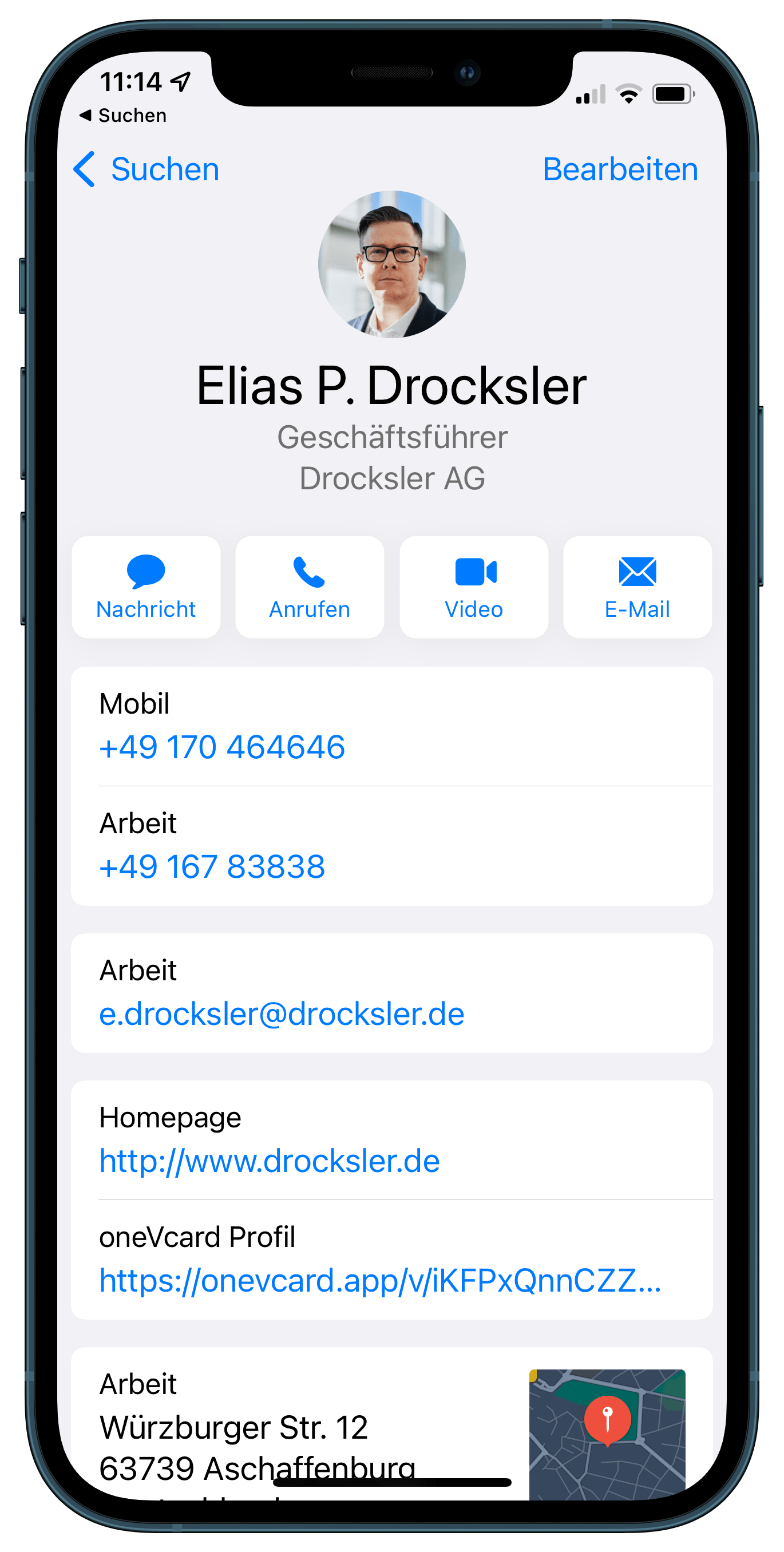
A digital business card in vcf format can be saved directly to your smartphone.
Robustness.
vcf files can be easily updated with missing information. You can either make changes manually or better, use the link provided by oneVcard to update your contact details.
Ecological and Sustainable.
Paper business cards end up in the trash sooner or later. In contrast, digital business cards don't create any waste.
The oneVcard service
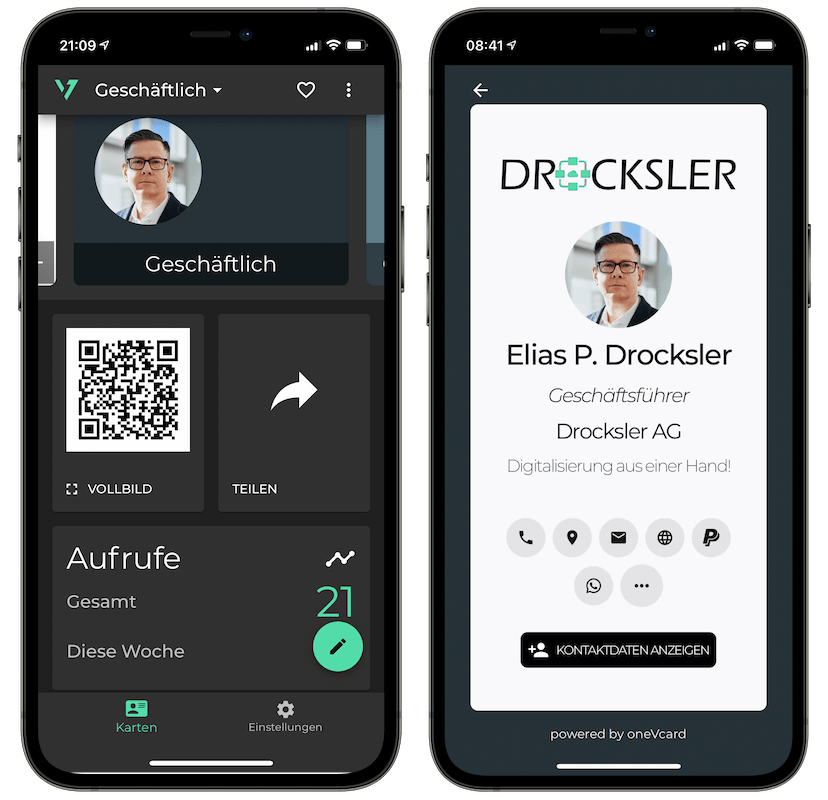
With oneVcard, you can easily create a digital business card with which you can exchange a vCard. You can use oneVcard completely digitally with the oneVcard app. In the app, you can send your digital business card via the QR code or via the share button.
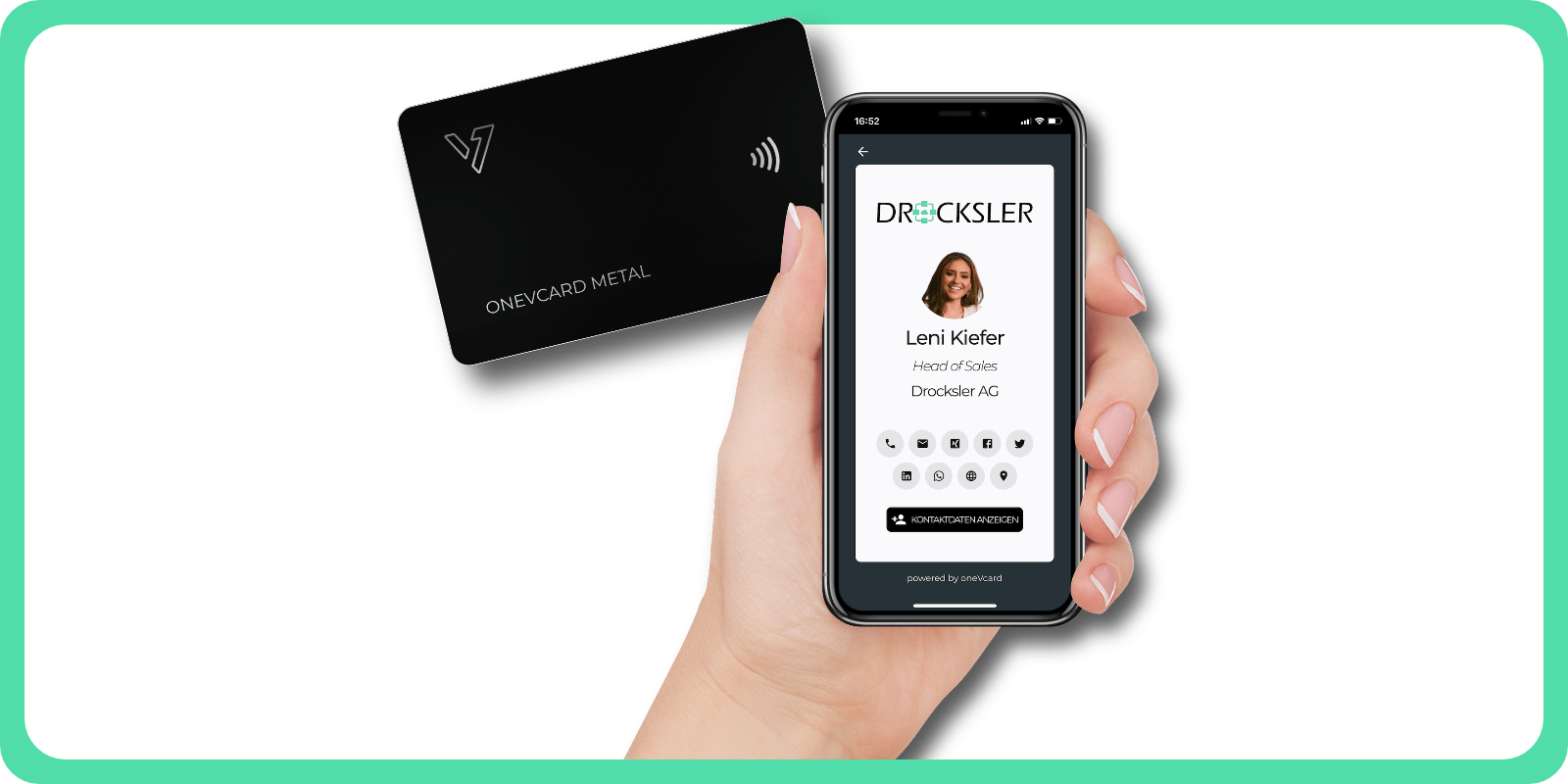
Alternatively, you can also enhance your digital business card with a physical product, a so-called Physical. You can link your digital business card to a high-quality metal business card or to the oneVcard Badge, the smart NFC sticker. When the Physical is scanned via the QR code or via NFC, your digital business card opens. From here, the contact details can easily be saved via the button.
Do you have any questions or suggestions? Send us a message to support@onevcard.de. Do you like this article? Share it on social networks.