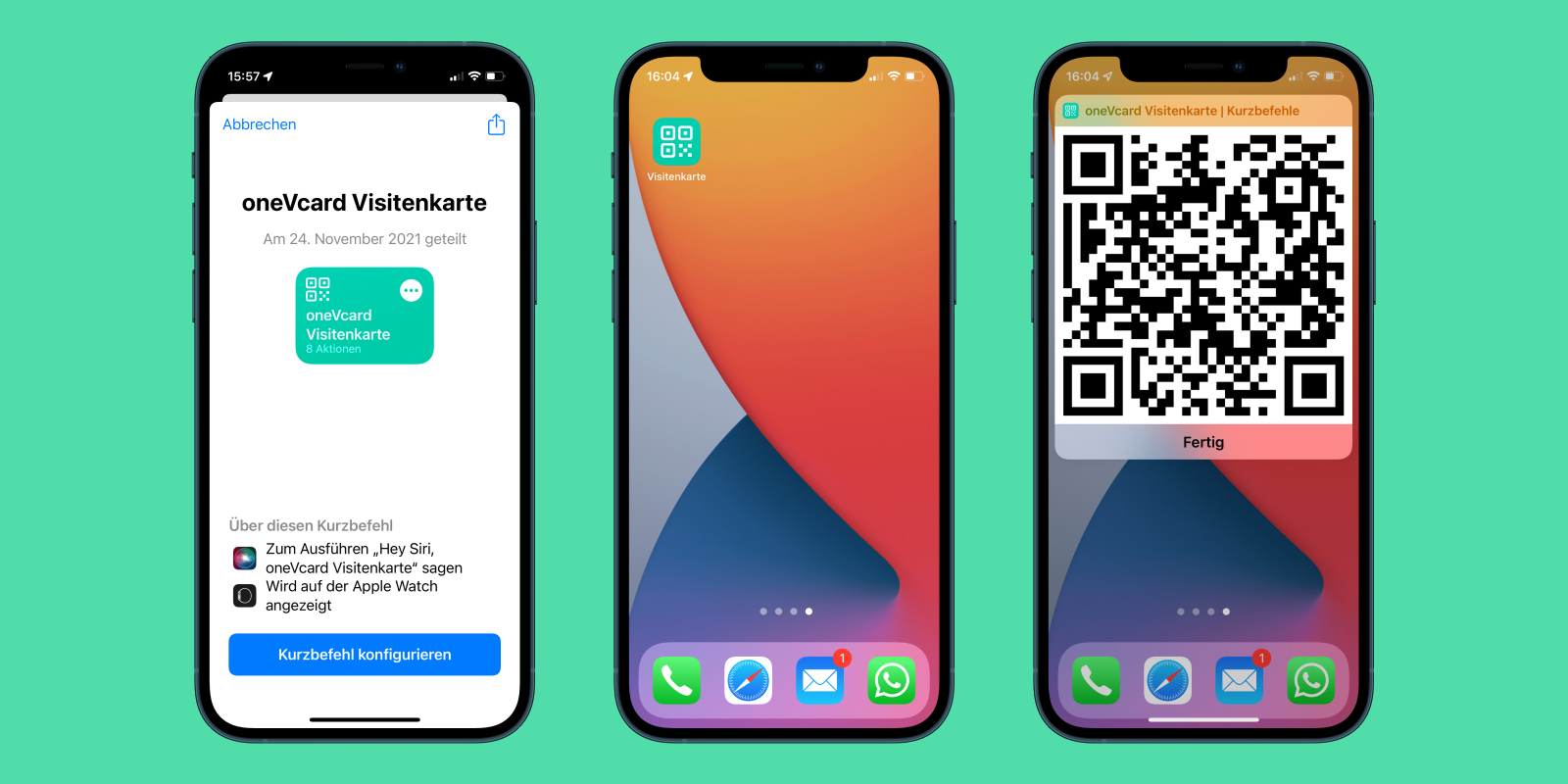
In today's blog article, we'll show you how you can open your digital oneVcard directly from your iPhone home screen and share it via a QR code in just a few simple steps.
If you already have the oneVcard installed on your iPhone, you can exchange your contact details very quickly. The version we're presenting now is not a replacement for this, but rather a supplement. :-)
Setting it up is a breeze! Here's how:
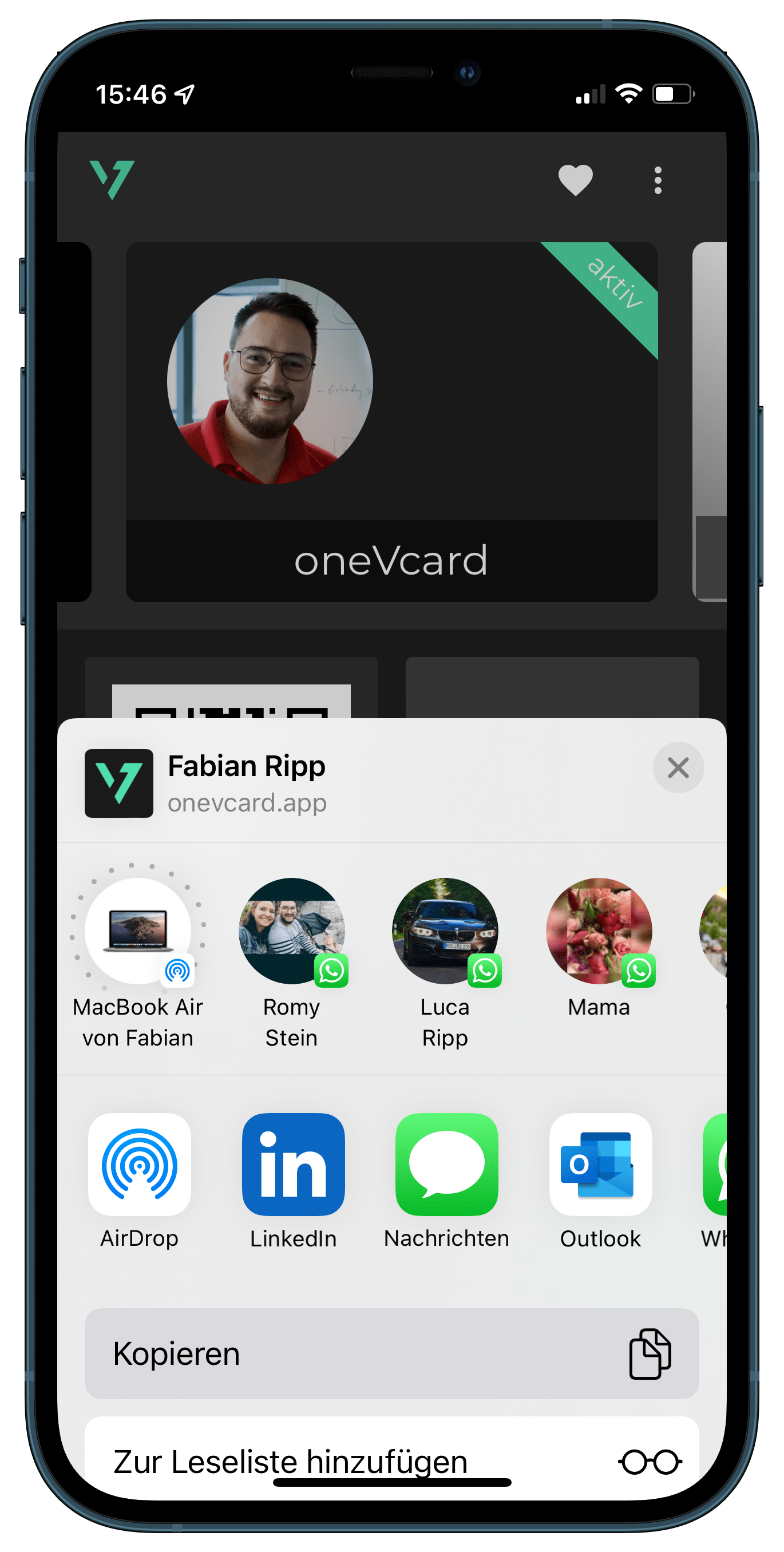
1. Log in via https://onevcard.app and go to the digital business card you want to share directly from your iPhone / iPad home screen.
2. Now, click "Share" and select "Copy" in the iPhone share menu.
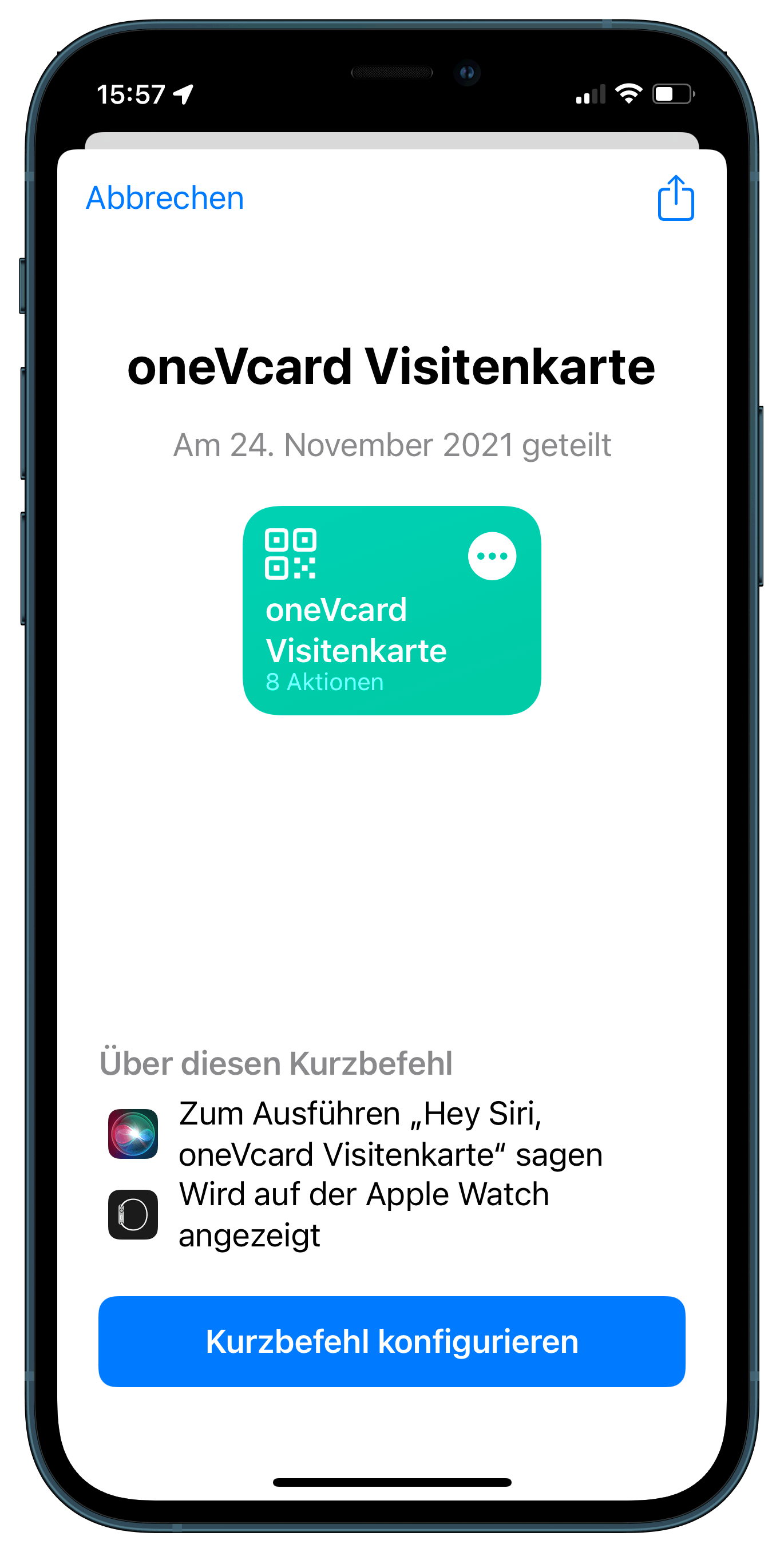
3. Then download the shortcut we have prepared onto your iPhone or Mac with an M1 processor. To do this, follow this link: https://www.icloud.com/shortcuts/04872790cc224fd9bb19908f656d6fb5
Alternatively, you can scan this QR code directly with your iPhone.

4. Now click on "Configure Shortcut" and paste the URL of your digital business card that you just copied. Then click "Done" and finally on "Add Shortcut".
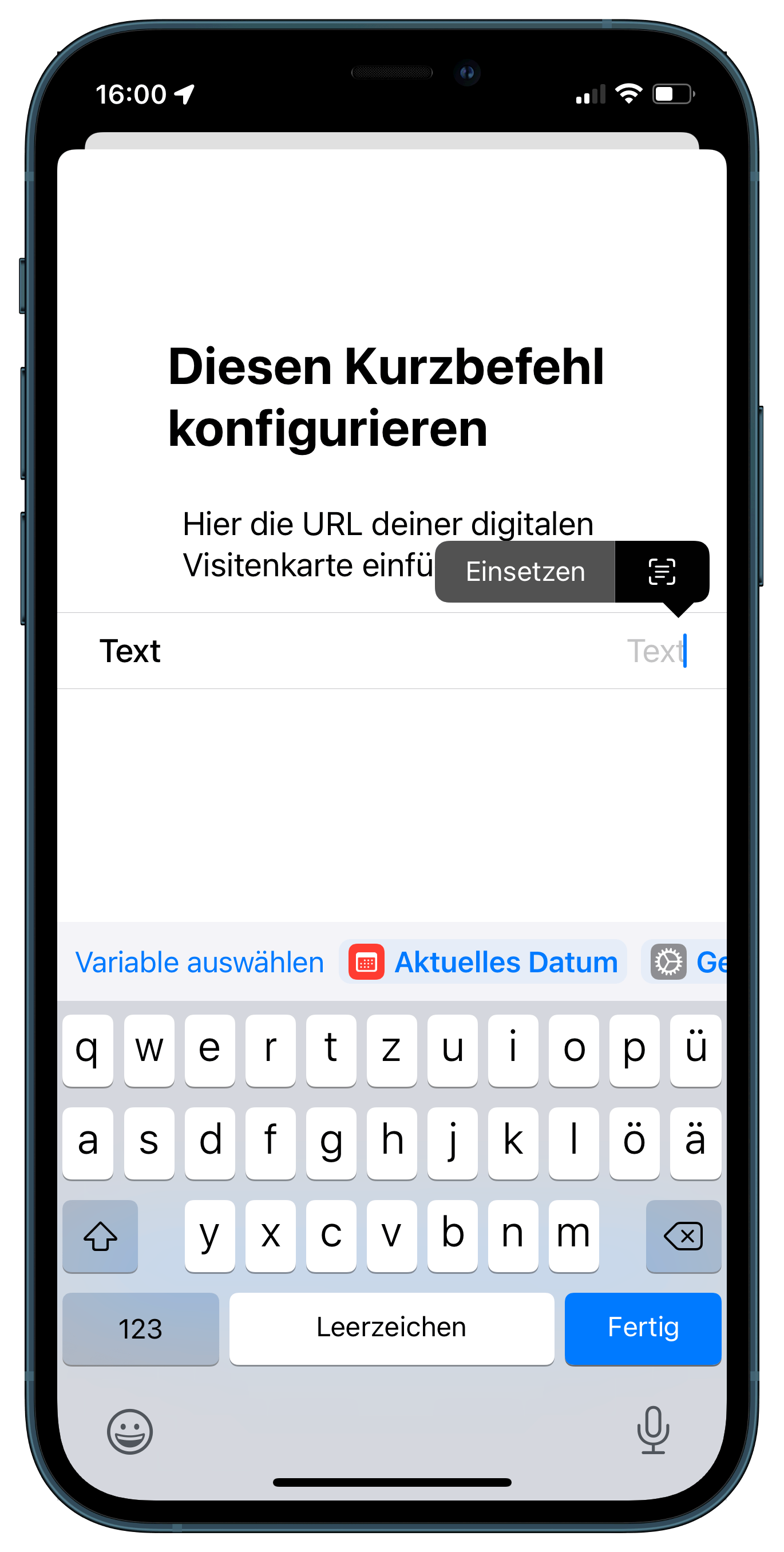
5. To add the shortcut to your home screen, click on the 3-dot menu on the shortcut you just created, and then on the blue "Settings Button" in the upper right corner. Now select "Add to Home Screen".
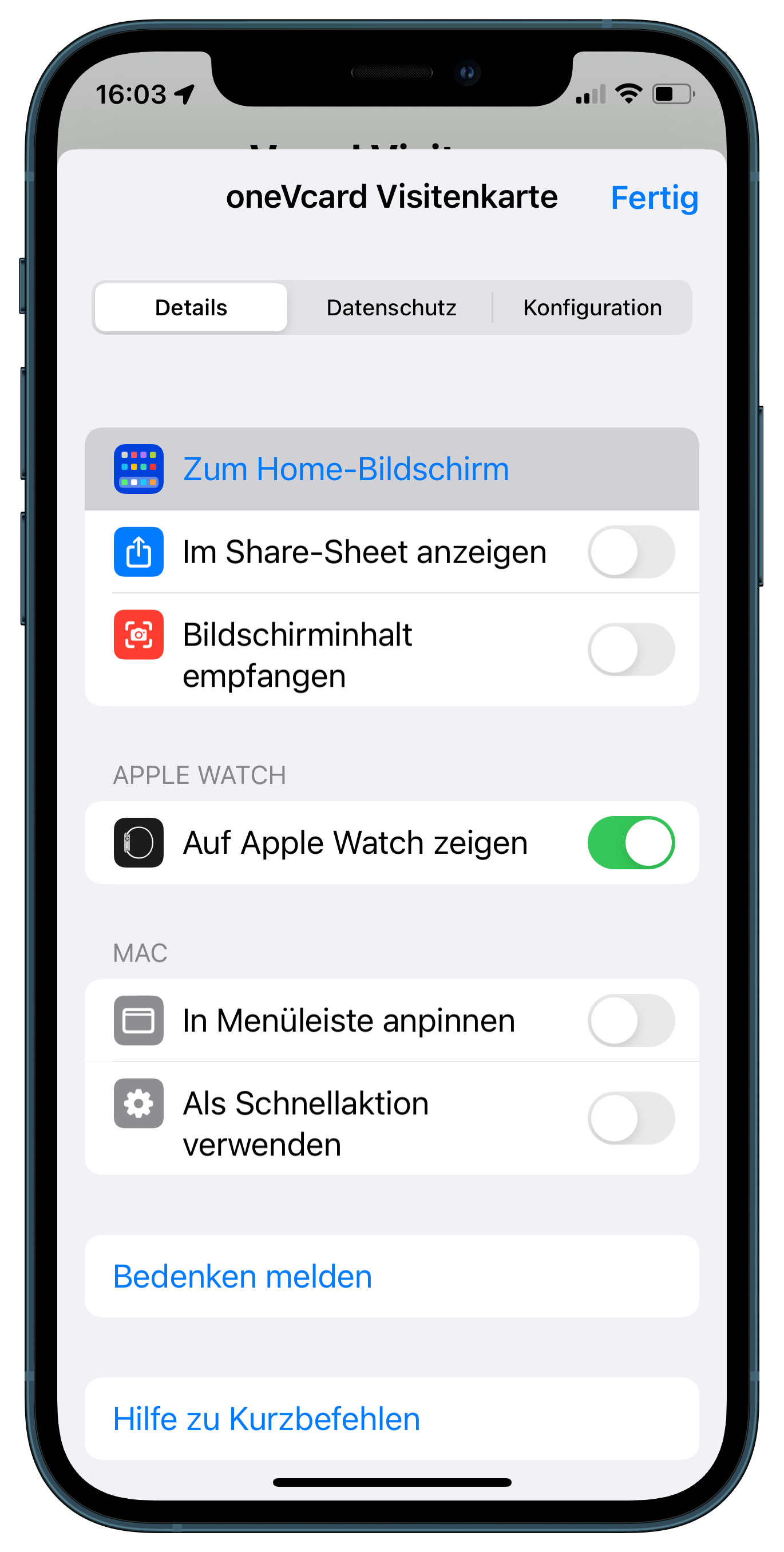
6. Choose a name and add the shortcut to your home screen.
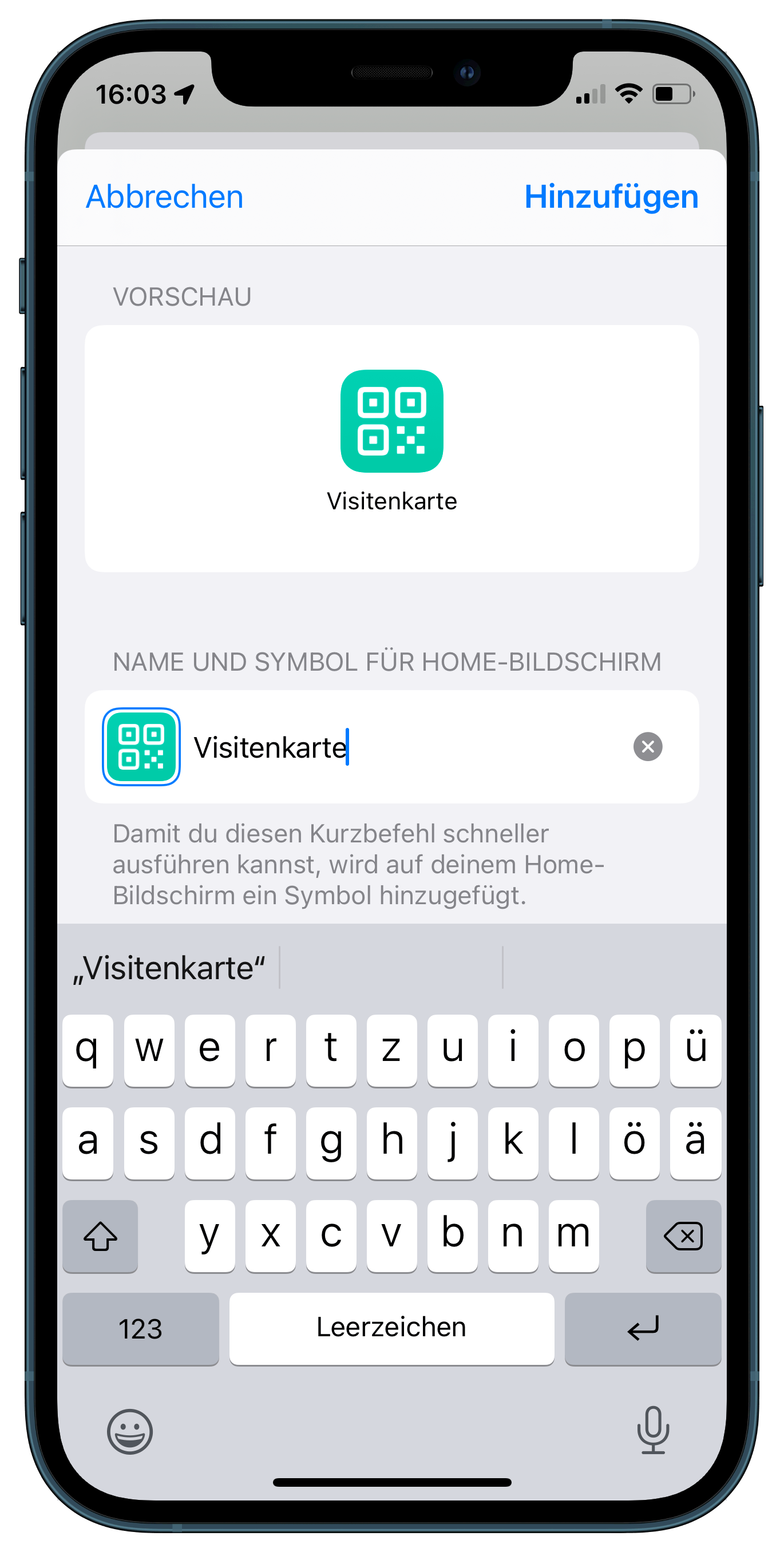
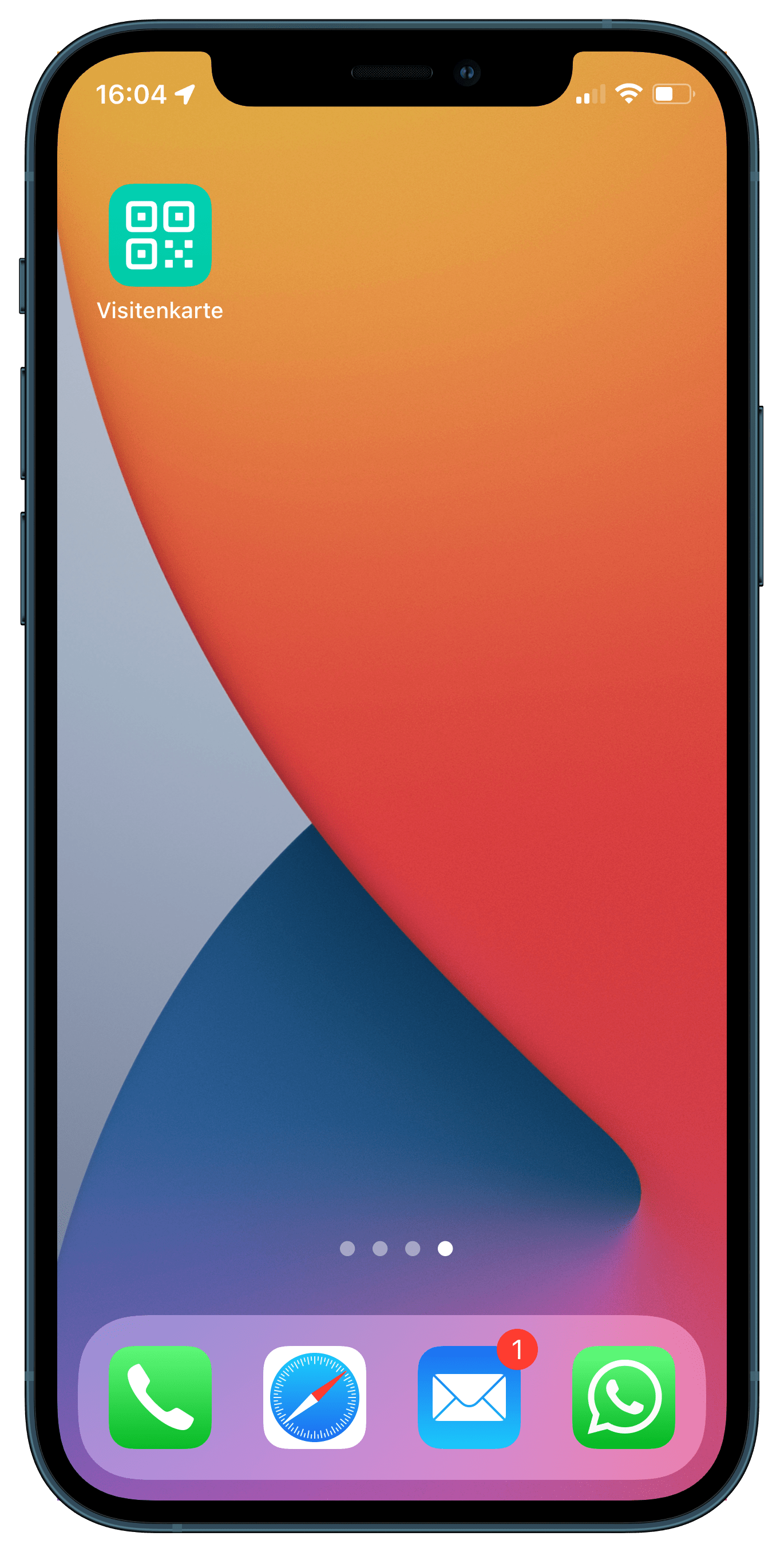
7. The shortcut is now on your home screen and ready to go!
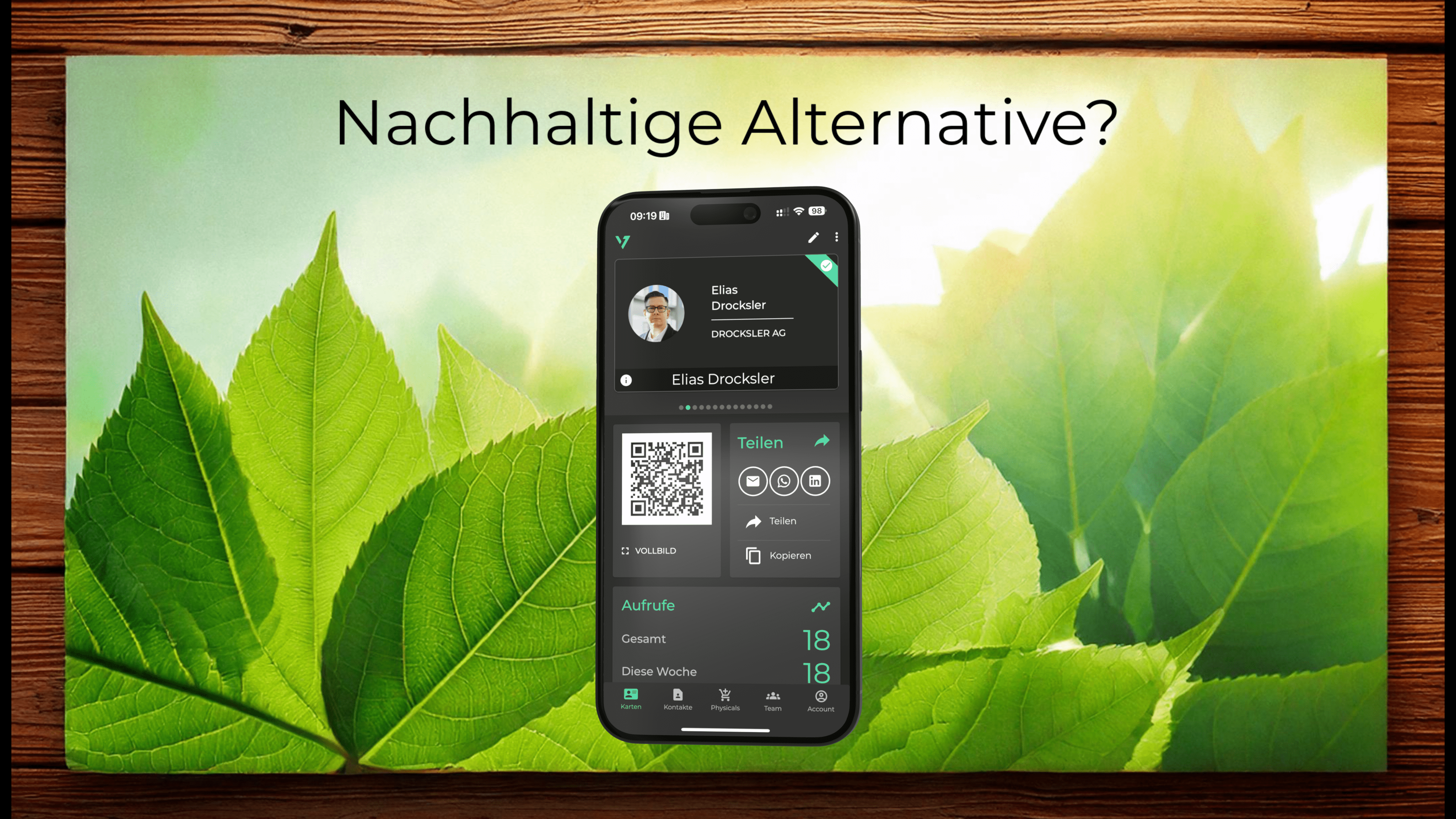
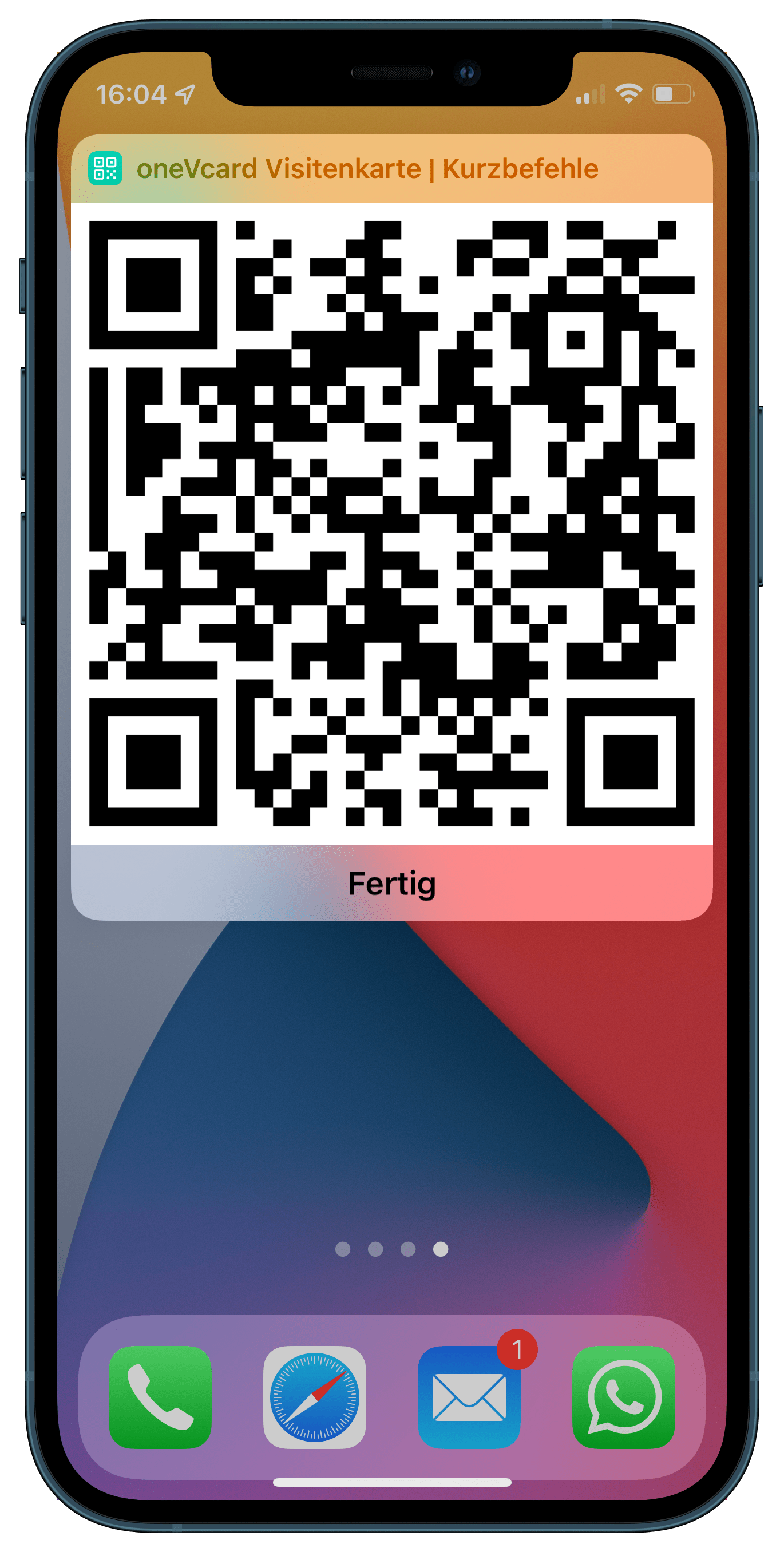
Now, with one click on the icon, you can open the corresponding QR code for your digital business card. When scanned, it opens your digital business card just like the QR code from the app. From there, your social media channels can be accessed directly, or your contact details can be saved.
Have fun recreating it! :-)
Don't have a digital business card yet? Create one now and test the Premium version for 14 days free of charge and without obligation.
Test the digital business card for 14 days free of charge
- Try it free for 14 days
- No payment details needed
Do you have any questions or suggestions? Send us a message atonevcard
Feel free to share our article on social media.