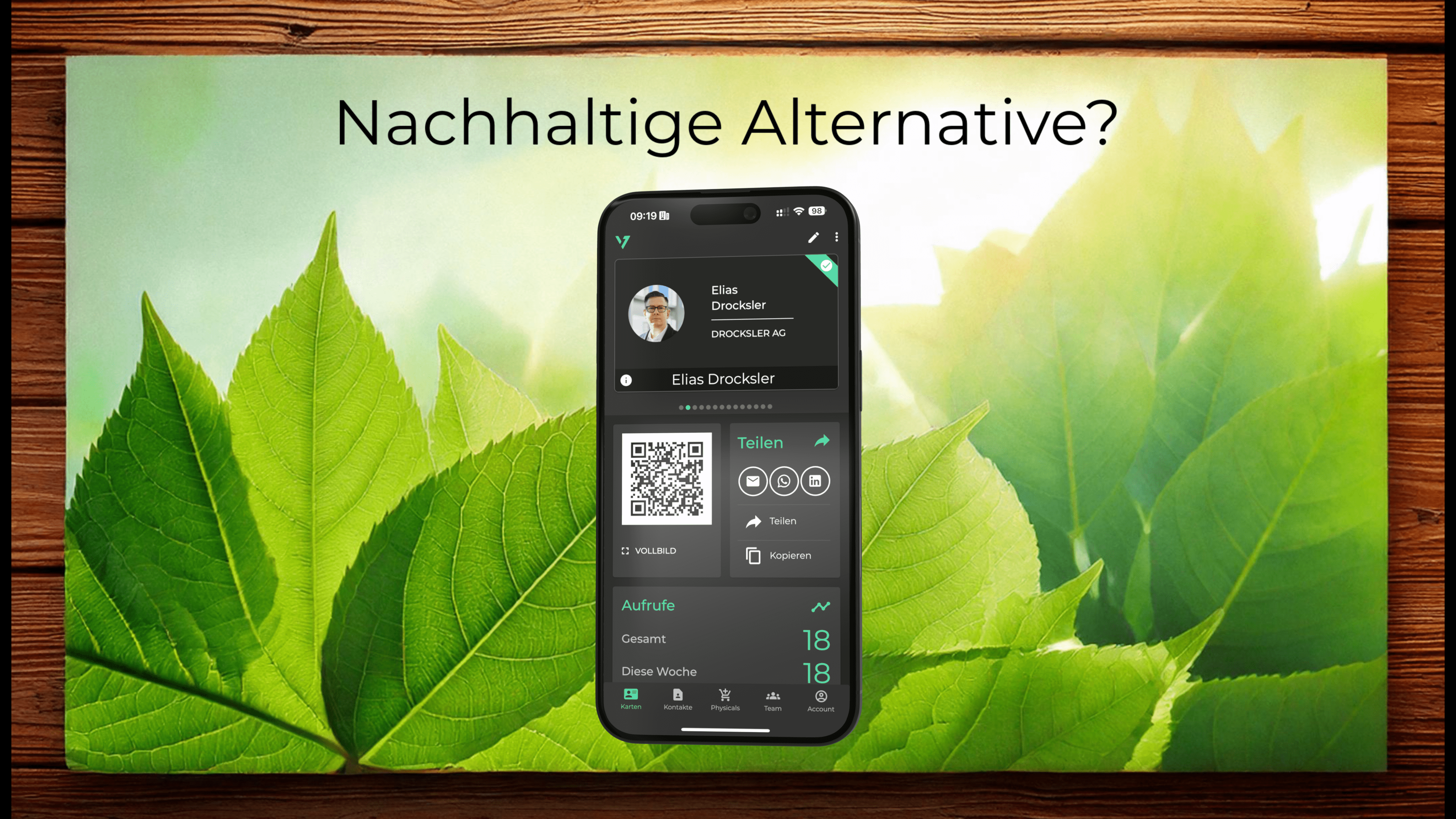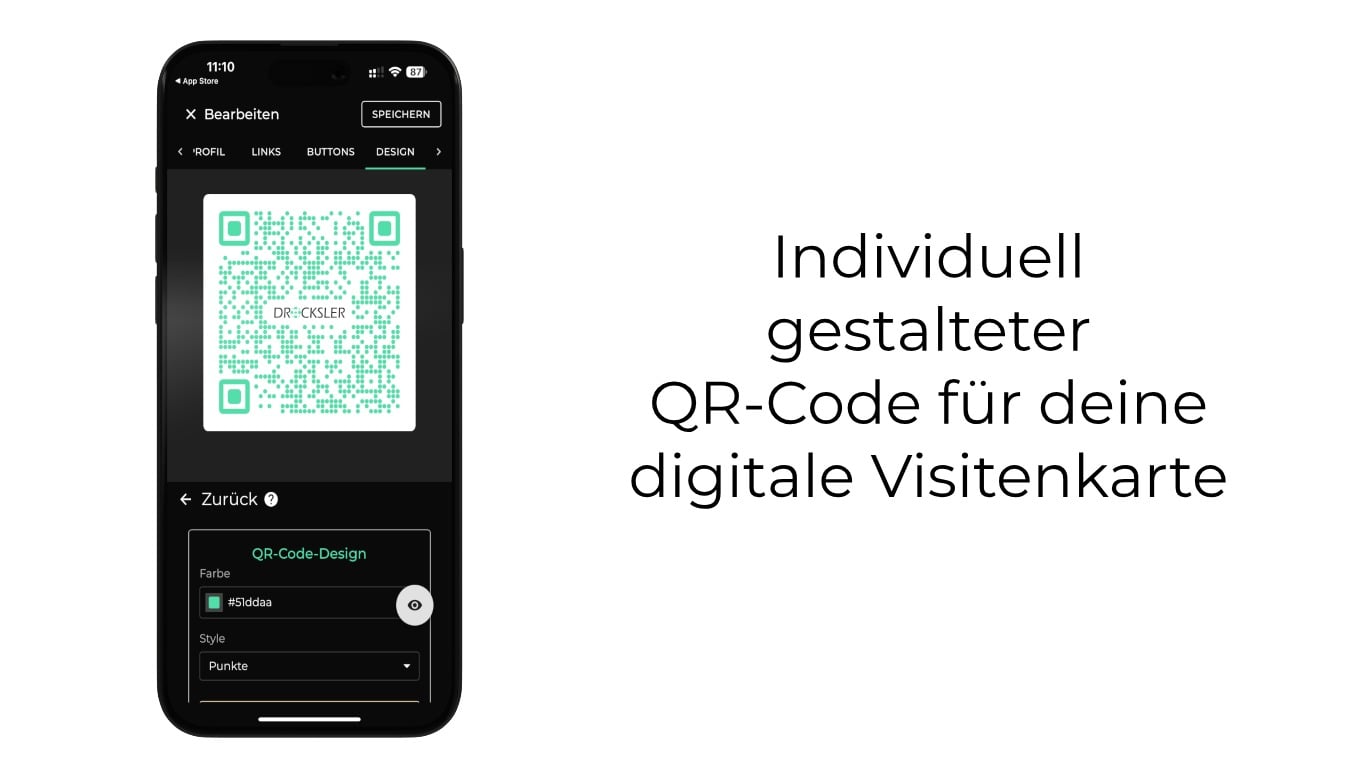
With our latest update, you can make your digital business card even more personal! You can now customize the colors of your QR codes, add your logo, and choose between different designs like classic and round. This way, the QR code perfectly matches your company design and ensures a professional appearance.
What are digital business cards?
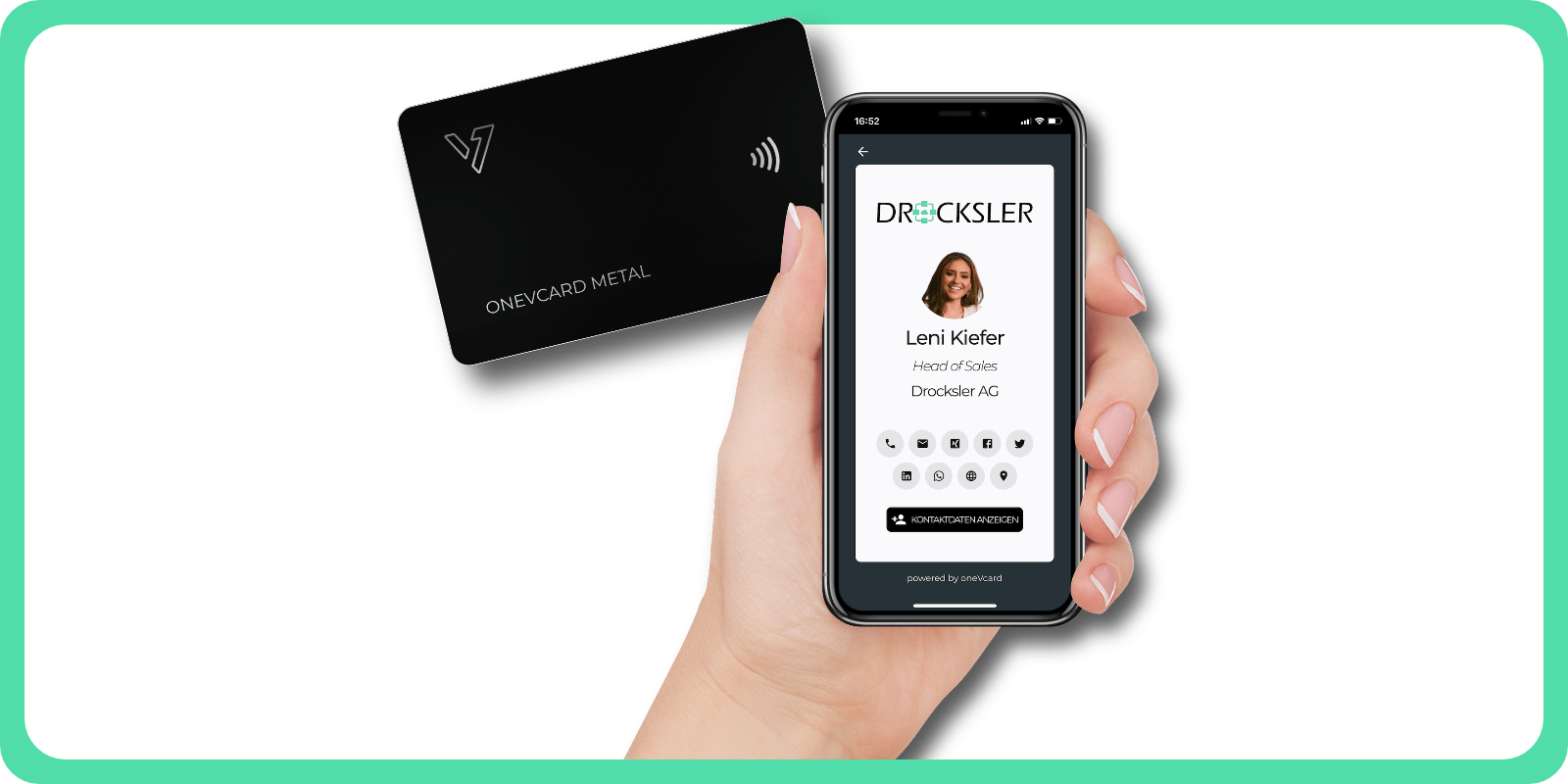
Digital business cards are the modern alternative to traditional paper cards. They make it easy and secure to share contact information, social media profiles, and more digitally. Whether via a QR code or NFC technology, your contacts can access the information without an additional app.
With oneVcard, you have a flexible and sustainable solution that can be updated at any time. This saves paper and ensures a consistent and professional presentation of your brand.
The new feature: Customizable QR codes
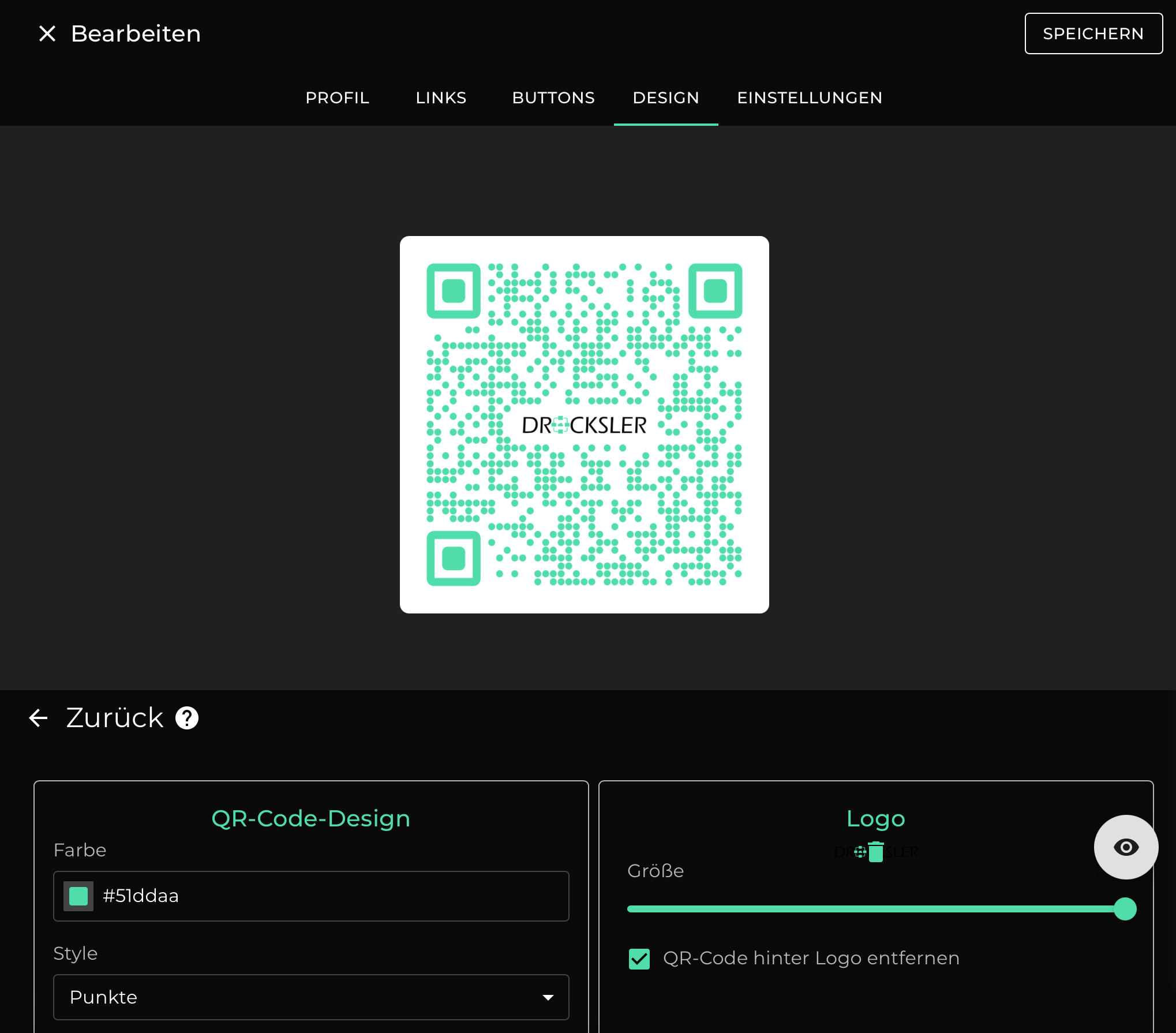
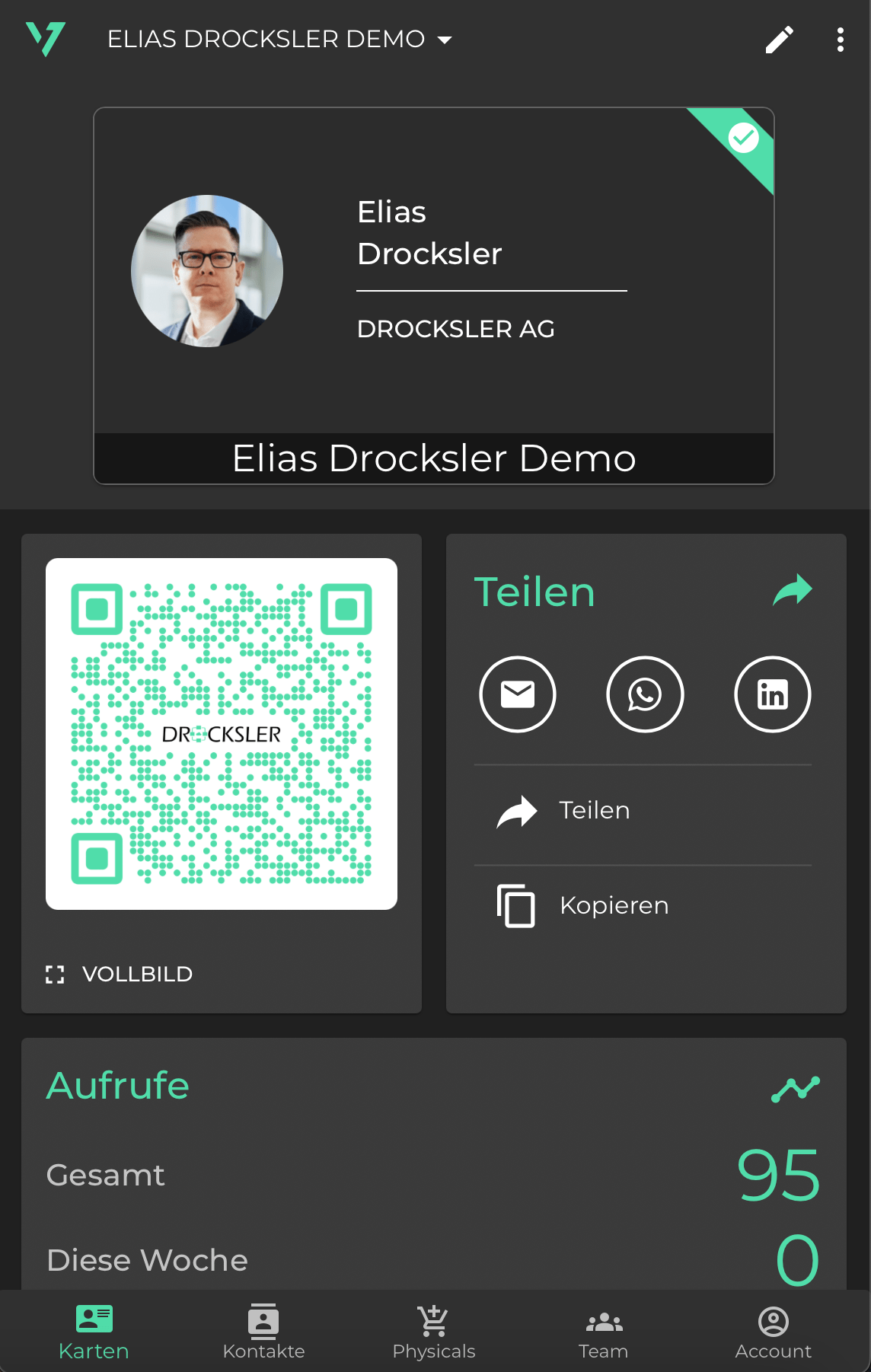
Now you can design your QR code according to your wishes. Choose your company colors, add your logo, and decide whether the background behind the logo should be removed to make it even more visible.
You can also choose between two design options:
- Classic: With clear, square elements.
- Dots: For a modern and softer design.
This makes your digital business card not only functional but also a visual highlight.
More highlights of the new QR code function
The new QR codes offer you numerous possibilities:
- Remove backgrounds: To better highlight your logo, you can make the background behind the logo transparent.
- Various export formats: Download your QR code as a JPEG with a white background or as a transparent PNG. This allows you to use it flexibly in printed materials or digital media.
With these functions, you can use your QR code in a variety of ways and optimally present your branding.
Upgrade for your digital business card
The new customizable QR codes are available for all Premium users as well as for Teams and Teams Enterprise. These functions are a great advantage, especially for companies that want a uniform appearance. Central management ensures that all team members use QR codes that are perfectly matched to the corporate design.
The new QR code designs can also be integrated within Teams templates. This means that once designs have been defined, they are automatically available to all users within your organization.
How it works: Creating customizable QR codes
Customizing your QR code is very easy. Follow these steps to get started:
- Log into your dashboard and click on the pen in the upper right corner to edit your business card.
- In the menu, go to Design and then select Layout.
- Go to the QR CODE section. Here you can customize colors, design, and logo.
- Save your changes and download the QR code in your desired format.
For teams, the same steps apply, with the added ability to manage templates centrally:
- Go to Templates in the admin area.
- Select Design → Layout → QR CODE.
- Define the desired QR code design. This will automatically sync with all users in the organization.
Centralized QR code designs for teams
With the new feature, as an admin, you can centrally define the QR code design for your team or organization. Whether it's about colors, logos, or the basic design (classic or round) – the settings are automatically applied to all members.
This not only saves time but also ensures that the corporate design remains consistent. All QR codes within your team are uniformly designed, without each individual having to make the settings themselves.
Advantages of the new customization options
The introduction of customizable QR codes offers you numerous advantages that go far beyond the design:
- Individualization: Design your QR code to perfectly match your brand. Colors and logos ensure recognition that leaves a lasting impression.
- User-friendliness: Thanks to the intuitive design in the dashboard, you can implement changes with just a few clicks.
- Consistent Branding: The centralized templates are an enormous relief, especially for companies. All team members automatically use a uniform design.
- Flexibility: With the export options (JPEG and PNG), the QR code can be used in both digital and printed materials.
- Sustainability: With the digital business card, you save paper and contribute to a better environmental footprint.
Technological Security and Data Protection
Your security is our top priority. The data of your digital business card is securely stored in our ISO 27001-certified data center in Germany. Our data protection measures are monitored by an external data protection officer and ensure that all legal requirements are met.
Through central administration, you can also ensure that sensitive information within your team remains protected. You can be sure that your data will be handled not only professionally but also confidentially.
Don't have a digital business card yet?
Test the new features and design your QR code exactly how you want it! Whether you're a Premium user or want your entire team to benefit from the new features, the new options are available to you now.
Upgrade to Premium or Teams Enterprise now to discover all the benefits of the new QR code design.