Why digital business cards are the future

Digital business cards are increasingly replacing traditional printed cards and offer numerous advantages:
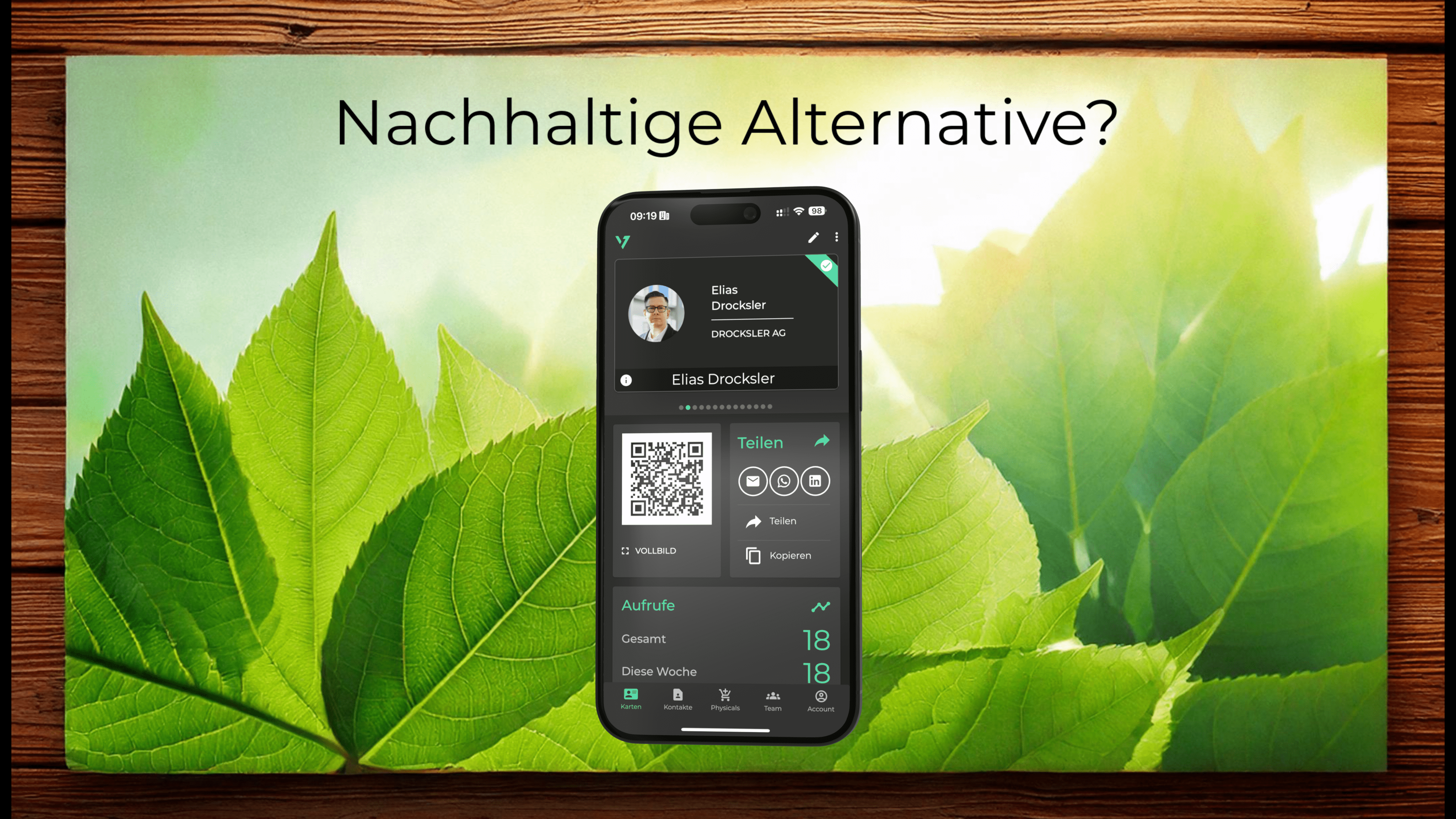
- Sustainability: No paper waste and no need for reprints when data changes.
- Flexibility: Update your data in real-time and share it instantly.
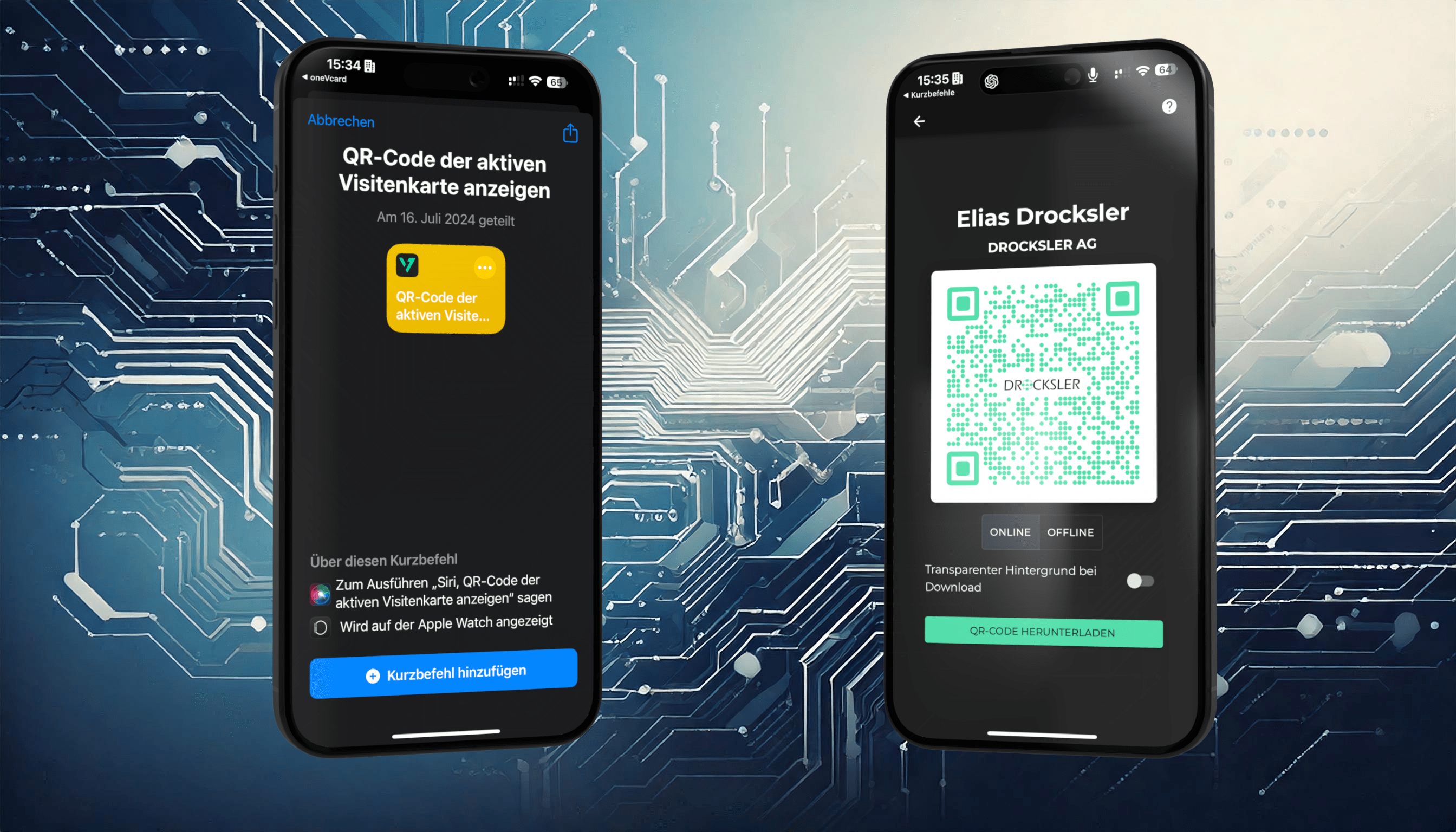
- Smart Integration: Combine your digital business card with intelligent functions like Siri or Apple Shortcuts.
Not using a digital business card yet?
The oneVcard App offers you an ideal solution to meet modern networking requirements with minimal effort – whether in everyday professional life or at large events. At oneVcard, we not only offer suitable solutions for individual customers but also excellent solutions for complex structures of companies and organizations.
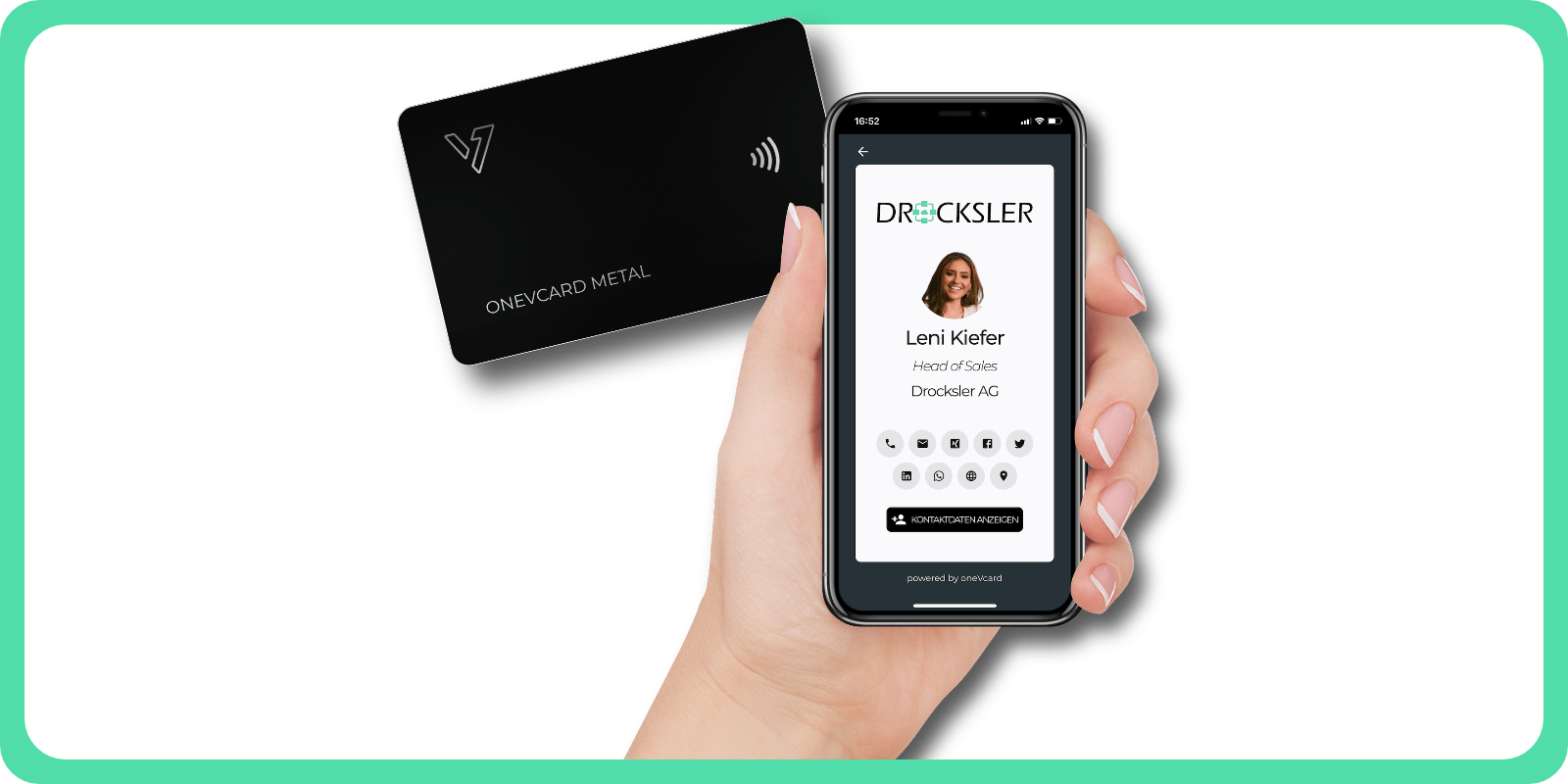
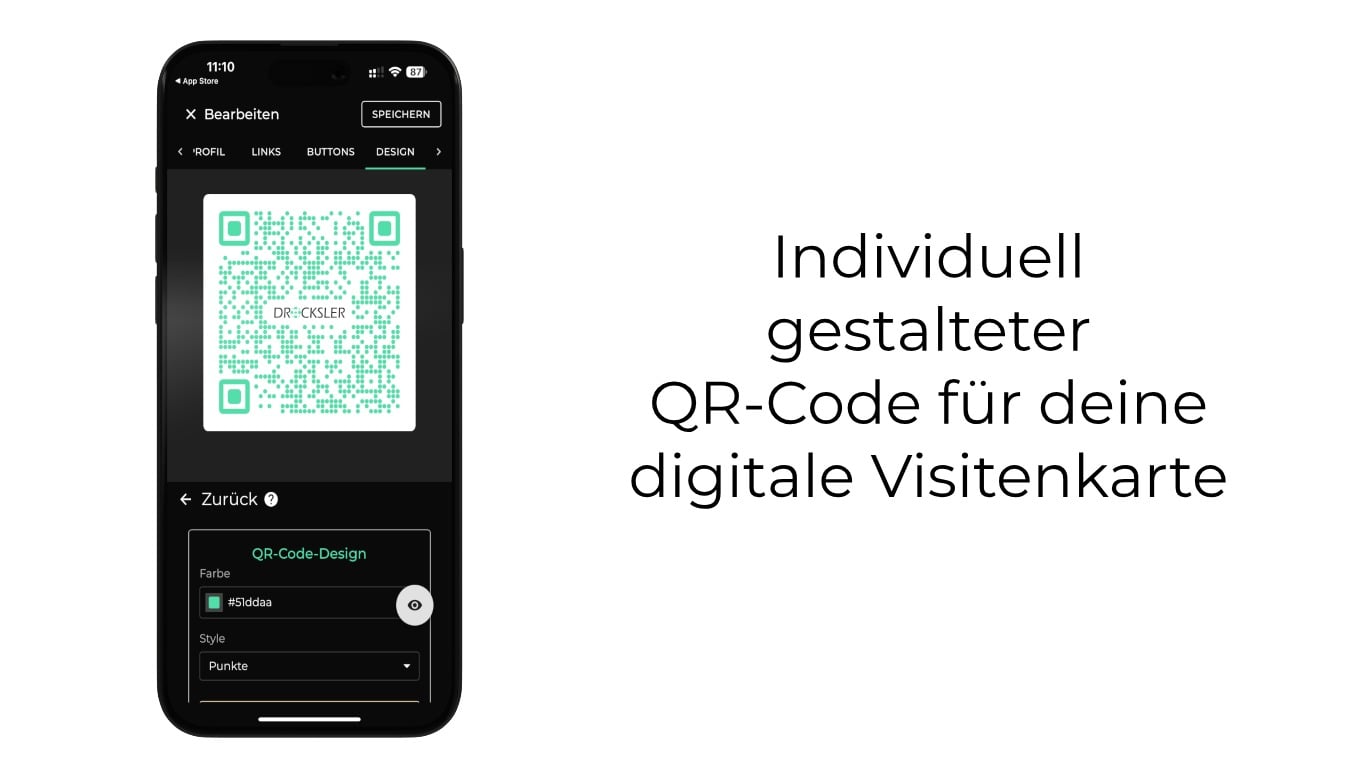
This is what a digital business card from oneVcard can look like:
Top companies are choosing digital business cards from oneVcard
Top companies are choosing digital business cards from oneVcard





Why Apple Shortcuts for Digital Business Cards?
In an increasingly digital world, smart solutions for exchanging contact details are essential. The digital business card offers you not only convenience but also flexibility – perfect for fast networking. With the support of Apple Shortcuts, the oneVcard App makes this process even easier and faster. Find out how you can access or share your digital business card with just a few clicks or voice commands.
What are Apple Shortcuts?
Apple Shortcuts are a feature that lets you automate frequently used tasks on your iPhone. Instead of manually navigating through menus, you can use personalized commands to launch apps or perform specific actions. As a user of the oneVcard App, this means you can present your digital business card or the associated QR code in a flash.
The available shortcuts in the oneVcard App
The oneVcard App supports three handy shortcuts to optimize your digital communication:
- “Show active business card”: This shortcut lets you directly open and present your active digital business card in the browser.
- “Show QR code of active business card”: This command displays your individual QR code, which you can share at meetings or events, for example.
- “Open team search”: If you're part of a team, this shortcut lets you quickly search for team members and access and share their contact information.
Important: Make sure the oneVcard App is installed on your device and you're logged in before setting up these shortcuts.

How to set up shortcuts for your digital business card
Setting up shortcuts in the oneVcard App is quick and easy. Just follow these steps:
- Make sure the oneVcard App is installed on your device and that you're logged in.
- In the dashboard, go to “Generator” > “Siri & Shortcuts”.
- Select the shortcut you want, for example, “Show QR code of active business card”.
- Follow the instructions to add the shortcut to your Shortcuts app.
Apple Shortcut on the iPhone Action button
If you have an iPhone 15 Pro or a newer iPhone from the Pro series, you can use the new Action button to access your digital business card even faster. Here's how to set it up:
- Open the Settings on your iPhone.
- Scroll down to “Action Button” and tap it.
- Select “Shortcut” from the list of options.
- Add the desired oneVcard shortcut, e.g. “Show QR code of active business card”.
With a simple press of the Action button, you can directly display your business card or QR code. You can find more information about the Action button in the Apple Help.
Want to use all the features of oneVcard?
Alternative Use: Shortcut on the flashlight or camera button
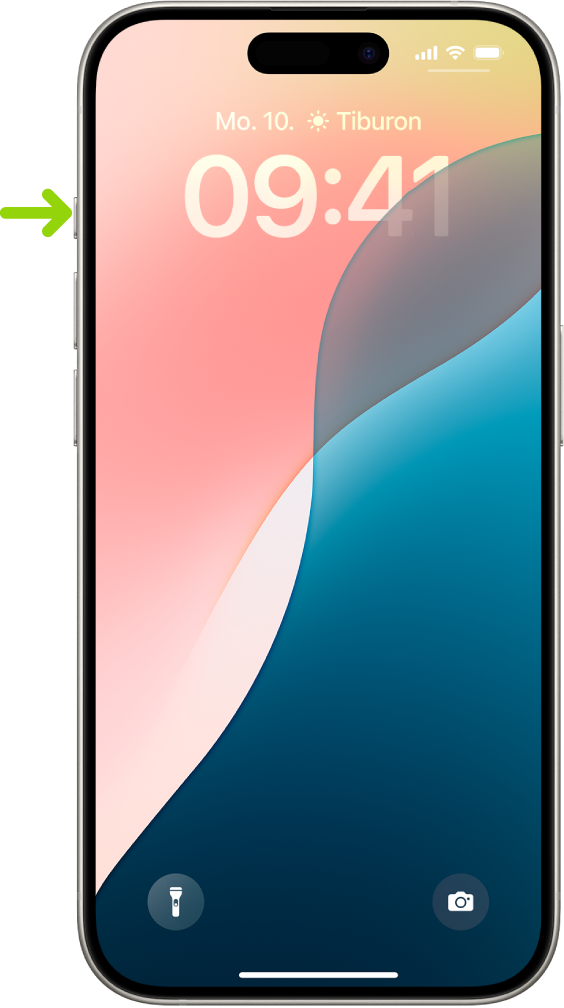
Another handy way to use your shortcuts even faster is to assign them to the flashlight or camera button on your lock screen. Here's how:
- Tap anywhere on the lock screen
- Select "Customize" and then "Lock Screen"
- Then, decide whether you want to use the left or right shortcut button at the bottom for the oneVcard shortcut
- Tap the "+" and then select "Shortcut"
- Search for the shortcut you created earlier and tap "Done"
Now you can access your business card or QR code directly from the lock screen without having to open the app – perfect for spontaneous situations!
How to use the QR code efficiently
The QR code on your digital business card is a handy tool for quick networking. Here are a few ways to use it:
- In meetings: Share your QR code with colleagues or business partners to quickly exchange contact information.
- At events: Use it at trade shows or networking events to connect with potential contacts.
- In everyday life: Show the QR code to easily direct customers or interested parties to your digital business card.
Thanks to the integration with Apple Shortcuts, you can quickly access your QR code anytime, anywhere – perfect for those spontaneous encounters.
Best Practices for Using Shortcuts
To get the most out of Apple Shortcuts in the oneVcard app, here are some tried-and-true tips:
- Plan ahead: Decide which shortcut you need most often and position it accordingly on the Action button or on the lock screen.
- Use Siri commands: Connect the shortcuts to intuitive voice commands to call them up even faster. --> Hey Siri, open my business card.
- Test before events: Make sure your correct business card is activated (if you use multiple business cards) before you go to meetings or events.
By customizing the shortcuts, you can optimize your workflow and ensure that your digital business card is always ready to hand.
Conclusion
The integration of Apple Shortcuts into the oneVcard app makes sharing your digital business card faster, easier and smarter. Whether you access it via the QR code, the Action button, or even via Siri – with these features, you’re perfectly equipped for modern networking.
This solution offers numerous advantages, especially for companies and their employees. With the central management of digital business cards, companies can ensure a consistent, professional image. Employees save time and can exchange contacts more quickly and efficiently – ideal for sales teams, trade fairs or business meetings.
Try out the shortcuts and see how they make your daily life easier. Your smart business card is just a click or voice command away!
Start request
Want to use digital business cards from oneVcard in your company, but still have questions or want a customized offer? Then send us a request.
We have received your request and will get back to you shortly.
Oops. Something went wrong. Please send us a message to support (at) onevcard.de